What Are Automation Bots? Your Complete Guide for April 2026
You've probably hit the point where manual data entry and repetitive browser tasks are costing you more time than they're worth. Automation bots range from simple rule-based scripts to AI agents that adapt when websites change, and picking the right one depends on whether you need enterprise-scale RPA or something that works in your existing browser without migration. We'll cover the main bot types, how they actually work, and the trade-offs between coding your own versus using prebuilt automation bot software that handles setup for you.
TLDR:
- Automation bots handle repetitive digital tasks like data entry, CRM updates, and web scraping
- RPA deployments cut process time by 30-50% and reduce operating costs by 25-40%
- Python and Selenium let you build custom bots, but require ongoing maintenance when sites change
- Free tools work for simple workflows; paid solutions offer support, security, and team collaboration
- Composite automates browser tasks across any site using plain English commands with local execution
What Is an Automation Bot?
An automation bot is a software program that performs repetitive tasks on your behalf, without requiring you to lift a finger. Web automation has become central to how modern teams work. Some bots follow simple, rule-based scripts: if X happens, do Y. Others use AI to interpret context, make decisions, and adapt as conditions change.
What ties them all together? They exist to eliminate manual digital work. Whether a bot is filling out spreadsheets, sending scheduled messages, scraping data from websites, or triaging support tickets, the goal is the same: take the tedious stuff off your plate so you can spend time on work that actually requires your brain.
Types of Automation Bots
Not all automation bots do the same thing. Here's a quick breakdown of the main categories:
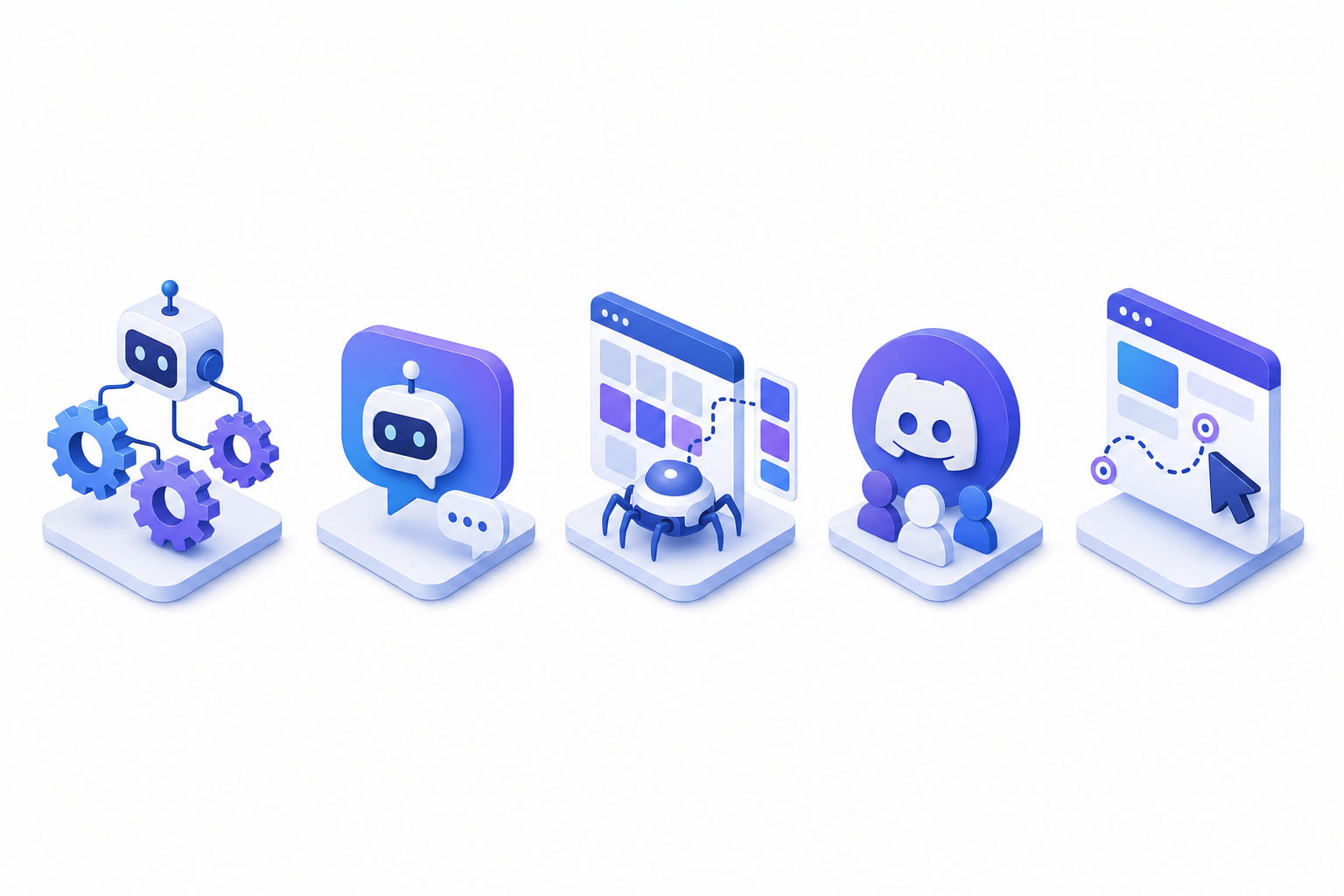
- RPA bots handle structured, rules-based enterprise processes like invoice processing, data entry, and ERP updates. They're the workhorses of large organizations.
- Chatbots interact with users through conversational interfaces, answering support questions or qualifying leads around the clock.
- Web scraping bots extract data from websites at scale, pulling pricing info, product listings, or research datasets automatically.
- Discord bots manage community tasks like moderation, role assignment, welcome messages, and scheduled announcements inside Discord servers.
- Browser automation bots operate directly in your web browser, executing multi-step workflows across tabs and websites. Think filling forms, syncing data between tools, or running research tasks without switching apps.
Which type fits your needs depends on the problem you're solving. Enterprise teams often start with RPA or chat bot automation. Individual professionals and small teams tend to get the most immediate value from browser automation, since it works with the tools they already use daily.
How Automation Bots Work
Every automation bot follows a basic loop: detect a trigger, decide what to do, execute the action, and log the result. These principles apply whether you're working with simple scripts or AI-powered systems.

Rule-based bots run on predefined scripts. You tell them exactly which buttons to click, which fields to fill, and in what order. They're predictable and fast, but they break the moment a webpage layout changes or an unexpected popup appears.
AI-powered bots work differently. Instead of rigid scripts, they interpret what's on screen, recognize patterns, and adjust their approach in real time. If a form field moves or a workflow adds a new step, an AI bot can adapt without someone rewriting the instructions. Some even learn from your habits over time, anticipating tasks before you assign them.
The reporting side matters too. After completing a run, most bots generate logs or summaries so you can verify what happened and catch errors early. That feedback loop is what separates a useful bot from a liability.
Industries and Departments Using Automation Bots
Automation bots show up in nearly every industry, but some sectors have moved faster than others. Banking, financial services, and insurance (BFSI) lead the pack, holding 36.52% of the market share in 2025 according to Grand View Research. Healthcare organizations use bots for claims processing and patient scheduling. Retailers automate inventory tracking and order fulfillment. Manufacturers rely on them for supply chain coordination and quality reporting.
Within companies, the adoption cuts across departments:
- Sales teams automate CRM updates, lead enrichment, and follow-up sequences
- Recruiting teams run candidate research and personalized outreach at scale
- Customer service departments deploy chat bot automation for ticket triage and FAQ handling
- Finance teams handle invoice processing, reconciliation, and compliance reporting
- Operations groups sync data between project trackers, ERPs, and communication tools
The pattern is consistent: wherever teams spend hours on repetitive digital tasks, bots are filling the gap.
Discord Automation Bots
Discord servers don't run themselves, and once a community grows past a few hundred members, manual moderation becomes a full-time job. That's where discord bots step in.
Most server admins start with a general-purpose bot like Dyno Bot or MEE6. These handle the basics: auto-moderation filters, welcome messages for new members, role assignment based on reactions, and scheduled announcements. For more specialized needs, bots like Ticket Tool manage support queues, while topic bot Discord setups can organize channels around specific discussion threads.
What makes discord bots interesting in the broader automation conversation is how accessible they are. You don't need enterprise software or an IT team. A free bot app, a few permission toggles, and 10 minutes of configuration can save hours of weekly server management. For anyone curious about how to make a discord bot from scratch, Python is the most common starting point, which we'll cover next.
How to Create an Automation Bot Using Python
Python is the most popular language for building automation bots, and getting started is simpler than you'd expect. Here's the general flow:
- Install Python and set up a virtual environment to keep dependencies isolated from your system packages
- Pick a library: Selenium works well for browser-based tasks, while libraries like
requestsandBeautifulSouphandle web scraping - Define your task logic, including what triggers the bot, what steps it takes, and how it handles errors
- Test locally, then schedule runs with a tool like
cronor a cloud function
A basic Selenium discord bot or web form filler can be up and running in an afternoon. But production-grade bots that handle edge cases, retry failures, and scale across accounts take real engineering effort. If you'd rather skip the code entirely, prebuilt automation bot software is worth considering.
Free vs Paid Automation Bot Software
Free automation bot software works well when you're starting small. For browser-specific work, AI browser extensions offer a lightweight alternative. Tools like Automation Anywhere Community Edition, open source chatbot options, and Selenium handle basic scripting and simple workflows without any upfront cost. For individual tasks or learning projects, they're more than enough.
The gaps show up at scale. Free tiers typically limit run frequency, offer no dedicated support, and lack features like audit logs or team collaboration. If a bot breaks at 2 a.m., you're on your own.
Feature | Free Tools | Paid Solutions |
|---|---|---|
Cost | $0 | Subscription or per-bot pricing |
Support | Community forums only | Dedicated support channels |
Scalability | Limited runs and users | Built for team and enterprise use |
Security/Compliance | Varies widely | SOC-2, SSO, access controls |
Maintenance | Self-managed | Vendor-managed updates |
For professionals running recurring workflows across multiple tools, paid automation bot software tends to pay for itself quickly through saved hours and fewer failures.
Automation Bot Software Options and Platforms
The automation bot software market hit USD 8.12 billion in 2026 according to Mordor Intelligence, with projections reaching USD 28.6 billion by 2031. That growth has produced a crowded field. Here's how the main categories break down:
- Enterprise RPA tools like UiPath and Automation Anywhere handle complex, structured workflows across legacy systems. They require dedicated infrastructure and trained developers.
- No-code builders such as Zapier, Make, and n8n let non-technical users connect apps through visual workflows. Great for straightforward triggers, less flexible for complex tasks.
- AI-powered automation tools apply reasoning to unstructured work, adapting to changing interfaces and context instead of following rigid scripts. Proactive AI assistants for browser work represent the latest evolution in this category.
- Specialized frameworks like Selenium or Puppeteer give developers fine-grained control for browser-based tasks but demand ongoing maintenance.
Your pick depends on technical skill, budget, and how structured your workflows are. Teams without engineering resources tend to get the furthest with no-code or AI-driven options.
Benefits and ROI of Automation Bots
The business case for automation bots comes down to hard numbers. RPA deployments consistently deliver 30-50% reductions in process time and 25-40% savings on operating costs across deployment cycles, according to industry benchmarks.
Beyond cost savings, the ripple effects matter:
- Fewer manual errors in data entry, reporting, and cross-system transfers
- Faster turnaround on repetitive workflows, freeing teams for strategic work. Browser-based automation tools for operations teams play a key role in achieving these gains.
- Higher employee satisfaction when people stop spending their days on copy-paste tasks
The real ROI isn't in the bot itself. It's in the hours your team gets back to do work that actually moves the needle.
Whether you're a solo operator automating research or an enterprise rolling out bots across departments, the math tends to support the investment quickly.
Challenges and Limitations of Automation Bots
Automation bots aren't foolproof. Website redesigns can break scripts overnight, and roughly 34% of organizations point to integration with outdated legacy systems as their primary restraint, according to Grand View Research.
Other common pain points:
- Maintenance overhead when target sites or APIs change without warning
- A skills gap that leaves teams dependent on a single developer who built the bot
- Security risks from poorly configured bots with excessive permissions
- Brittle workflows that fail silently, creating data quality issues downstream
None of these are deal-breakers, but they do require honest planning. Choosing tools that adapt to interface changes and investing in proper error handling from the start will save you from most headaches.
Browser Automation for Professionals with Composite
Most of the tools covered in this guide require coding skills, dedicated infrastructure, or switching to a new browser. Composite takes a different approach. You press Cmd/Ctrl + Shift + Space, describe a task in plain English, and the agent handles it across whatever sites you're already logged into.
No API keys. No scripts to maintain. No browser migration. Execution happens locally in your Chrome, Edge, or Brave browser, so your existing sessions and logins stay intact. Our multi-model AI architecture picks the fastest, most capable model for each action, and proactive task detection learns your patterns to suggest automations before you ask.
For security-conscious teams, our AI subvendors operate under a zero data retention policy, and we're SOC-2 Type 2 compliant.
Final Thoughts on Implementing Automation Bots
You don't need to rip out your current tools to benefit from bot automation. The best solutions work with what you already have open: your browser tabs, your logged-in accounts, your daily sites. Building from scratch gives you control but costs you time on every update and edge case. When you're ready to automate without the upkeep, reach out and we'll walk you through what Composite can handle for your specific tasks.
FAQ
How to create a bot to automate tasks for you without coding?
Use AI-powered browser automation software like Composite that lets you describe tasks in plain English instead of writing scripts. These tools execute multi-step workflows across your existing browser tabs and websites without requiring any programming knowledge.
Automation bot software free vs paid: which should I choose?
Free automation bot software works for simple, low-frequency tasks but typically lacks support, scalability, and team features. Paid solutions make sense when you run recurring workflows across multiple tools or need reliability at scale, since the time savings quickly support the subscription cost.
What is bot automation meaning in the context of professional work?
Bot automation refers to software programs that execute repetitive digital tasks on your behalf, like CRM updates, data entry, web research, or cross-tool syncing, without requiring manual intervention. The goal is removing tedious work so you can focus on tasks that require human judgment.
Can I build a discord bot without learning how to code?
Yes. General-purpose discord bots like Dyno Bot and MEE6 handle moderation, role assignment, and scheduled messages through simple configuration settings in your server. For custom automation discord workflows beyond prebuilt options, you'd need to learn how to create a bot in Python using discord bot libraries.
TikTok automation bot vs YouTube automation bot: what's the difference?
TikTok automation bots focus on service-specific actions like scheduling posts, auto-replies, and engagement tasks within TikTok's interface. YouTube automation bots handle different workflows like video uploads, comment moderation, and analytics tracking. Both follow the same principle of removing repetitive manual work, just tailored to different services.