I Tested the Top AI Native Browsers in April 2026: Here's What Changed
The AI native browser category saw major movement in April 2026. Dia added third-party integrations, Comet finished rolling out to iOS, Sigma reported a surge in local AI usage, and Brave continued refining Leo. After spending weeks testing each one, I can tell you what actually changed and where these browsers still fall short for anyone trying to get real work done.
TLDR:
- AI native browsers require full migration, losing extensions and logins across tools.
- Dia added Slack/Notion integrations; Comet launched on iOS; Sigma grew local AI usage 4x.
- Browser extensions work in your current Chrome/Edge setup without re-authentication.
- Comet collects browsing data for ads; Sigma runs locally; Dia routes to cloud models.
- Composite executes tasks locally in your browser with zero AI subvendor data retention.
What Changed in AI Native Browsers in April 2026
April 2026 brought a wave of updates across the AI native browser category. Dia rolled out deeper integration with third-party services. Perplexity's Comet landed on iOS after months of anticipation. Sigma continued pushing local AI processing on Android devices. And Brave kept iterating on Leo, its built-in AI assistant.
Each of these browsers is betting that the future of web browsing looks radically different from what we have today. But how much actually changed this month versus how much was repackaged marketing? I spent the last few weeks testing each one to find out. What follows is an honest look at where these products stand right now, what they got right, and where they still fall short for anyone doing real work.
How AI Native Browsers Work
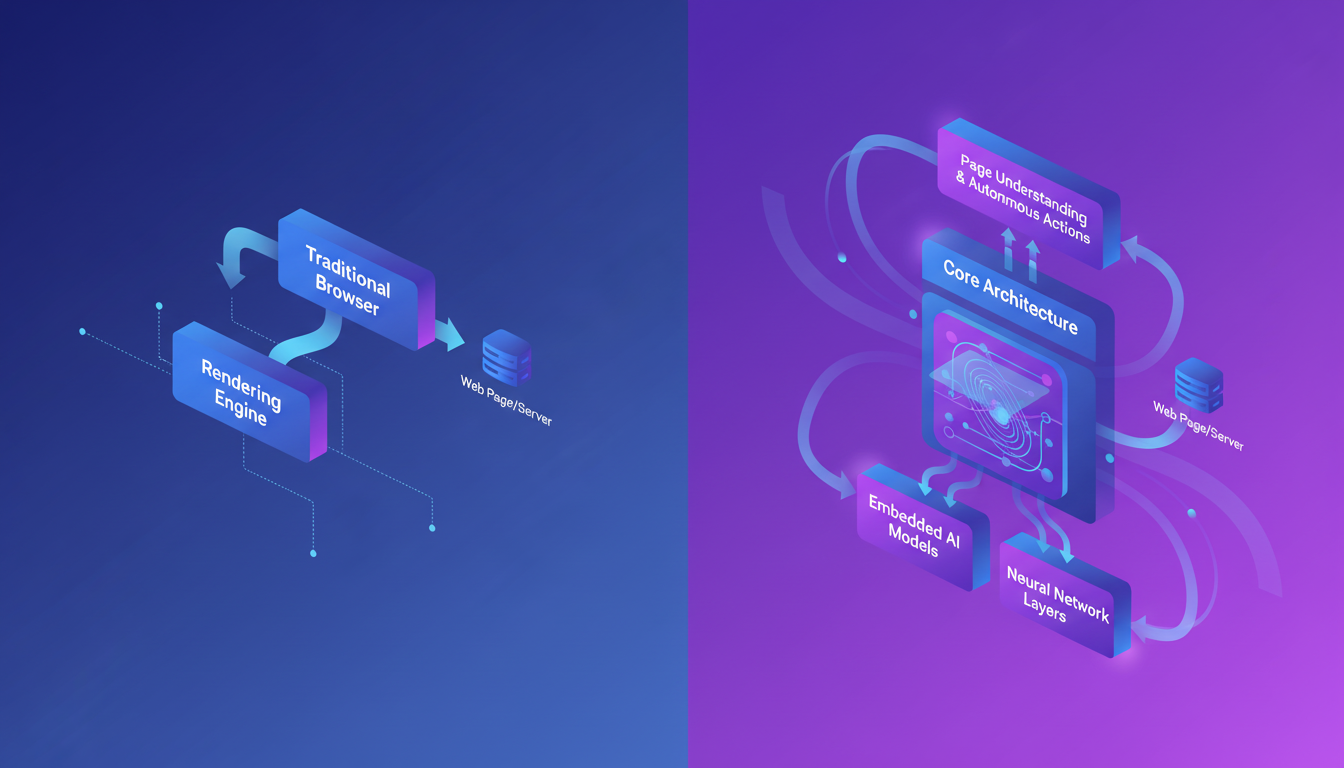
Traditional browsers fetch and render web pages. That's basically it. AI native browsers go a step further by embedding AI models directly into the browser's core architecture, so the browser itself can understand page content, predict what you need, and take actions on your behalf.
Think of it this way: instead of switching to a separate chatbot tab to ask a question, the browser already knows what you're looking at and can respond in context. Some, like Sigma, run smaller models locally on your device. Others, like Comet, lean on cloud inference. Dia takes a hybrid approach, routing between local and remote models depending on the task.
The key distinction? These aren't browsers with an AI sidebar tacked on. The AI layer influences how pages load, how search works, how tabs are managed, and how tasks get completed. Whether that architectural bet pays off for professional use is a different question entirely.
Full Browser vs Extension: Two Different Approaches
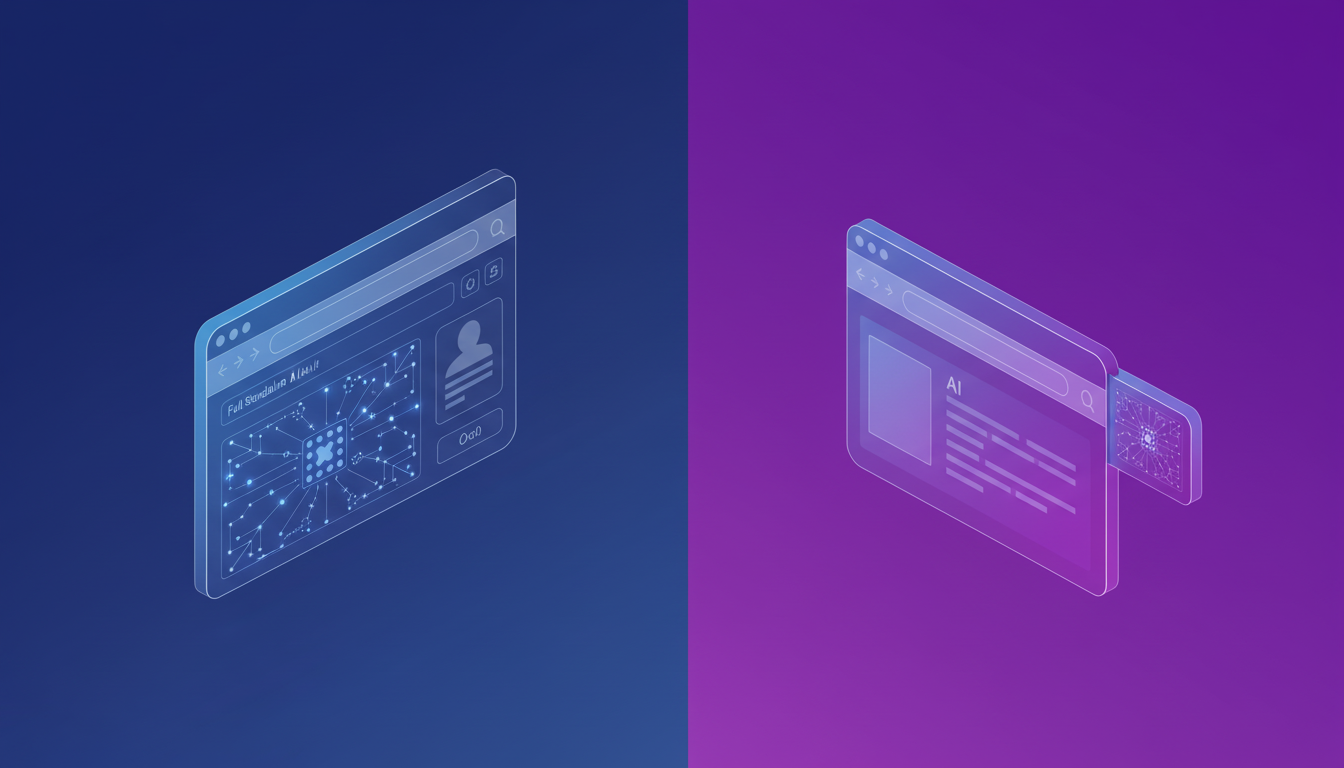
There are two camps right now. One says you need to rip out your existing browser and start fresh. Dia, Comet, and Sigma all fall into this category. The other says AI should layer on your existing setup.
The tradeoffs are real. Switching browsers means losing your extensions, re-authenticating every service, migrating bookmarks, and often waiting on IT approval. For individual users experimenting on a weekend, that's fine. For a sales team running dozens of logged-in sessions across CRM tools, support dashboards, and email clients? That's a nonstarter.
Extensions take the opposite approach. You install once in Chrome, Edge, or Brave, and everything you're already signed into stays intact. Tasks execute locally in your own browser session, with no cloud VM spinning up a headless instance on your behalf. The AI works across your existing tabs and tools without requiring you to rebuild your setup from scratch.
Solution | Deployment Model | Migration Required | Data Handling | Available On | Pricing Structure |
|---|---|---|---|---|---|
Dia Browser | Full browser replacement with Atlassian integration | Complete migration including bookmarks, extensions, logins, and IT approval | Routes context to cloud models for inference under Atlassian enterprise agreements | Desktop platforms with workspace integrations for Slack, Notion, Gmail, Calendar, Amplitude | Free with optional Pro tiers |
Perplexity Comet | Standalone AI native browser with agentic research capabilities | Full browser switch losing all existing extensions and authenticated sessions | Collects browsing data for ad targeting through Perplexity cloud infrastructure | Windows, Android, iOS as of March 2026 | Free with optional Pro tiers, ad-supported model |
Sigma Browser | Privacy-focused browser with on-device AI processing | Complete replacement requiring approximately 21GB storage on Android devices | Eclipse engine runs LLMs entirely on-device with no cloud round-trips or external servers | Android with growing 50,000 user base, 12% offline usage | One-time purchase, no recurring inference costs |
Brave with Leo | Full browser with built-in AI assistant iterations | Browser migration with extension and login rebuilding required | Privacy-focused model with ongoing Leo assistant refinements | Desktop and mobile platforms | Free browser with optional Leo Pro subscription |
Composite | Browser extension layering on existing Chrome, Edge, or Brave setup | Zero migration cost, installs in current browser with all logins and extensions preserved | Local execution in browser session, SOC-2 Type 2 compliant, zero AI subvendor data retention | Chrome, Edge, Brave with full access to existing authenticated tools and workflows | Enterprise-focused pricing for professional workflows |
Dia Browser's March 2026 Integration Updates
Dia shipped integrations with Slack, Notion, Google Calendar, Gmail, and Amplitude in March 2026, giving its AI assistant the ability to pull context across multiple work tools at once. Need to draft a meeting recap? Dia can reference your calendar invite, pull in Slack thread context, and push a summary to Notion without you toggling between tabs.
This matters because of what's behind the curtain. After The Browser Company sunset Arc and Atlassian acquired Dia, the product inherited Arc's design sensibility while gaining access to Atlassian's enterprise ecosystem. The result is a Dia AI browser that feels polished for workspace use cases, especially if your team already lives inside Atlassian products.
Still, there's a catch. These integrations are Dia-specific. If your stack doesn't overlap neatly with the five services they've connected so far, you're waiting on their roadmap. And you're still dealing with the browser migration cost I mentioned earlier.
Perplexity Comet's iOS Launch and Cross-Device Rollout
Perplexity's AI native browser Comet launched on iOS in March 2026, completing its rollout across Windows, Android, and iPhone. That's a rapid expansion for a product that debuted as a $200/month invite-only experiment less than a year earlier.
The pricing story shifted dramatically. Comet is now a free browser with optional Pro tiers, dropping the download barrier to almost nothing. Its agentic features and deep research capabilities are genuinely impressive for consumer tasks like trip planning or product comparisons.
But free comes with a cost. Comet collects browsing data to power ad targeting, which raises real questions for anyone handling sensitive work information. If you're researching competitors, drafting deal terms, or reviewing internal dashboards, that data collection model deserves scrutiny before you make it your daily driver.
Sigma Browser's Local AI Momentum
Sigma made noise in April 2026 with data showing a sharp uptick in local AI usage. According to the company, offline sessions quadrupled to 12% of total sessions between December 2025 and March 2026 across its 50,000+ user base, alongside 33% month-over-month growth overall. Their Eclipse engine runs LLMs entirely on-device, meaning no cloud round-trips and no recurring inference costs.
That's a compelling pitch for privacy-conscious users tired of subscription fatigue. But on-device models are still limited by local hardware. If you're running a mid-range Android phone, the Sigma AI browser experience can feel noticeably slower on complex queries compared to cloud-powered alternatives like Comet.
The Real Cost of Browser Migration
Switching browsers sounds simple until you actually try it. Bookmarks, saved passwords, extension configs, pinned tabs, cookie-based logins across dozens of SaaS tools: all of it needs rebuilding. For teams, add IT approval timelines and security reviews to that list.
Then there's the resource question. Comet on Android consumes roughly 21GB of storage, a serious ask on devices already juggling work apps, Slack, and email. Sigma's local models carry their own storage overhead too.
Muscle memory matters more than people admit. Keyboard shortcuts, tab management habits, autofill behavior: these micro-interactions add up to hours of lost productivity during any transition period. For a single user experimenting at home, that's an afternoon. For a 200-person sales org mid-quarter? It's a risk nobody wants to own.
Privacy and Data Handling Differences
How these browsers handle your data varies wildly. Sigma processes queries on-device, keeping browsing activity off external servers entirely. Comet routes data through Perplexity's cloud and uses it for ad targeting. Dia, under Atlassian's umbrella, inherits enterprise data agreements but still sends context to remote models for inference.
At Composite, our AI subvendors retain zero data, meaning nothing gets stored or trained on by third-party model providers. We're SOC-2 Type 2 compliant, and all task execution happens locally in your own browser session. For teams handling sensitive deal data, candidate pipelines, or internal dashboards, the distinction between "processed locally" and "sent to the cloud for inference and ad revenue" is a dealbreaker.
The Professional Workflow Problem
The reason any of this matters comes down to one number: according to McKinsey, employees spend 1.8 hours every day searching for information, with nearly 20% of business time lost to hunting down what they need to do their jobs.
Across industries, 94% of workers report performing repetitive, time-consuming tasks they believe could be automated, and 67% of knowledge workers spend over three hours daily on manual coordination alone. Tab switching, copy-pasting between tools, updating fields across multiple systems: this is where the day actually goes.
AI native browsers and browser-based agents are both chasing the same gap. The question isn't whether this work should be automated. It's which approach gets you there without creating a new set of problems in the process.
Why Extensions Win for Professional Workflows
Every AI native browser reviewed here asks the same thing: abandon your current setup and start over. For knowledge workers deep in quarterly workflows, that's the wrong ask.
Extensions flip the equation. Install Composite in Chrome, Edge, or Brave, and your bookmarks, logins, saved passwords, and extensions stay exactly where they are. No IT approval bottleneck. No re-authenticating forty SaaS tools. Tasks run locally in your browser session, so sensitive data never routes through a cloud VM or feeds an ad model.
The best AI layer is the one that works with what you already have, not the one that replaces it.
That's the core tradeoff. AI native browsers offer architectural ambition. Extensions offer immediate utility inside the workflows you're already running, with zero migration cost and no quarter disrupted.
Final Thoughts on AI Native Browsers
Every AI browser reviewed here made progress this month, but the full replacement model still asks you to abandon your current setup mid-quarter. Extensions solve this by working inside Chrome, Edge, or Brave without touching your logins, bookmarks, or tools. Tasks run locally in your browser session, your AI subvendors retain zero data, and you skip the migration cost entirely. If you'd rather automate workflows without rebuilding your stack, reach out and we'll walk you through how it works.
FAQ
What's the difference between AI native browsers and browser extensions like Composite?
AI native browsers require completely switching from Chrome or Edge, meaning you lose all your bookmarks, extensions, and logged-in sessions. Composite installs as an extension in your existing browser, so everything you're already authenticated into stays intact with zero migration cost.
How does Comet's free pricing model affect data privacy?
Comet collects browsing data to power ad targeting, which creates real risks if you're handling sensitive work information like competitor research, deal terms, or internal dashboards. Before making it your daily driver for professional work, check whether that data collection model fits your security requirements.
Can Sigma browser run AI tasks completely offline?
Yes, Sigma's Eclipse engine runs LLMs entirely on-device with no cloud round-trips. The tradeoff is that on-device models are limited by your local hardware, so complex queries can feel noticeably slower on mid-range Android phones compared to cloud-powered alternatives.
Why does browser migration matter for professional teams?
Switching browsers means rebuilding bookmarks, saved passwords, extension configs, and cookie-based logins across dozens of SaaS tools. For teams, add IT approval timelines and security reviews, turning what sounds like a simple afternoon task into a quarter-disrupting risk nobody wants to own.
Does Composite store or train AI models on my browsing data?
No. Our AI subvendors have zero data retention policies, meaning nothing gets stored or trained on by third-party model providers. All task execution happens locally in your own browser session, and we're SOC-2 Type 2 compliant for enterprise-grade security.