Best Browser Automation Solutions That Work With Your Current Tools (April 2026 Update)
Your CRM updates take 15 minutes per lead. Your weekly reporting pulls data from five different dashboards. You've looked into automation, but everything requires either a developer or an enterprise contract your team can't afford. No-code automation should mean you describe the task and it runs, using the browser and logged-in sessions you already have. Most solutions add friction instead of removing it, which is why adoption stays low even when budgets get approved.
TLDR:
- Browser automation now runs locally in your current browser with plain English commands
- Composite installs in 30 seconds and works across any website without API keys or IT approval
- Local execution with zero AI subvendor data retention beats cloud RPA blocked by websites
- Developer tools require Python expertise; consumer AI browsers lock you into single models
- Composite detects repetitive work patterns and suggests automations before you ask
What Is Browser Automation?
Browser automation is software that controls a web browser on your behalf. Instead of clicking through the same screens every morning to pull a report or update a CRM record, an automated process handles it. The browser opens tabs, fills fields, clicks buttons, and moves across sites while you focus on work that actually requires your brain.
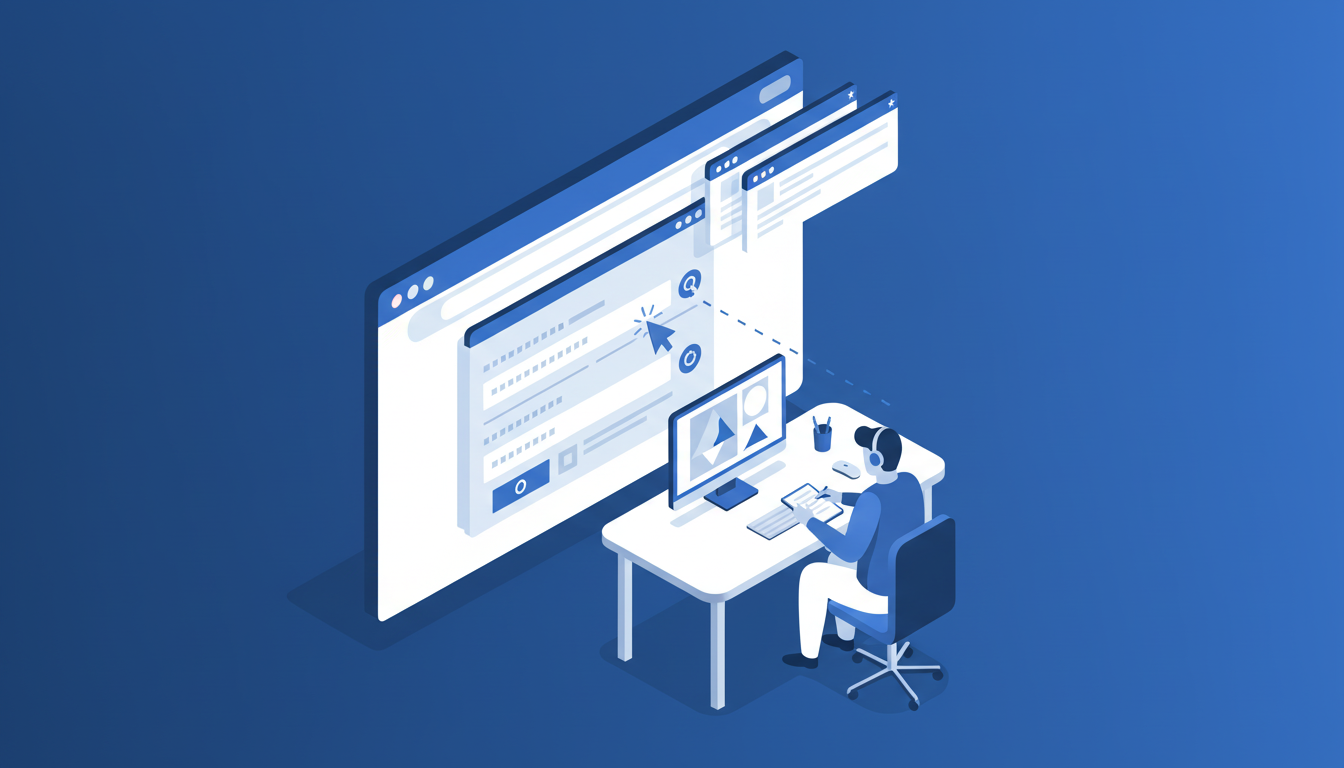
For years, this category belonged mostly to developers. Tools required scripts and fragile workflows that broke whenever a website updated its layout. Non-technical users were largely locked out.
AI shifted the category toward natural language input and local execution, making browser automation accessible to anyone who can describe a task in plain English. Today, solutions range from no-code AI agents running inside your existing browser to cloud-based headless frameworks built for engineering teams.
How We Assessed Browser Automation Solutions
Every tool in this list was assessed using publicly available information about features, documentation, and positioning. No internal testing was conducted. The criteria we used:
- Setup friction: does it work with your existing browser and tools, or does it require migration, API keys, and IT approvals?
- Execution model: local vs. cloud, and what that means for reliability and site blocking
- Technical complexity: can a non-developer get value on day one?
- Cross-tool integration: does it work across multiple websites and SaaS tools without connectors?
- Security and privacy: how is data handled, and does it meet enterprise requirements?
- Pricing: is it accessible to individual professionals, or gated behind enterprise contracts?
Best Overall Browser Automation: Composite
Composite is purpose-built for professional workflows and runs locally inside the browser you already use. Invoke it with Cmd/Ctrl + Shift + Space on any website, describe your task in plain English, and it executes a full workflow using your existing logged-in sessions. No developer setup. No browser migration. It installs as a Chrome extension in about 30 seconds and works immediately across Chrome, Edge, and Brave.
Here is what Composite offers:
- Proactive workflow detection that suggests automations before you ask, triggered through plain English task descriptions
- Local execution on your device with AI subvendors operating under a zero data retention policy, backed by SOC-2 Type 2 compliance
- Multi-model AI architecture that routes between fast open-source models and larger vision models depending on task complexity
- Works across any website or SaaS tool including Jira, Notion, Salesforce, LinkedIn, and Slack without API connectors
- A lightweight Spotlight overlay that keeps your full screen intact instead of a permanent sidebar consuming space
- Multi-threading support for up to 5 concurrent tasks on the Pro plan
Good for: knowledge workers at Fortune 500s and startups who need to automate repetitive browser workflows like CRM updates, research, email drafting, and data migration without IT involvement or technical expertise.
At $20/month with 1,000 queries, Composite sits in a range that enterprise RPA cannot touch, while outclassing consumer AI browsers that max out at booking flights and shopping. For professionals automating real work across multiple tools, it is the most practical option available.
UiPath
UiPath is enterprise RPA software built for IT departments, not individual contributors. It automates business processes at scale through scripted bots managed centrally across an organization. The global RPA market grew from $1.4 billion in 2019 to $6.2 billion in 2023, with UiPath holding roughly 36% market share.
What They Offer
- Attended and unattended RPA bots built inside UiPath Studio, a full IDE requiring developer-level familiarity
- Orchestrator for centralized bot deployment and management across enterprise environments
- Process mining and task mining modules to identify automation opportunities
- UiPath Academy training program for upskilling teams on the product
Good for: large enterprises with dedicated IT teams and annual budgets exceeding $87,000 who need centrally governed automation for back-office workflows like invoice processing and data extraction.
UiPath's limitations are real. Implementation cycles stretch for months. Bots run on remote servers, meaning data travels off your device. Individual knowledge workers cannot self-serve without going through procurement, IT, and a training program. For a salesperson who needs CRM updates automated by Thursday, none of that works.
The bottom line: UiPath solves automation at enterprise scale, but that scale comes with overhead most teams cannot absorb.
Browser Use
Browser Use is an open-source Python framework that lets developers build AI browser agents programmatically. If you want a custom agent that behaves exactly how you specify, this is a solid foundation.
What They Offer
- Python library for building custom browser agents with LLM integration
- 89.1% success rate on WebVoyager benchmark across 586 web tasks
- Developer control over agent behavior, error handling, and model selection
- Open-source flexibility for customization and self-hosting
Good for: engineering teams with Python expertise who need custom, code-based automation and have the resources to manage infrastructure, session handling, and debugging.
The limitations are real for anyone outside a dev team. There is no avoiding writing code, configuring LLM API keys, and handling your own infrastructure. Automations also run in headless or cloud browsers, which means no access to your existing logged-in sessions. That creates authentication friction and triggers bot-detection blocks.
Browser Use is a framework, not a product. It gives developers raw material to build something. For a recruiter or PM who needs workflows automated today, that distinction matters a lot.
Browserbase
Browserbase is cloud-hosted headless browser infrastructure for developer teams. It gives engineers managed browser sessions via API instead of a finished product anyone can pick up and run.
Here is what they offer:
- Serverless API with Playwright, Puppeteer, and Selenium support
- Stealth Mode with fingerprinting and automatic captcha solving
- Session recording and debugging tools
- Free tier with 1 browser hour per month, paid plans from $39/month
Good for: dev teams building scraping pipelines or custom automation infrastructure who need managed cloud sessions.
The free tier is nearly unusable at one hour and 15-minute session limits. Every automation runs in a remote cloud browser with no access to your logged-in accounts, so authentication setup gets complicated fast. There is no plain English input either, just code and API keys.
Browserbase is infrastructure. If you need a productivity tool, that distinction ends the conversation.
Gemini In Chrome
Google's Gemini integration in Chrome includes Auto Browse, an agentic feature for AI Pro and Ultra subscribers in the U.S. that handles multi-step browser tasks.
Here is a quick breakdown of what the tool offers before getting into the tradeoffs:
- Side panel experience built on Gemini 2.0 models
- Auto Browse for agentic task execution across web pages
- Available only to Gemini AI Pro and Ultra subscribers in the U.S.
Good for: existing Google One AI subscribers who want light browser task help without switching tools.
The lock-in is the real issue. Gemini in Chrome runs exclusively on Google's models with no flexibility to route tasks to faster or more capable options. The side panel also consumes screen real estate throughout your session. For anyone outside the U.S. or not already paying for AI Pro or Ultra, it simply is not an option. Enterprise teams looking for cross-tool automation beyond Google's ecosystem will hit a ceiling fast.
Opera
Opera is a Chromium-based browser with built-in AI features powered by multiple models including GPT and Google Gemini. It bundles AI assistance directly into the browser interface through a sidebar and contextual tools.
Connected Apps rounds out the consumer side with Gmail, Calendar, Maps, Shopping, Flights, and YouTube support, plus an in-browser image generation model for creative tasks.
For personal errands, that covers a lot of ground. For professional workflows spanning Jira, Salesforce, Slack, or internal dashboards, those integrations fall short quickly.
Composite operates globally at $20/month, keeps your full screen intact via a lightweight overlay, and routes tasks across multiple AI providers instead of locking you into a single model. That multi-provider approach produces faster, more accurate results where single-model tools tend to plateau.
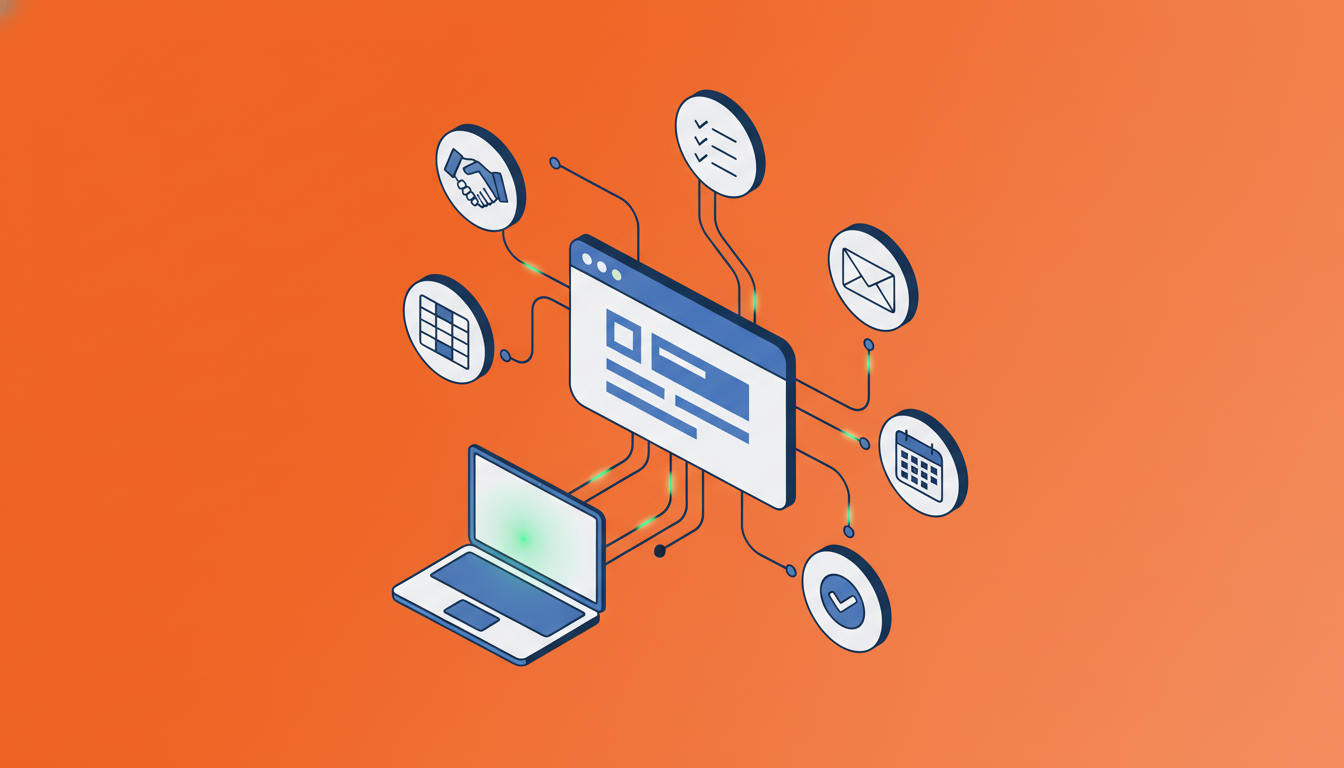
Feature Comparison Table Of Browser Automation Solutions
The table above captures the core tradeoffs across these five tools at a glance. A few patterns are worth noting.
Composite is the only option that checks every box across no-code operation, existing browser compatibility, local execution, cross-tool integration, and proactive task detection. UiPath covers enterprise breadth but requires an IT team and months to deploy. Browser Use and Browserbase are developer tools, full stop. Gemini in Chrome is accessible but locked to Google's ecosystem, with no proactive detection and limited cross-tool reach.
Feature | Composite | UiPath | Browser Use | Browserbase | Gemini in Chrome |
|---|---|---|---|---|---|
No-code operation | Yes | No | No | No | Yes |
Works in existing browser | Yes | No | No | No | Yes |
Local execution | Yes | No | No | No | Partial |
Cross-tool integration | Yes | Yes | Yes | Yes | No |
Setup time | 30 seconds | Months | Days | Hours | Hours |
Pricing accessibility | Consumer | Enterprise | Free/Open-source | Developer | Subscriber only |
Technical expertise required | None | IT team | Developer | Developer | None |
Proactive task detection | Yes | No | No | No | No |
AI data retention | Zero | Cloud stored | Varies | Cloud stored | Cloud stored |
Why Composite Is The Best Browser Automation Solution
Composite requires no developer support, no enterprise negotiation, and no switching to a dedicated browser. A 30-second install is all it takes to get started.
What sets it apart is the combination of capabilities working together: local browser execution for security, connections to the tools you already use, and proactive task detection that surfaces opportunities without you having to ask. Most solutions offer one or two of these. Composite brings all three without adding weight to your workflow.
If your work lives in a browser, your automation should too.
Final Thoughts on Browser Automation Options
The market splits cleanly between tools built for IT departments and tools built for the people doing the work. Existing tool integration through local browser execution means your automations connect to everything you use without APIs or months of configuration. If you want help mapping out which tasks to automate first, we can talk through your workflow. Your logged-in sessions already hold the access you need, and automation should use them directly.
FAQ
How do I choose the right browser automation tool for my needs?
Start with your technical expertise and setup tolerance. If you can describe tasks in plain English and need something working today, pick a no-code tool like Composite or Gemini in Chrome. If you have a dev team and need custom infrastructure, Browser Use or Browserbase make sense. Enterprise teams with dedicated IT departments and multi-month timelines can consider UiPath.
Which browser automation solution works best for non-technical professionals?
Composite and Gemini in Chrome are the only options that require zero coding. Composite works across any website with a 30-second install, while Gemini limits you to Google's ecosystem and requires an AI Pro or Ultra subscription. For cross-tool workflows spanning CRM, project trackers, and internal dashboards, Composite is the only realistic choice.
Can I use browser automation tools with my existing logged-in accounts?
Only tools that run locally in your existing browser can access your logged-in sessions. Composite works this way, installing as a Chrome extension that uses your current tabs and credentials. Cloud-based options like Browserbase and Browser Use run in remote environments, requiring separate authentication setup for every tool you want to automate.
What is the difference between local and cloud browser automation?
Local automation runs directly on your device inside your existing browser, accessing your logged-in sessions with actions executed locally. Cloud automation executes in remote servers, which introduces authentication friction and triggers bot-detection blocks. For professional workflows requiring security and reliability, local execution is the better fit.
When should I consider enterprise RPA instead of a personal browser automation tool?
Consider enterprise RPA like UiPath if you have a dedicated IT team, annual budgets exceeding $87,000, and need centrally governed automation for back-office processes like invoice processing across thousands of employees. For individual knowledge workers automating CRM updates, research, or email drafting, the months-long implementation cycle and cost make no sense.