Best AI for Tab-Switching Heavy Workflows (April 2026)
You've installed tab managers, memorized shortcuts, and tried every organizational trick you can find. The real problem isn't how you arrange your tabs: it's the workflows that generate them. When a single task requires you to bounce between a CRM, three spreadsheets, and an email draft, AI for reducing tab switching steps in to handle the entire sequence. Browser agents automate the data pulls, form fills, and cross-site tasks that create tab sprawl, so you can close half your tabs and get back to work that actually needs you.
TLDR:
- You lose 9% of work time to tab switching: 1,200 toggles daily cost 4 hours weekly
- AI browser agents automate cross-tab work so tabs never need to open in the first place
- Composite runs locally in Chrome/Edge/Brave and handles CRM updates, research, and data transfers
- AI subvendors never retain your data; all actions execute in your existing browser session
- Composite learns your patterns to proactively suggest and complete repetitive tab-heavy tasks
Why Tab Switching Kills Your Productivity
Every time you switch tabs, your brain pays a toll. According to research from Harvard Business Review, the average knowledge worker toggles between apps and browser tabs roughly 1,200 times per day. That constant bouncing adds up to just under four hours each week spent reorienting, which amounts to 9% of total work time lost to context recovery alone.
The cost goes deeper than lost minutes. Studies on task switching suggest productivity can drop by as much as 40% when you're bouncing between contexts. And once you've been pulled away from focused work, it takes an average of 23 minutes to fully get back on track, according to research from UC Irvine.
So the problem isn't that you have too many tabs open. It's that every single toggle chips away at your ability to think clearly, move fast, and do the work that actually matters.
The Hidden Cognitive Tax of Browser Tab Overload

Open tabs aren't passive. Each one represents an unfinished thought, a pending task, a thread your brain is quietly trying to hold onto. Cognitive scientists call these "open loops," and your working memory can only juggle about four of them at once. When you've got 20, 30, or 50 tabs stacked across your browser, your brain doesn't simply ignore the extras. It strains against them.
Research from Carnegie Mellon found that tab overload leads to disorientation, where users lose track of which tab holds what and struggle to relocate information they found just minutes earlier. That friction compounds. Cluttered interfaces are tied to higher error rates because the brain, overwhelmed by competing visual and contextual signals, starts cutting corners.
The real drain isn't the tabs themselves. It's the invisible mental energy spent remembering what's where, what still needs attention, and what you've already handled.
This is decision fatigue dressed up as a browser problem. Every glance at your tab bar forces a micro-decision: which tab matters right now? Multiply that across a full workday, and you're burning cognitive resources on navigation instead of the actual work sitting inside those tabs.
How Knowledge Workers Actually Use Browser Tabs
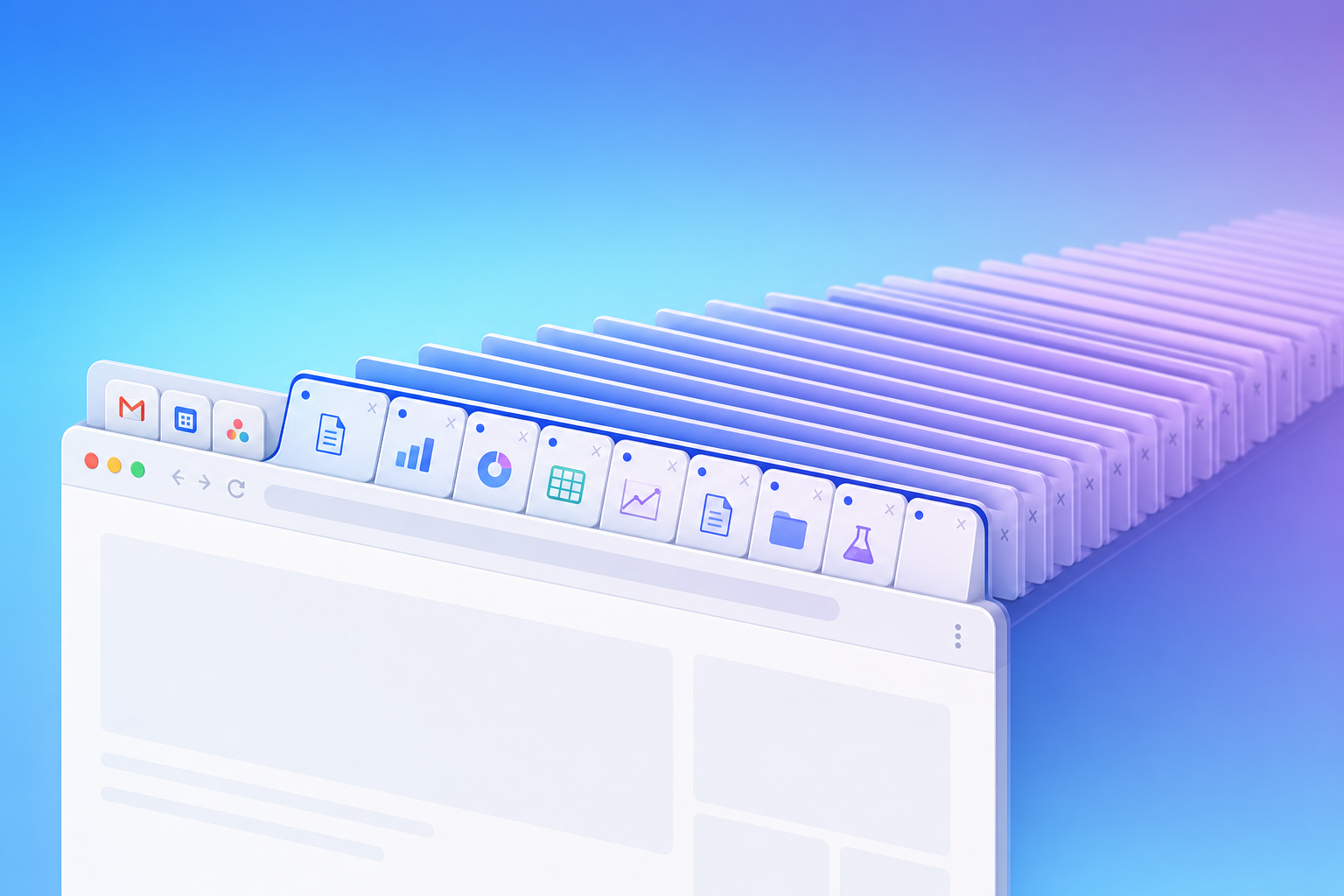
If you think your tab bar looks chaotic, you're in good company. Studies on browser behavior consistently show the average knowledge worker keeps somewhere between 30 and 50 tabs open at any given time. Power users, particularly those in recruiting, sales, or product management, regularly push well past 100.
The patterns tend to follow a predictable shape. A handful of tabs stay pinned as constants: email, a project tracker, maybe a CRM. Another cluster rotates through research, reference docs, and communication tools. Then there's the long tail of "I'll get to that later" tabs, pages kept open as makeshift bookmarks because closing them feels like losing something.
What's telling is that most of these tabs aren't actively in use at any given moment. They serve as a spatial memory system, a way of offloading mental state onto the browser itself. The result is a workspace that grows heavier by the hour, not lighter.
When Manual Solutions Stop Working
You've tried the workarounds. Chrome's native tab groups, extensions like OneTab or Workona, maybe even a personal system where you sort tabs by project every morning. These tools help organize what's already open, and for a while, that feels like progress.
But organization isn't the same as reduction. Tab groups still require you to manually sort, label, and maintain them. Extensions that suspend inactive tabs save memory, not attention. And any system that depends on you consistently tidying up your browser is one bad afternoon away from collapsing back into chaos.
The deeper issue is that none of these approaches touch the actual workflow driving the tab sprawl. A recruiter cross-referencing five LinkedIn profiles against an ATS and a shared doc doesn't need better tab labels. They need fewer steps between those tools. When the work itself demands constant movement across a dozen SaaS apps, no amount of manual sorting keeps pace. The tabs aren't the problem; the workflow generating them is.
AI Browser Agents: The Tab Switching Solution
AI browser agents solve a fundamentally different problem than tab managers. Instead of helping you organize or move through open tabs, these agents handle the cross-tab work itself. They click through pages, pull data from one app into another, fill out forms, and execute multi-step sequences across your entire SaaS stack without you touching any of it.
Think of the difference this way: a tab manager asks, "How should we arrange these 40 tabs?" An AI browser agent asks, "Why are 30 of them open in the first place?" If half your tabs exist because you're copying data between a CRM, a spreadsheet, and an email draft, an agent can run that entire sequence autonomously. The tabs never need to open because the workflow that would have generated them is already handled.
That shift, from organizing tabs to eliminating the work behind them, is what makes browser agents a category apart from every extension or shortcut that came before.
Approach | How It Works | What It Solves | What It Misses |
|---|---|---|---|
Tab Managers (OneTab, Workona) | Organize, group, and suspend tabs into categorized collections that you manually maintain and switch between | Visual clutter in the tab bar and some memory overhead from inactive tabs | The underlying workflow generating tabs remains manual; still requires you to open, switch between, and act on every tab |
Keyboard Shortcuts | Speed up tab navigation and window management through memorized key combinations like Ctrl+Tab and Ctrl+W | Reduces time spent moving between tabs by eliminating mouse clicks for common actions | Only optimizes the speed of switching; you still manually execute every step of cross-tab workflows |
Browser Session Managers | Save and restore entire sets of tabs for different projects or contexts that you switch between | Context switching between major projects by preserving tab state across browser restarts | Requires manual session creation and maintenance; tabs still accumulate within each session |
AI Browser Agents (Composite) | Autonomously execute multi-step workflows across your SaaS stack, handling data transfers, form fills, and cross-site tasks without opening tabs | Eliminates the repetitive cross-tab work that creates tab sprawl by automating entire sequences from trigger to completion | Requires initial workflow definition and trust in autonomous execution; best suited for repeated patterns instead of one-off exploration |
Why Keyboard Shortcuts Only Get You Halfway There
Ctrl+Tab, Ctrl+W, Ctrl+Shift+T. If you've memorized these, you're already faster than most. Keyboard shortcuts shave real seconds off individual actions, and those seconds add up over a workday.
But here's the gap: shortcuts speed up the toggle. They don't remove it. You're still the one deciding which tab to jump to, what to copy, where to paste it, and when to circle back. The sequence stays manual; it just moves quicker.
When a single task has you bouncing between six tools in a fixed pattern three times a day, doing it 20% faster still means doing it. Shortcuts optimize the keystrokes. They can't question whether the keystrokes need to happen at all.
Composite: The Autopilot for Tab-Heavy Workflows
Composite sits inside Chrome, Edge, or Brave and automates the cross-site sequences that generate tab sprawl in the first place. Instead of asking you to organize or group your tabs, it removes the need to open most of them at all. With local execution running right in your browser and proactive task detection, Composite pulls reports, updates your CRM, drafts emails, and moves data between tools on your behalf. The workflows that used to require 30 open tabs now run in the background while you focus on higher-value work. Our AI subvendors never retain or store your data, and all actions execute locally in your own browser session, so you stay in control throughout.
Final Thoughts on Eliminating Tab Switching for Good
Browser productivity AI changes the game by removing the work behind your tab sprawl instead of organizing what's already open. You stop deciding which tab to jump to next because the sequences that used to require 30 windows now run themselves. Your browser becomes a tool that works for you instead of a maze you're constantly trying to escape. If that sounds like the kind of shift your workflow needs, let's talk.
FAQ
Can I reduce tab switching without changing my entire browser setup?
Yes. Browser agents like Composite work inside Chrome, Edge, or Brave, so you keep your existing bookmarks, extensions, and logins while automating the cross-site workflows that create tab overload in the first place.
What's the difference between tab managers and AI browser agents for productivity?
Tab managers organize what's already open; AI browser agents eliminate the work that creates tabs. If you're copying data between a CRM, spreadsheet, and email, a browser agent runs that entire sequence autonomously so those tabs never need to open.
How much time do knowledge workers actually lose to tab switching?
The average knowledge worker toggles between apps and tabs roughly 1,200 times per day, which adds up to nearly four hours per week spent reorienting, about 9% of total work time lost to context recovery alone.
Browser productivity AI vs keyboard shortcuts?
Keyboard shortcuts speed up the toggle between tabs but don't remove it: you're still manually deciding which tab to jump to and what to do there. Browser productivity AI handles the entire cross-tab sequence autonomously, removing the need to open most tabs at all.