6 Best New AI Browsers in 2026 (Comet, Atlas, and More)
The best AI browsers in 2026 share a common feature: they're trying to replace your current browser entirely. Comet wants you to switch for better research workflows, Atlas wants you to switch for deeper ChatGPT integration, and every option on the market is betting you'll migrate your extensions, logins, and entire browsing setup for AI capabilities. The question isn't whether these browsers work, it's whether the migration cost is worth what you're getting in return.
TLDR:
- AI browsers wire LLMs into browsing to understand pages and take actions on your behalf.
- Comet focuses on cited research, Atlas on ChatGPT integration, Dia on simplicity.
- Prompt injection lets malicious sites hijack AI agents: avoid sensitive accounts.
- Extensions like Composite automate work in your current browser without migration.
- Composite uses multi-model routing and local execution with zero AI subvendor data retention.
What Is an AI Browser and How Does It Work
A regular browser loads pages. An AI browser tries to understand them.
The distinction sounds small but runs deep. Traditional browsers like Chrome or Safari are passive: they fetch and render whatever you point them at. AI browsers wire LLMs directly into the browsing layer, giving the browser contextual awareness of what's on screen, what you're trying to do, and what steps come next.
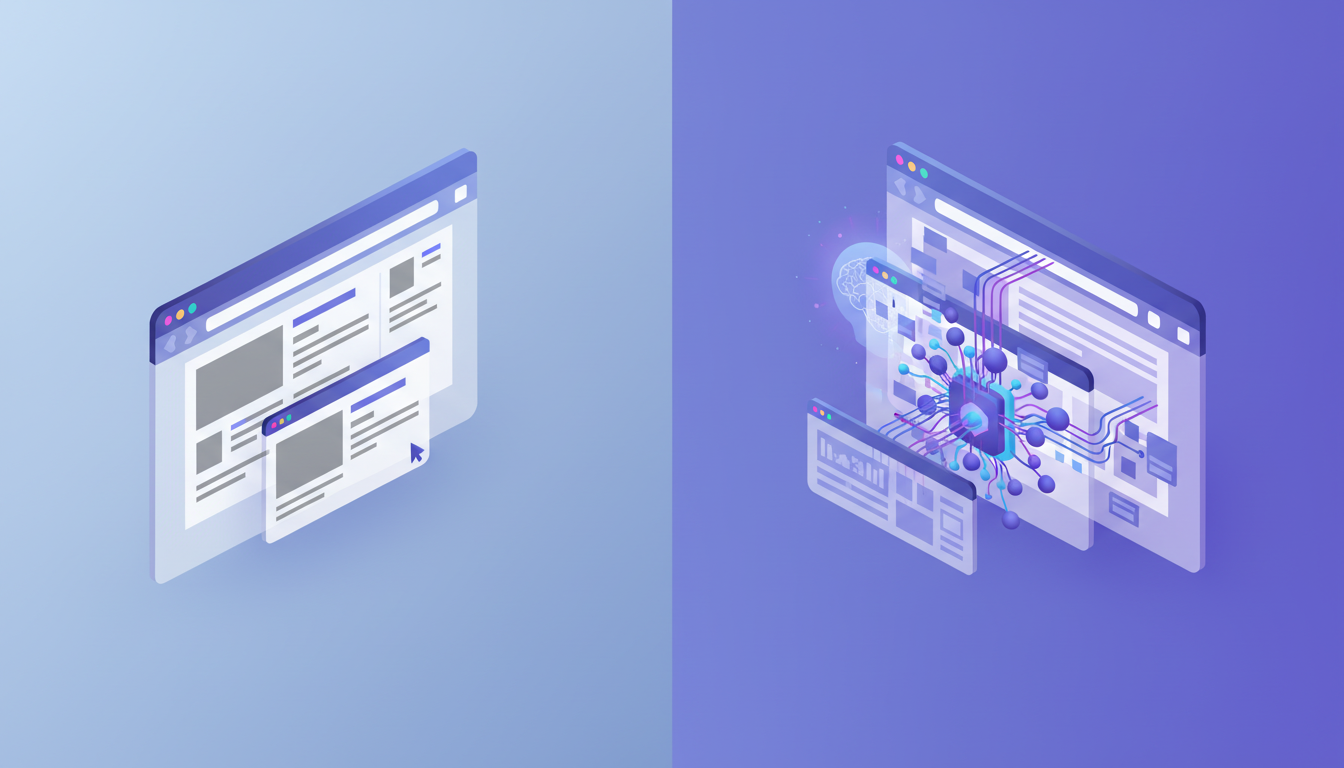
In practice, the browser can read a webpage, reason about its contents, and take actions on your behalf: clicking, filling forms, moving across tabs. Think of it as the difference between a tool that displays the web and one that actively works through it with you.
Perplexity Comet: The Research-Focused AI Browser
Perplexity built its reputation on search that cites its sources. Comet extends that same philosophy into a full browser.
Released in March 2026, Comet runs on Windows, macOS, Android, and iPhone. What sets it apart is how tightly it integrates Perplexity's search engine into every browsing session. Instead of bolting a chatbot onto a browser shell, Comet treats research as a first-class workflow: ask a question, get a sourced answer, and let the agent handle multi-step web tasks automatically.
The pricing story is worth knowing. Comet launched as a $200/month premium product before shifting to a free model with optional Pro tiers, a notable move given how competitive the AI browser market has become, projected to grow from $4.5 billion in 2024 to $76.8 billion by 2034.
Where Comet earns its spot is deep research. For work involving source compilation, fact-checking, or report synthesis, its citation-first approach reduces guesswork. The tradeoff is a full browser switch, meaning you leave behind extensions, saved logins, and your existing setup.
ChatGPT Atlas: OpenAI's Answer to AI-Native Browsing
OpenAI's Atlas browser takes a different approach than Comet. Where Perplexity built search-first, OpenAI built ChatGPT-first, making the model the center of every session instead of a feature you invoke.
The result is a browser where ChatGPT isn't tucked into a sidebar. It's the interface. Atlas connects your browsing history, tabs, and memory to give the model full context about what you're working on, so responses feel less like a chatbot and more like a collaborator who's been following along.
A few features define the experience:
- Browser memories that persist across sessions, so Atlas learns your preferences over time
- Agent mode for autonomous multi-step task execution across websites
- Direct access to ChatGPT's full model suite, including reasoning and vision
Atlas launched on macOS, with Windows and mobile versions still in development. Beyond availability, the deeper tradeoff is model lock-in. Atlas runs on OpenAI's models exclusively, which works if you're already inside that ecosystem. For workflows that benefit from routing tasks to different models based on complexity, you're locked into one provider's decisions about speed, cost, and capability.
Dia Browser: Simplicity Meets AI Intelligence
Dia launched after The Browser Company's $610 million acquisition by Atlassian, a notable exit for a browser startup.
Where Arc was opinionated and unconventional, Dia pulls back toward familiarity. The goal is a browser anyone can pick up without a learning curve, with AI woven in quietly instead of announced loudly. Assistance surfaces when relevant instead of demanding attention.
The standout feature is Skills, a system that lets users build custom AI workflows tied to specific browsing contexts. A repeatable research task, a templated summary, a recurring action sequence: Skills can package those into reusable shortcuts.
Dia runs on macOS and is expanding to other systems. It's a solid fit for users who want AI assistance without rethinking how they browse.
Microsoft Edge with Copilot Mode: Enterprise AI Browsing
Microsoft Edge with Copilot Mode is not trying to reinvent browsing. It's trying to make the browser your IT department already approved do a lot more.
For organizations deep in Microsoft 365, the value proposition is straightforward. Copilot Mode connects Edge to your existing Word docs, Outlook threads, Teams conversations, and SharePoint files, giving the AI context that spans your whole work environment. Ask it to summarize a meeting, draft a follow-up, or pull data from a report, and it draws on what's already there.
The agentic side handles multi-step tasks across websites, though it stays closer to assistant territory than full autonomy. Enterprise security and policy management make deployment relatively painless for IT teams, which is a real advantage for larger organizations where tool approval can take months.
The obvious catch: it only makes sense if Microsoft is already your stack. Outside that ecosystem, Copilot Mode loses much of its value.
Opera Neon: The Autonomous AI Browser Experience
Opera Neon leans further into autonomy than most AI browsers are willing to go.
The pitch is a browser that acts as a full agent: fill out forms, conduct research, and even build a basic website or game on your behalf. Where most browsers treat AI as a helpful sidebar, Neon treats it as the primary driver. You describe what you want done, and Neon works through it step by step without hand-holding.
One genuine differentiator is its local processing architecture. Most AI browsers route your data through cloud infrastructure by default. Neon handles more of its work on-device, which matters to users who'd rather keep their browsing activity closer to home.
Pricing sits at $20/month, positioning Neon above free tiers but well below Comet's original launch price. A few things worth knowing before you commit:
- Autonomous task execution covers research, forms, and content generation
- Local processing reduces reliance on external servers for certain operations
- The experience skews toward power users comfortable handing off control to an agent
The tradeoff, shared with every browser on this list, is the migration cost. You're leaving your current setup behind: extensions, saved sessions, logins. For users who want maximum automation and are willing to make that switch, Neon is worth a look.
Brave Browser with Leo: Privacy-First AI Assistance
Brave's approach to AI is deliberately understated. Leo, its built-in AI assistant, handles summarization, translation, and content generation without requiring an account or logging your conversations.
The privacy mechanics are real. Queries go through anonymizing proxies so Leo's server never sees your IP, and conversations aren't tied to any user identity. For privacy-conscious users, that's a meaningful structural difference from browsers that route everything through accounts and cloud sessions.
Leo supports multiple models, including Llama and Claude, with a free tier available and a Leo Premium option for expanded access.
The honest scope check: Leo is an assistant, not an agent. It won't execute multi-step tasks across sites. If summarizing a page or generating a quick draft is what you need, it delivers cleanly. Autonomous workflow execution is outside its scope.
Browser | Core Strength | System Availability | Pricing | Key Limitation |
|---|---|---|---|---|
Perplexity Comet | Citation-first research with sourced answers and multi-step web task automation | Windows, macOS, Android, iPhone | Free with optional Pro tiers (originally $200/month) | Requires full browser migration, leaving behind extensions and saved logins |
ChatGPT Atlas | Deep ChatGPT integration with persistent browser memories and full context awareness | macOS only (Windows and mobile in development) | Not specified | Locked to OpenAI models exclusively, no multi-model routing capability |
Dia Browser | Simplicity with AI Skills for custom workflow automation tied to browsing contexts | macOS with expansion planned | Not specified | Limited system availability and newer market entry |
Microsoft Edge with Copilot | Enterprise integration across Microsoft 365 ecosystem with policy management | Windows, macOS, Android, iOS | Included with Microsoft 365 subscriptions | Only valuable within existing Microsoft stack, limited autonomy |
Opera Neon | Autonomous agent execution with local processing architecture for privacy | All major systems | $20/month | Requires migration and skews toward power users comfortable with full autonomy |
Brave with Leo | Privacy-first AI assistance with anonymizing proxies and zero conversation logging | All major systems | Free with Leo Premium option | Assistant only, not an agent - no multi-step task execution across sites |
Composite | Browser extension with multi-model routing and proactive task detection in existing workflow | Chrome, Edge, Brave (any Chromium browser) | Not specified | None: works in your current browser with zero migration cost |
Security and Privacy Concerns with AI Browsers
Every browser on this list shares a vulnerability that security researchers have started calling out directly: prompt injection.
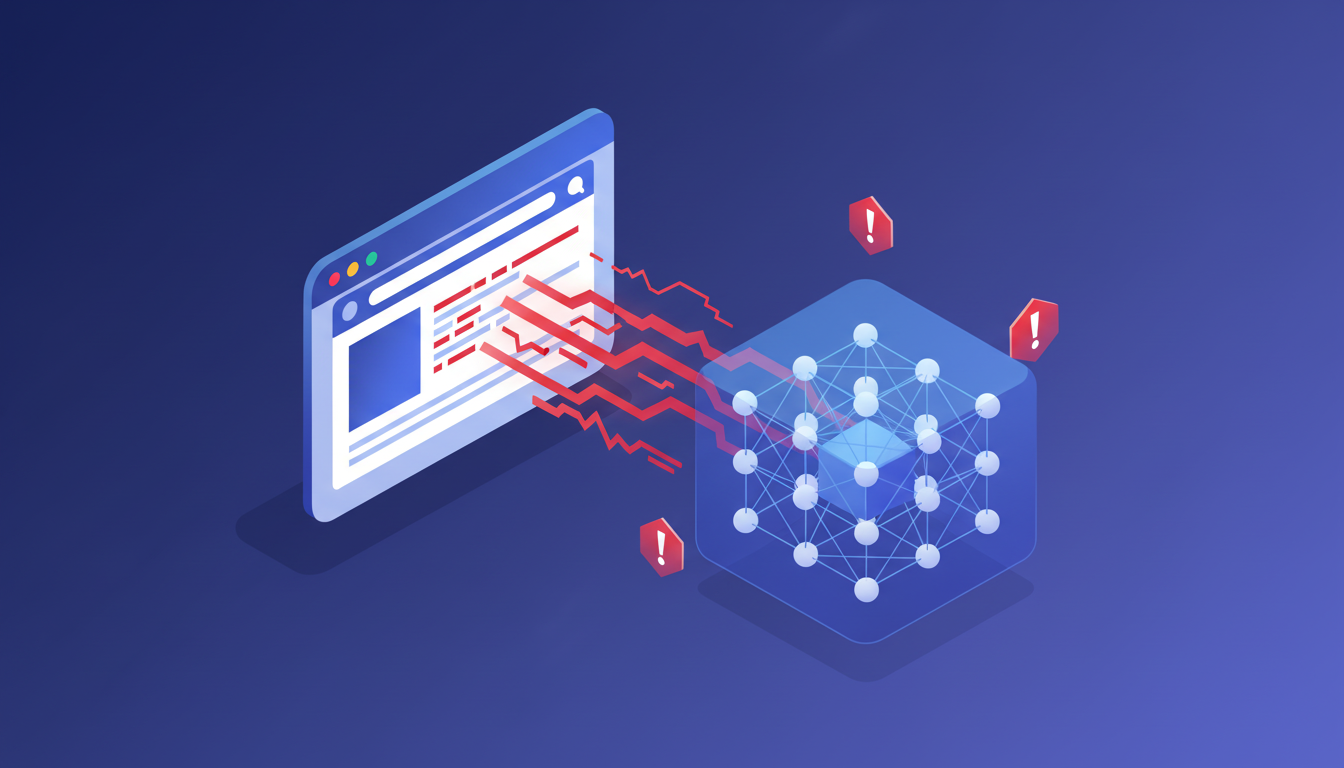
When an AI agent reads a webpage to act on your behalf, malicious content embedded in that page can hijack its instructions. A site could tell the agent to forward your emails, make a purchase, or extract credentials, and the agent may comply without flagging it. Researchers have identified this across AI browsers, including Atlas and Comet, with no clean fix available yet.
Until that changes, the practical advice is simple: keep AI browsers away from accounts holding financial data, sensitive communications, or anything you wouldn't want exposed.
Why Browser Extensions Beat Standalone AI Browsers for Professional Workflows
Every browser on this list asks the same thing: leave your current setup behind. That's a real cost for professionals with years of saved sessions, trusted extensions, and IT-approved configurations.
Composite takes the opposite approach. It runs as a Chrome extension inside whichever browser you already use (Chrome, Edge, Brave), so there's nothing to migrate and nothing to get approved. Invoke it with Cmd/Ctrl + Shift + Space, describe the task, and it executes across every site you're already logged into, no API keys required.
A few things that matter for professional use:
- Multi-model routing picks the right model for each task instead of locking you into one provider
- AI subvendors operate under a zero data retention policy, and task execution happens locally in your browser
- Proactive task detection learns your patterns and surfaces suggestions before you think to ask
The standalone AI browsers covered here are genuinely interesting products. But for knowledge workers who need automation without disruption, an extension that fits your existing workflow beats a new browser every time.
Final Thoughts on AI Browser Selection
The standalone Comet browser and others like it represent real progress in how AI interacts with the web. But for professionals who need automation without disruption, an extension that integrates with your current browser beats starting over. Your workflow matters more than the novelty. Contact us to discuss your needs.
FAQ
What's the best AI browser for professional workflows?
For professional work, a browser extension like Composite beats standalone AI browsers because you avoid migrating bookmarks, extensions, and saved logins while keeping your IT-approved setup intact. Standalone options like Comet or Atlas require switching your entire browsing environment, which creates friction for knowledge workers who need automation without disruption.
Comet browser vs ChatGPT Atlas browser: which should I choose?
Comet excels at research-heavy work with its citation-first approach and cross-system support (Windows, macOS, Android, iPhone), while Atlas integrates deeply with ChatGPT's model suite and browser memory for conversational task execution. The key difference: Comet is search-focused, Atlas is ChatGPT-first, and both lock you into their respective ecosystems instead of routing tasks to different models based on complexity.
Can AI browsers handle tasks across multiple websites automatically?
Yes, most AI browsers in 2026 support multi-step task execution across websites, including Atlas's agent mode, Comet's automated research workflows, and Opera Neon's autonomous form-filling. However, these capabilities come with security risks. Researchers have identified prompt injection vulnerabilities where malicious webpage content can hijack agent instructions: avoid using AI browsers for financial accounts or sensitive data until these issues are resolved.
What is an AI browser and how does it differ from Chrome or Safari?
An AI browser wires LLMs directly into the browsing layer to understand webpage content, reason about your goals, and take actions like clicking, filling forms, and moving between tabs on your behalf. Traditional browsers like Chrome or Safari passively load and render pages, while AI browsers actively work through tasks with contextual awareness of what's on screen and what steps come next.
Is the Comet AI browser safe for work-related tasks?
Comet AI browser shares the same prompt injection vulnerabilities identified across AI browsers by security researchers, where malicious webpage content can potentially hijack agent instructions. Until these issues are fixed, keep Comet and other AI browsers away from accounts with financial data, sensitive communications, or confidential work materials. The browser extension approach offers better security through local execution and zero data retention policies with AI subvendors.