Dia Browser Reviews, Pricing, and Alternatives (March 2026)
You're weighing whether to switch to Dia Browser or stick with your current setup, and the Dia browser reviews paint a confusing picture. Users praise the stability but miss Arc's power features. The AI assistant works for casual research but stops dead when you need cross-tool automation. Here's what Dia actually delivers at each pricing tier, what professionals say after using it for real work, and which tools fill the gaps Dia leaves wide open.
TLDR:
- Dia Browser requires switching your entire browser setup for AI chat features.
- Dia can't automate real work tasks like CRM updates, spreadsheet filling, or email sending.
- Composite works as an extension in your existing Chrome, Edge, or Brave browser.
- Composite automates professional workflows locally with zero data retention policy with all of our AI subvendors.
- Composite executes multi-step tasks across any website using your existing logins.
What is Dia Browser and How Does It Work?
Dia Browser is a Chromium-based web browser from The Browser Company, the creators of Arc Browser. Released in October 2025, Dia strips away Arc's power-user features for a simpler interface that looks like Chrome with built-in AI capabilities.
The browser features a sidebar AI assistant that chats with you, answers questions about open tabs, and generates text from tab content. Dia includes pre-built shortcuts called Skills that handle common tasks through AI prompts.
Dia runs only on macOS 14 or later with Apple silicon hardware. The base version is free, while Dia Pro costs $20 monthly for extra features. Atlassian acquired The Browser Company for $610 million in October 2025.
Why Consider Dia Browser Alternatives?
Dia works well for simple AI chat interactions while browsing. You can ask questions about open tabs or request article summaries, which helps with casual research and light information synthesis.
But Dia can't automate actual work tasks. Booking flights, updating CRMs, filling spreadsheets, or sending emails all remain manual. You're limited to asking questions and receiving text responses. The beta status means missing features, no extension library, and frequent constraints.
Dia also removed the features that made Arc valuable for professionals. Spaces, the command bar, and vertical tabs are all gone. Anyone who relied on those for workspace organization will need to rebuild their entire workflow.
The bigger limitation: Dia only runs on macOS with Apple silicon. Windows users can't access it. Because it targets consumer tasks like shopping and travel research instead of professional workflows, recruiters managing applicant tracking systems, salespeople updating CRM records, or product managers syncing Jira tickets will face immediate blockers.
Organizations requiring cross-browser compatibility, genuine task automation, and local execution for compliance need different solutions. That's where Composite comes in. Composite automates real browser work across any site without APIs. It books travel, updates databases, processes forms, and handles repetitive workflows that eat up hours each week. Composite operates locally with a zero data retention policy with all of our AI subvendors, works on Chrome and Edge, and gives teams actual AI workers instead of chatbots.
Best Dia Browser Alternatives in March 2026
Looking for a real browser automation tool that works with your existing setup? Here are your top options:
Composite is the best choice for professional workflows. It's a cross-browser extension (Chrome, Edge, Brave) that automates tasks without forcing you to switch browsers. You invoke it with Cmd/Ctrl + Shift + Space, describe what you need in plain English, and watch it execute across any website. Works with your existing logins, needs no API keys, and features multi-model routing between fast open-source and larger vision models. Pro plans support up to 5 concurrent automation threads.
Gemini in Chrome brings Google's Auto Browse to Premium subscribers. Works across Gmail, Calendar, Maps, Shopping, Flights, and YouTube. U.S.-only, locked to Google's ecosystem and Gemini models. The sidebar permanently shrinks your browsing window, and browsing data routes through Google's servers.
Claude in Chrome offers a sidebar extension for Max subscribers with workflow recording capabilities. Chrome-only, locked to Anthropic's Claude models, requires paid plans ($20-$100+/month depending on model access), and communicates with Anthropic's servers.
ChatGPT Atlas is OpenAI's standalone Chromium browser with integrated AI. macOS-only, requires full browser migration, locks you into OpenAI models, and routes data through OpenAI's servers. Agent mode needs ChatGPT Plus ($20/month) or Pro ($200/month).
Perplexity Comet became free in October 2025 after removing its $200/month paywall. Currently facing legal challenges from Amazon over automated shopping features.
Why Composite is the Best Dia Browser Alternative
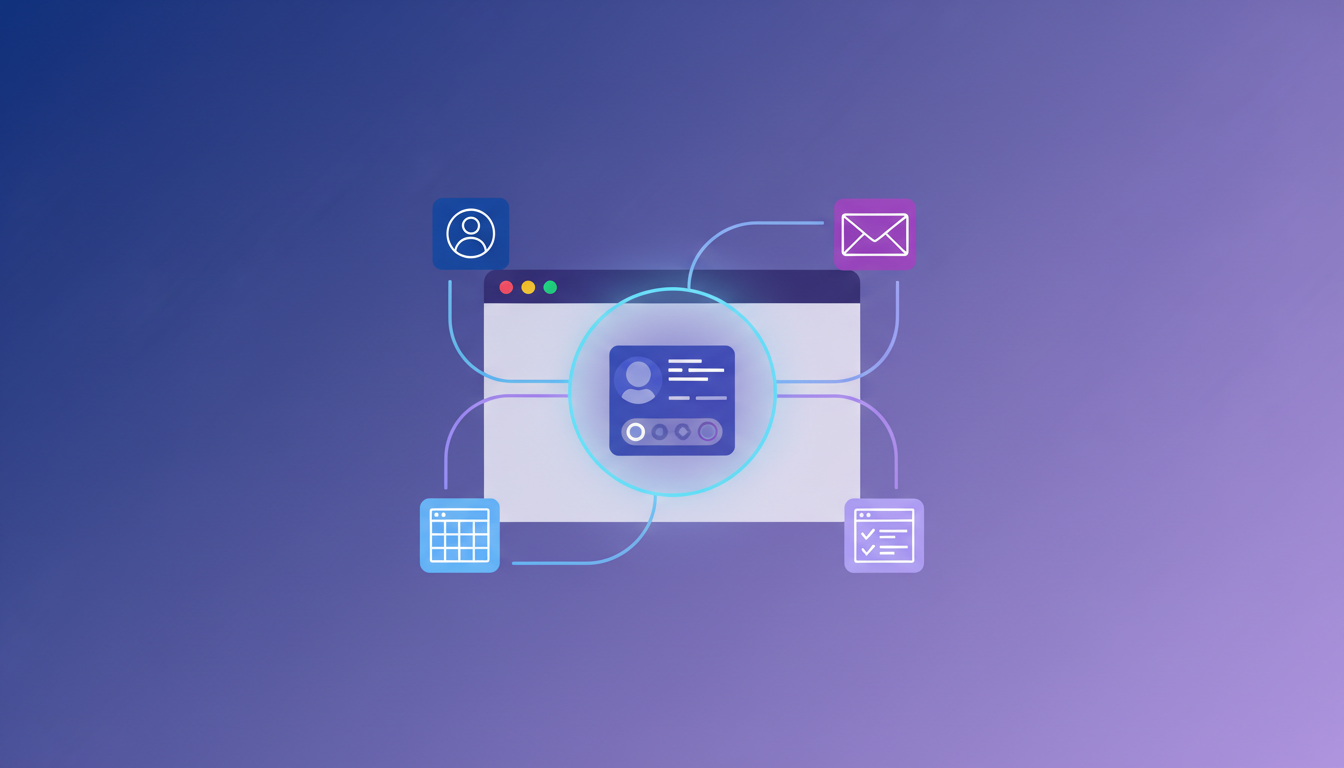
Composite solves the workflow gaps in Dia without forcing you to abandon your existing browser. You keep Chrome, Edge, or Brave with all your extensions and logins intact.
The Spotlight overlay appears on demand with Cmd/Ctrl + Shift + Space, preserving your full screen instead of a permanent sidebar. Composite executes locally with zero data retention with all of our AI subvendors, meeting enterprise compliance requirements.
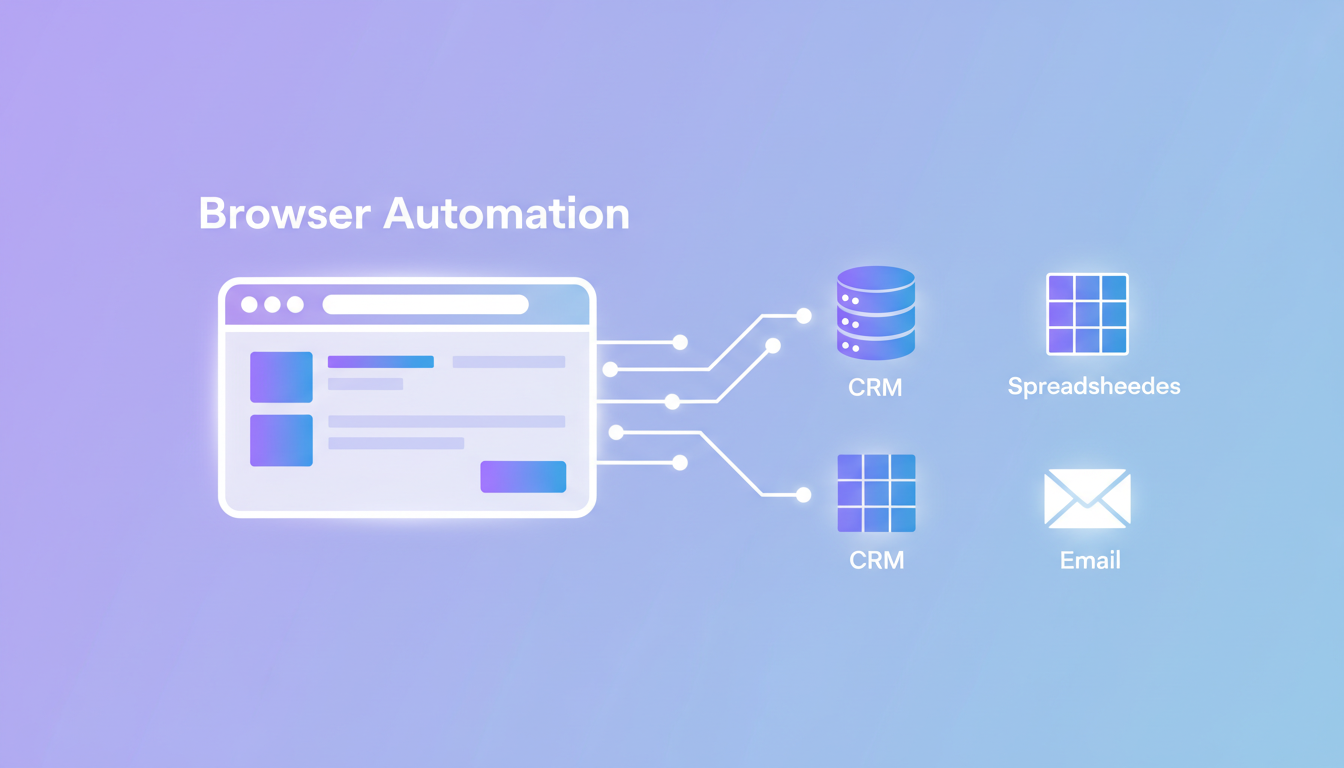
Composite automates real work: CRM updates, Jira triage, cross-tool data syncing, and recruiter outreach. Dia offers chat and summaries. We handle the tasks that actually save you hours each week.
Dia Browser Pricing and Plans
Dia Browser offers two tiers. The free version includes full browsing capabilities with limited AI interactions. Dia Pro costs $20 per month and removes all AI usage limits, giving you unrestricted access to the chat assistant and Skills features.
CEO Josh Miller said the free tier works fine for anyone using AI features just a few times weekly. Heavier users who lean on the AI assistant throughout their day will need the Pro subscription. The Browser Company hasn't disclosed exact usage limits for free accounts.
Dia Browser Reviews and User Feedback
User reviews describe Dia as fast and stable, with many reporting months of use without crashes. This reliability stands out in a category where AI browsers often feel unfinished.
The most common criticism involves missing features from Arc. Users miss Spaces, vertical tabs, and the command bar. Several reviewers call the tab implementation a downgrade and cite it as a reason to stay with their current browser.
AI capabilities receive mixed feedback. Technical reviewers found that Dia scrapes visible text but can't extract underlying links or understand webpage structure. Context awareness feels shallow, and responses lack the refinement of GPT-4 or Claude, which many professionals already use.
Power users report friction with limited extension support, missing session restore, and incomplete keyboard shortcut mapping. Some users on older hardware experience laggy animations and occasional crashes during AI interactions.
The core question: does AI chat belong in a browser when ChatGPT already handles research well? At $20 monthly, many reviewers aren't convinced the value warrants switching their entire browsing setup.
Professional Use Cases: Where Dia Falls Short
Dia's AI works best for reading and summarizing, but stops when work requires chaining actions across multiple tools. Salespeople updating Salesforce with meeting notes from Google Calendar, researching prospects on LinkedIn, then drafting personalized outreach based on that context run into walls. Dia provides text summaries but won't click into your CRM, fill fields, or pull research from multiple tabs into a single email draft.
Recruiters sourcing candidates across LinkedIn, GitHub, portfolio sites, and applicant tracking systems face the same limitation. Dia won't gather qualifications from multiple sources, draft outreach referencing specific projects, or update your ATS with sourced information.
Product managers triaging Jira backlogs while cross-referencing Confluence docs and Notion roadmaps hit similar constraints. Syncing status across trackers and pulling analytics data for reports requires actions across authenticated tools that Dia can't perform.
Security engineers creating vulnerability tickets from monitoring alerts or gathering compliance evidence from multiple systems need an agent that executes within browser sessions, not a sidebar that summarizes text. Composite automates these cross-tool sequences by working locally in your browser with your logins and chaining actions across any website.
Enterprise Security and Compliance Considerations
Enterprise IT teams assess browsers based on data handling, execution environment, and administrative controls. Dia's architecture creates compliance gaps that Composite's local-first design solves.
Dia's AI processing sends page content and queries to external servers for analysis. This cloud-based model blocks deployment at organizations with data residency requirements or compliance mandates preventing external transmission. Dia's AI assistant accessing content across tabs increases attack surface when malicious sites embed hidden instructions.
Composite executes all actions directly on your device within your existing browser sessions. We maintain a zero data retention policy with all of our AI subvendors. This keeps information within your IT-approved environment without external transmission.
You get website blocklists, admin-defined deployment restrictions, and explicit confirmations for sensitive actions. All automation stays local, giving security teams full visibility and control over every action.
Feature Comparison: Dia Browser vs Top Alternatives
Here's where the differences become clear. The table below breaks down what each browser automation tool offers for professional work:
Feature | Dia Browser | Composite | Gemini in Chrome | Claude in Chrome | ChatGPT Atlas | Perplexity Comet |
|---|---|---|---|---|---|---|
Browser Migration Required | Yes (standalone) | No (extension) | No (built into Chrome) | No (extension) | Yes (standalone) | Yes (standalone) |
Cross-Browser Compatibility | macOS only | Chrome, Edge, Brave, other Chromium | Chrome only | Chrome only | macOS only | Separate browser |
Professional Workflow Automation | No (limited to chat/synthesis) | Yes (CRM, Jira, security, recruiting) | Limited (Google apps only) | Limited (workflow recording) | Limited (consumer tasks) | Limited (shopping, travel) |
Local-First Execution | Partial (stores locally but processes in cloud) | Yes (executes on your device) | No (server-based) | No (server-based) | No (server-based) | No (cloud-based) |
Multi-Model Architecture | Unknown (not disclosed) | Yes (multiple providers) | No (Gemini only) | No (Claude only) | No (OpenAI only) | No (Perplexity models only) |
Task Parallelization | No | Yes | No | No | No | No |
Multi-Threading | No | Yes (up to 5 concurrent) | No | No | No | No |
Proactive Task Detection | No (reactive Skills) | Yes (learns patterns) | No | No (requires teaching) | No | No |
Enterprise Controls | Limited | Yes (blocklists, admin, local) | No (for non-Workspace) | Yes (permissions) | No | No |
Extension Support | Limited | Works with existing | Full (Chrome) | Full (Chrome) | Limited | Limited |
Screen Real Estate | Sidebar + URL bar | Spotlight overlay | Sidebar (shrinks window) | Sidebar (shrinks window) | Sidebar (shrinks window) | Sidebar |
Pricing | Free (with limits), Pro $20/month | Pricing available on site | Premium subscription required | Pro $20/mo, Max $100+/mo | Plus $20/mo, Pro $200/mo | Free |
System Availability | macOS only (M1+) | Mac and Windows | Chrome users | Chrome users | macOS only | Multiple |
Composite executes multi-step workflows across your entire browser. While Dia and the other alternatives focus on chat, synthesis, or narrow app integrations, Composite handles actual task automation for professional work.
Getting Started: Migrating from Dia to Composite
Migrating from Dia to Composite requires no browser switch because Composite works as an extension on Chrome, Edge, or Brave. Keep your existing browser while adding Composite's automation capabilities.
Install the Composite extension from your browser's web store, then invoke it with Cmd/Ctrl + Shift + Space on any website. Describe your task in plain English and watch Composite plan and execute the workflow. Unlike Dia's pre-built Skills, Composite's task detection learns your patterns and suggests automations without manual setup.
Start by using Composite for professional workflows while your browser handles standard browsing. Pro plans support multi-threading to run five concurrent workflows. Organizations can set admin controls, define website boundaries, and maintain local execution for compliance requirements.
Final Thoughts on Browser-Based AI Solutions
Chat features in browsers sound useful until you realize they can't complete the tasks eating up your day. Composite works as a Dia browser alternative that automates real work instead of summarizing it. You install an extension, describe what you need done, and watch it execute across any site with your existing logins. The difference between AI conversation and AI execution becomes obvious the first time you use it.
FAQ
When should you consider moving away from Dia Browser?
Consider switching if you need actual task automation beyond chat and summaries, work on Windows or non-Apple silicon hardware, or require cross-browser compatibility. Dia works for casual AI interactions but can't automate CRM updates, multi-tool workflows, or professional tasks that save real time.
What features should you focus on when comparing Dia alternatives?
Look for local execution to meet compliance requirements, cross-browser compatibility to avoid migration, and genuine workflow automation that chains actions across multiple websites. Multi-model architecture gives you faster task completion, while task parallelization lets you run multiple workflows simultaneously.
Can Composite automate tasks across different websites in a single workflow?
Yes. Composite chains actions across any authenticated websites using your existing browser sessions, pulling data from one tool, processing it, and updating another without API keys or manual copying. It handles cross-tool sequences like gathering LinkedIn research and updating your CRM in one automated workflow.
How does Composite handle enterprise security differently than browser-based AI tools?
Composite executes all actions locally on your device within your existing browser sessions and maintains a zero data retention policy with all of our AI subvendors. This keeps work within your IT-approved environment without external transmission, while providing admin controls like website blocklists and explicit confirmations for sensitive actions.
What happens to my browser extensions when I switch to Composite?
Nothing changes. Composite works as an extension on Chrome, Edge, or Brave, so you keep all your existing extensions, bookmarks, and logins. You invoke Composite with Cmd/Ctrl + Shift + Space when you need automation, and your browser continues working exactly as it does now.