Composite vs Gemini Extension in Chrome: Which is Better? (March 2026)
You need a browser agent that works across Salesforce, LinkedIn, Jira, and your internal tools without forcing you into Google's ecosystem. That's where the Composite Gemini comparison gets interesting, because Gemini only automates within Google apps while Composite runs tasks across any website you're logged into. We'll break down the screen real estate trade-offs, local versus cloud execution, and whether either tool delivers automation that's actually faster than manual work.
TLDR:
- Composite works across any browser and web app while Gemini only integrates with Google properties
- You get full-screen workspace with Composite's Spotlight interface vs. Gemini's space-consuming side panel
- Composite routes tasks across multiple AI models for faster execution instead of locking into Gemini 3
- Local execution with zero data retention with AI subvendors makes Composite SOC-2 Type 2 compliant for enterprise security
- Composite is autopilot for your browser, executing multi-step workflows across your entire SaaS stack
What is Gemini in Chrome?
Gemini in Chrome is Google's AI assistant built into the Chrome browser. It appears as a side panel that opens alongside your browsing to help with web tasks using Gemini 3.
The assistant can summarize content across tabs, compare information from different websites, and answer questions based on your open browser tabs. You type queries into the side panel and receive responses drawn from your active browsing session.
Google introduced Auto Browse, an agent that executes multi-step tasks by moving through websites and taking actions for you. Auto Browse is only available to U.S. users with Google AI Pro or AI Ultra subscriptions.
The side panel stays open next to your browser window, occupying screen space while you work. Gemini runs on Google's AI models and operates within Google's ecosystem.
What is Composite?
Composite is a browser extension that turns your existing browser into an execution engine for work tasks. Press Cmd/Ctrl + Shift + Space on any website, describe what you need done, and Composite executes the task directly within your current browser session.
The agent handles multi-step workflows across any web application. It can update your CRM, research prospects across multiple sites, draft emails using context from open tabs, or pull data from different tools into a single report. All execution happens locally on your device using your existing logged-in sessions, with zero data retention on external servers.
Composite works across Chrome, Edge, Brave, and other Chromium browsers. You keep your bookmarks, extensions, and preferences. The interface appears as a lightweight overlay when you invoke it, then disappears when the task completes.
User Interface and Screen Real Estate
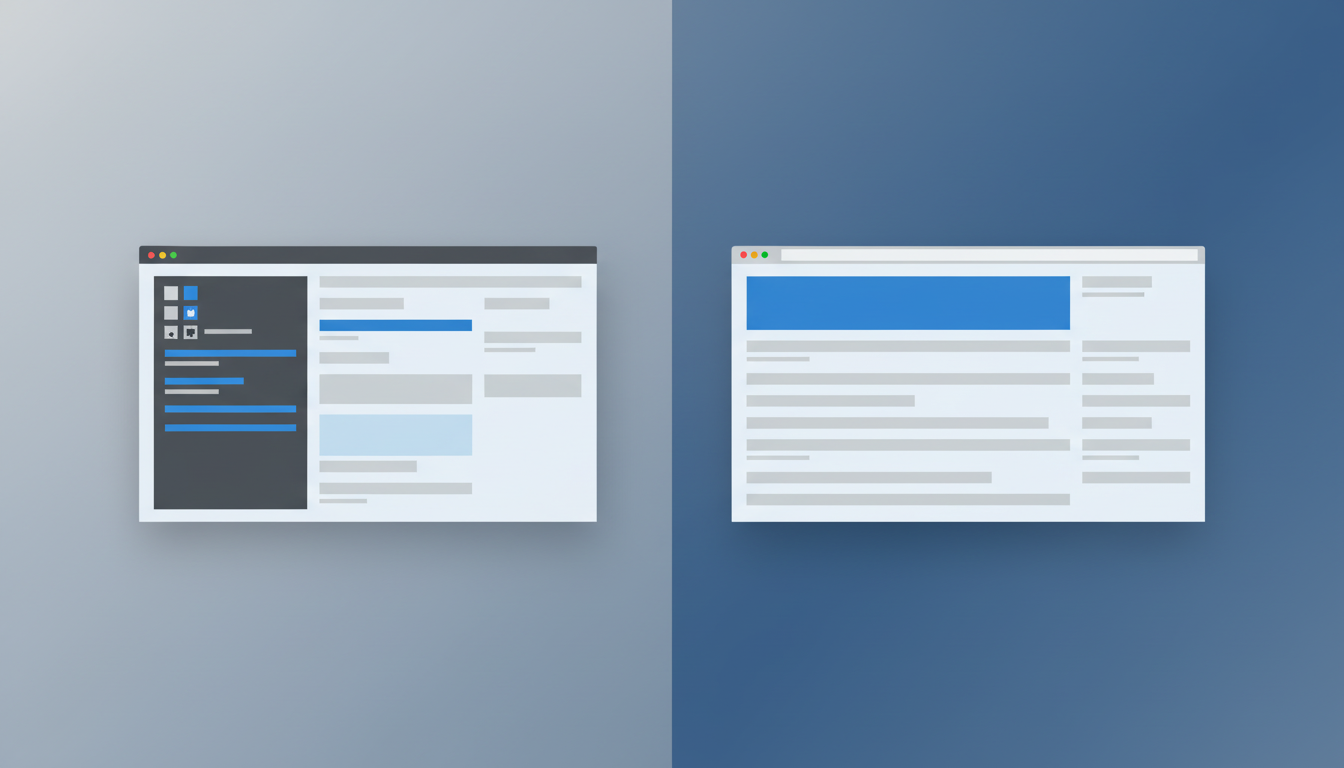
Gemini in Chrome opens a side panel that stays anchored to your browser window, reducing your workspace width whenever you need AI help. Working in Salesforce, spreadsheets, or dashboards means doing it in a narrower viewport. The panel creates a tradeoff between AI access and screen space.
Composite uses a Spotlight interface that appears only when called. Press Cmd/Ctrl + Shift + Space, and a lightweight search bar drops down over your current view. Describe your task, and Composite executes it. Once finished, the interface disappears.
Your browser window stays at full width. CRM records, project boards, and data tables remain readable while you get instant AI assistance. For professionals working with dense information displays, that screen space matters.
Model Flexibility and AI Provider Lock-in
Gemini in Chrome runs exclusively on Google's Gemini 3 model. Every task gets processed through Google's AI infrastructure with no option to route work elsewhere. If Google's model struggles with a specific task type or runs slow, you're stuck with those constraints.
This creates a hard dependency on a single vendor's roadmap. Organizations using Gemini for browser automation tie their workflows to Google's Gemini 3 and Auto Browse capabilities, with no fallback when that model underperforms or when business requirements shift.
Composite routes tasks across multiple AI providers. Simple actions get handled by fast open-source models with quick inference times. Complex visual tasks requiring deeper reasoning get routed to larger vision models. This multi-model architecture removes the risk of locking your workflows into one vendor's ecosystem.
For knowledge workers, this translates to faster task completion and better results. For IT and procurement teams reviewing browser agents, it removes vendor lock-in risk completely. We pick the right model for each job instead of forcing every task through the same pipeline.
Cross-Application Capabilities and Ecosystem Integration
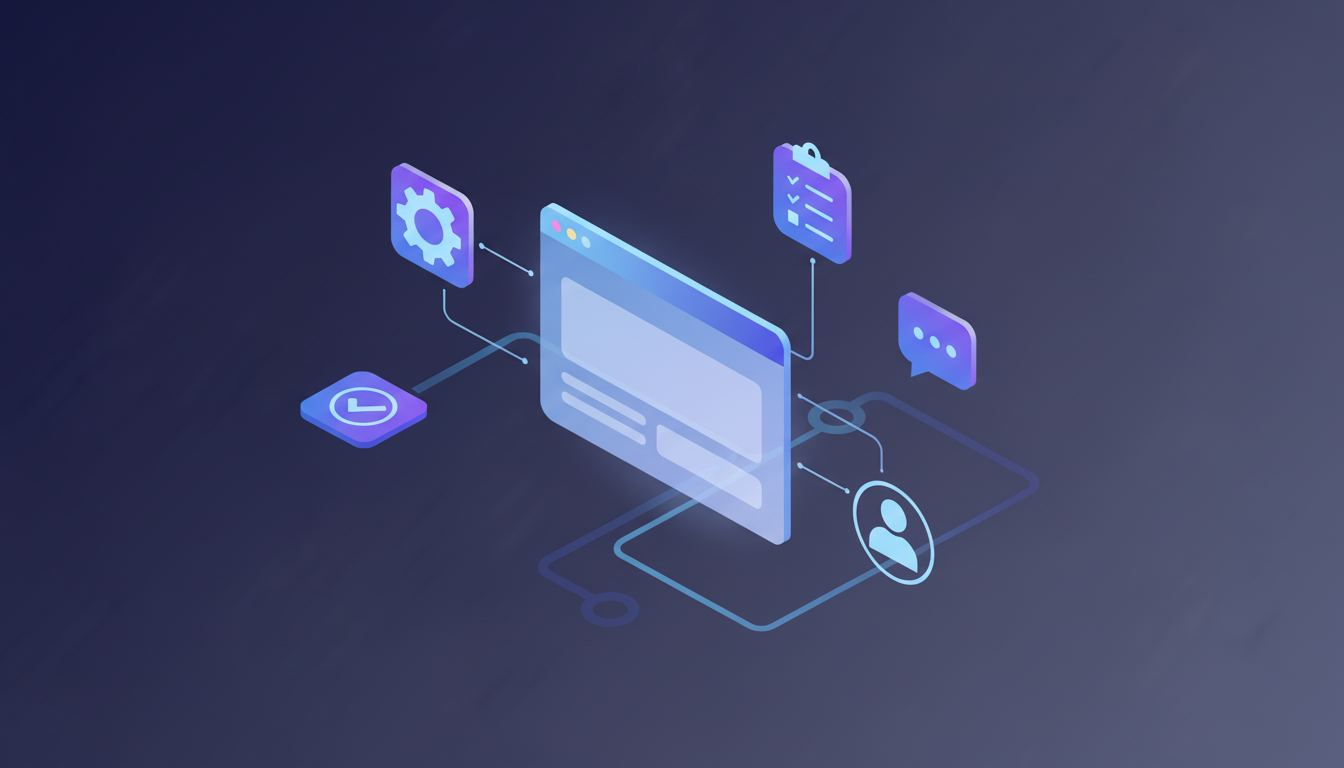
Gemini in Chrome's Connected Apps feature works within Google's ecosystem: Gmail, Calendar, Maps, Shopping, Flights, and YouTube. The assistant can pull from your emails and calendar events for tasks inside Google Workspace. Outside Google properties, the integration stops.
Gemini can't update a Jira ticket based on Slack threads, research a prospect on LinkedIn and log findings in Salesforce, or pull data from your internal dashboard into a project tracker. Connected Apps doesn't support third-party SaaS applications, so workflows spanning multiple vendors require manual work or separate tools.
Composite executes tasks across any website your browser can access. It works within your authenticated sessions. If you're logged into Jira, Salesforce, Notion, LinkedIn, or custom internal tools, Composite acts across all of them in a single workflow. Security teams review GitHub pull requests and update internal tracking systems. Salespeople research prospects on LinkedIn and populate CRM fields. Recruiters source candidates across job boards and update their ATS.
No API keys. No pre-built connectors. No ecosystem limits.
Feature | Composite | Gemini in Chrome |
|---|---|---|
User Interface | Spotlight overlay that appears on demand with Cmd/Ctrl + Shift + Space, then disappears after task completion. Preserves full screen real estate for work applications. | Persistent side panel that stays anchored to browser window, reducing workspace width whenever AI assistance is needed. |
AI Model Architecture | Multi-model routing system that selects optimal AI provider per task. Fast open-source models for simple actions, larger vision models for complex reasoning. | Exclusive use of Google's Gemini 3 model for all tasks. No flexibility to route work to alternative providers. |
Cross-Application Support | Works across any website in authenticated browser sessions including Salesforce, Jira, LinkedIn, Notion, GitHub, and custom internal tools. Universal application compatibility. | Connected Apps feature limited to Google ecosystem: Gmail, Calendar, Maps, Shopping, Flights, and YouTube. No third-party SaaS integration. |
Data Processing Location | Local execution on user device within existing browser session. Zero data retention on external servers. SOC-2 Type 2 compliant with enterprise controls. | Processes page content and tab context by sending data to Google's cloud servers for AI model inference. |
Task Execution Speed | Fast Mode with 2x execution speed, 50% better accuracy, 30-50% latency reduction through input caching. Supports task parallelization and up to 5 concurrent threads for Pro users. | Auto Browse feature reported as slower than manual execution by third-party reviewers. Sequential task processing without parallelization. |
Browser Compatibility | Works across Chrome, Edge, Brave, and all Chromium-based browsers. Installs as extension in existing browser setup. | Built exclusively into Google Chrome browser. Requires Chrome to access functionality. |
Availability | Available to all users globally through browser extension installation. | Auto Browse agent limited to U.S. users with Google AI Pro or AI Ultra paid subscriptions. |
Data Privacy and Enterprise Security
Gemini in Chrome processes page content and tab context by sending data to Google's servers for AI model inference. This creates an additional data flow that security teams need to review when assessing risk exposure.
Composite executes all actions locally on your device within your existing browser. Tasks run directly in your local browser session with zero data retention on our AI subvendors' servers. This local-first architecture reduces the attack surface that AI browser agents introduce to enterprise environments.
We're SOC-2 Type 2 compliant and provide enterprise controls including admin blocklists, per-site restrictions, and user-defined website boundaries. IT teams can restrict which tools Composite accesses, and users control which sites remain off-limits. For organizations with compliance requirements around data handling, local execution removes the need to route sensitive work through third-party cloud infrastructure.
Speed, Performance, and Task Execution
Gemini's Auto Browse feature visits websites based on your prompts, but Android Authority found it was "undeniably slower than if I had just done it myself," questioning whether the agent saves any time for actual work.
Composite ships Fast Mode with 2x execution speed and 50% better accuracy. Input caching cuts latency by 30-50%, and site-specific hints teach the agent shortcuts for apps like Google Sheets, accelerating performance on complex websites.
We support task parallelization, running multiple actions at once within a single thread. Pro users get multi-threading with up to 5 concurrent threads running simultaneously. This architecture matters for professionals juggling multiple workflows: update your CRM while researching prospects while drafting emails, all executing in parallel.
Speed determines whether browser agents actually save time or add overhead. Composite's performance infrastructure makes automation faster than manual work.
Why Composite is the Better Choice
Gemini in Chrome works well for users already in Google Workspace who need help with Google apps and U.S.-based users willing to pay for Auto Browse subscriptions. Organizations comfortable with cloud processing and side panel interfaces may find value in Gemini's tight integration with Gmail and Calendar.
We built Composite for professionals whose work spans multiple SaaS tools, internal applications, and cross-functional workflows. The Spotlight interface preserves full screen real estate. Multi-model architecture provides flexibility without vendor lock-in. Local execution paired with zero data retention meets enterprise security requirements that cloud-based alternatives can't match.
Our proactive task detection learns work patterns to surface automations before you think to request them. For organizations focused on data governance, screen space, universal application support, and performance at scale, Composite delivers professional-grade automation that Gemini's consumer-focused design doesn't provide.
Final Thoughts on Picking Your Browser Agent
We designed Composite for teams that can't afford to lock workflows into a single vendor or sacrifice screen space for AI access. You get automation across every logged-in tool, faster execution with multi-model routing, and data that stays on your device. Press Cmd/Ctrl + Shift + Space and watch it handle your next cross-application task.
FAQ
How should I decide between Gemini in Chrome and Composite for my team?
Choose Gemini if your work stays inside Google Workspace (Gmail, Calendar, Maps) and you're comfortable with a side panel interface. Choose Composite if your workflows span multiple SaaS tools like Salesforce, Jira, LinkedIn, and internal applications. Composite works across any website in your existing browser without ecosystem limits.
What's the main difference in how these tools handle task execution?
Gemini in Chrome processes tasks through Google's cloud servers using only Gemini 3 models, while Composite executes actions locally on your device and routes tasks across multiple AI providers. Composite picks fast open-source models for simple actions and larger models for complex reasoning, avoiding vendor lock-in.
Who is Composite best suited for?
Composite is built for knowledge workers whose jobs require cross-application workflows: salespeople updating CRMs while researching prospects, recruiters sourcing candidates across platforms, product managers syncing data between trackers, and security teams coordinating across GitHub and internal tools. If you work in more than two web applications daily, Composite saves more time.
Can my IT team approve Composite if we have strict data governance requirements?
Yes. Composite executes all actions locally in your browser with zero data retention on external servers, and we're SOC-2 Type 2 compliant. IT teams can set admin blocklists, restrict per-site access, and define website boundaries. Local execution removes the need to route sensitive work through third-party cloud infrastructure.
Will switching to Composite require migrating browsers or losing my current setup?
No migration required. Composite installs as an extension in your current Chrome, Edge, or Brave browser. You keep all bookmarks, extensions, logins, and preferences exactly as they are: just press Cmd/Ctrl + Shift + Space to start automating tasks.