ChatGPT Atlas Reviews, Pricing, and Alternatives (February 2026)
You need AI built into your browser, but ChatGPT Atlas pricing requires a paid subscription and switching to a completely new browser. We tested the leading alternatives to find which tools work in your existing Chrome setup, support Windows and Linux teams, and handle professional workflows beyond shopping and recipe management.
TLDR:
- ChatGPT Atlas requires switching browsers and a $20-$200/month subscription for agent features.
- Atlas only works on macOS and locks you into OpenAI's models with no flexibility.
- Most alternatives like Comet and Claude focus on consumer tasks, not professional workflows.
- Composite works in your existing browser with local execution and multi-model routing.
- Composite automates CRM updates, recruiting, and project management across your full SaaS stack.
What is ChatGPT Atlas and How Does It Work?
ChatGPT Atlas requires switching to a new Chromium-based browser that runs only on macOS. You get a persistent ChatGPT sidebar on every webpage instead of traditional Google Search.
The browser runs on Chromium, so it looks like Chrome with standard features like bookmarks and password management. The key difference is the persistent ChatGPT sidebar that works across all sites you visit.
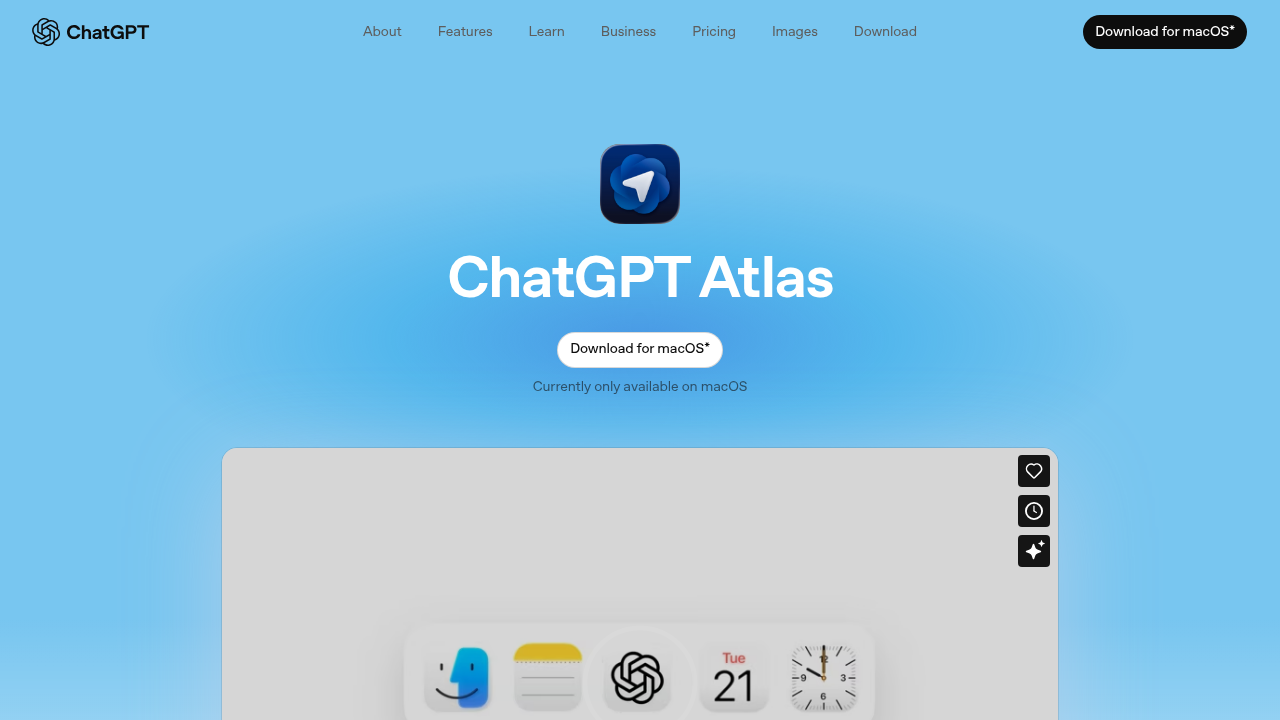
Atlas includes agent mode for Plus, Pro, and Business users. This lets ChatGPT research topics, analyze information, automate tasks, and plan events while you browse. You can ask ChatGPT to complete actions on the current page without switching tabs.
Browser memories store context from your visits, so you can ask questions like "Find the job postings I viewed last week" and get results from stored history. Your ChatGPT conversation history syncs too, letting the assistant reference past chats.
Atlas runs on macOS across Free, Plus, Pro, and Go tiers.
Why Consider ChatGPT Atlas Alternatives?
Atlas locks you into macOS-only access, requires abandoning your current browser setup, and restricts agent features behind $20-$200/month subscriptions. Without a paid tier, Atlas feels restricted compared to competitors offering more features free.
Atlas only runs on macOS right now. No Windows, Linux, or mobile support exists yet, creating barriers for teams using mixed operating systems. The browser requires abandoning Chrome entirely and migrating all bookmarks, extensions, passwords, and workflows. The sidebar UI permanently shrinks your browsing window, reducing screen space.
Atlas locks into OpenAI's models exclusively, preventing users from choosing different AI providers. The browser has faced security vulnerabilities, including the "Tainted Memories" prompt injection attack disclosed by LayerX Security in October 2025.
Atlas optimizes for consumer errands like grocery shopping and flight booking rather than professional work. Teams requiring cross-tool automation for CRM updates, candidate research, or Jira triage often need alternatives supporting professional knowledge work.
Best ChatGPT Atlas Alternatives: Composite
Composite is a browser-agnostic Chrome extension that turns your existing browser into an intelligent automation layer. It works inside Chrome, Edge, or Brave, executing tasks locally on your device.
Core Strengths
- Works in Your Existing Browser - No migration required. Keep all your bookmarks, extensions, passwords, and workflows intact.
- Local-First Execution - All actions run directly on your device using your existing logged-in sessions. No API keys, OAuth, or credential data sent intentionally to external servers.
- Multi-Model Intelligence - Routes tasks between OpenAI, Anthropic, and open-source models, selecting the best model for each job to balance speed and capability.
- True Multi-Threading - Pro users run up to 5 concurrent workflow threads simultaneously, handling complex operations that require parallel execution.
- Proactive Task Detection - Learns your work patterns, detects repetitive tasks, and suggests automation before you ask.
Key Advantages
- Cross-platform support for Windows, macOS, and Linux through any Chromium browser
- Professional workflow focus: CRM updates, candidate research, project management syncing, report generation
- Generated reports organize information retrieval results into structured summaries
- "@" mentions let you reference specific tabs and files inline for precise context
- File upload support for images, PDFs, CSVs, code files, and markdown
- Site-specific hints accelerate performance on complex tools like Google Sheets and Salesforce
Bottom Line
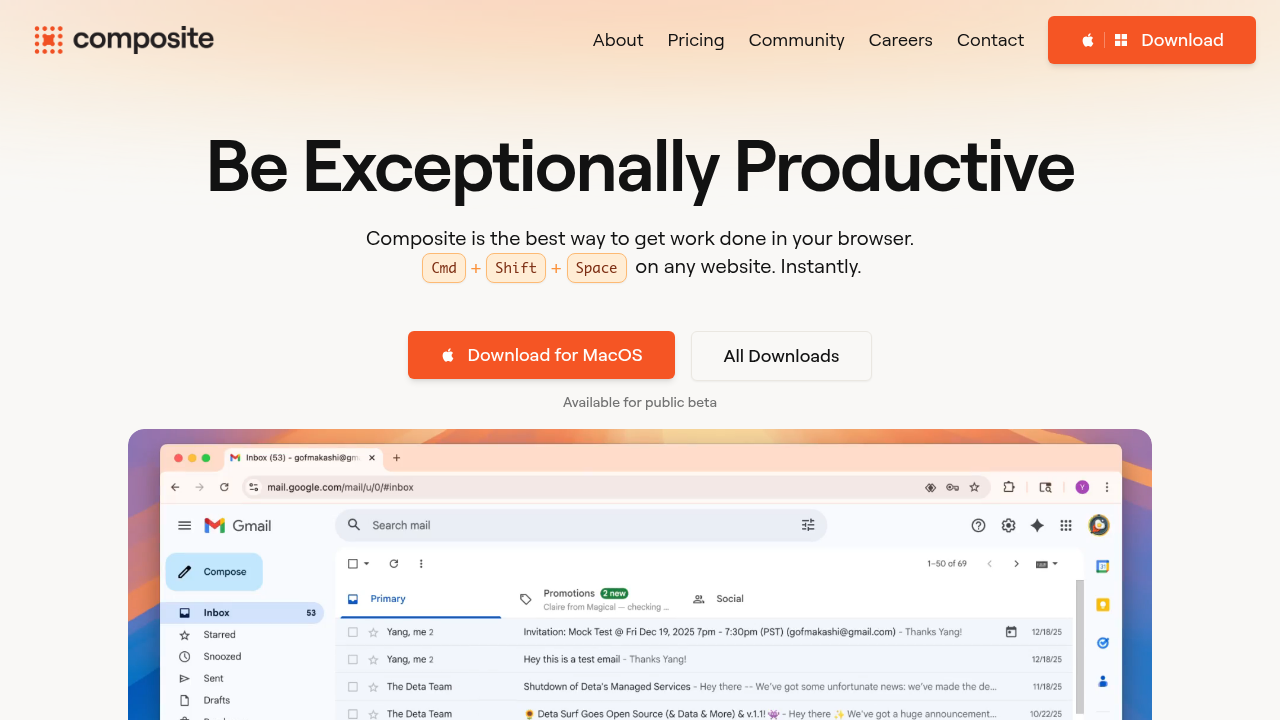
Composite delivers production-ready browser automation for professional teams who need to eliminate repetitive work across their entire SaaS stack. Sales teams updating CRMs, recruiters researching candidates, product managers syncing project trackers, and operations professionals managing cross-tool workflows get the most value. Press Cmd/Ctrl + Shift + Space on any website. Describe what you need in plain English. Composite executes the full workflow across multiple tabs and sites. It opens tabs, clicks buttons, types text, navigates between tools, and delivers results.
Perplexity Comet
Comet is Perplexity's free Chromium-based browser with built-in AI search and basic automation capabilities. It works on macOS and Windows with mobile versions rolling out. The browser combines traditional search results with AI-powered answers through Perplexity's integrated search engine.
Key Features
- Free agentic browser with no paid subscription required for basic AI assistance
- Built-in Perplexity search combines traditional results with AI-generated answers in one interface
- Form filling and shopping automation through natural language commands
- Cross-platform support for macOS, Windows, with iOS and Android versions launching
- Pro subscribers can toggle between Claude Opus 3.5 and Sonnet 3.5 models
Limitations
- Requires switching from your current browser and migrating all bookmarks, extensions, and passwords
- No multi-tab orchestration or cross-site workflow automation for professional tasks
- Limited to consumer-focused activities like research, shopping, and content summarization
- Cannot handle enterprise workflows like CRM updates, project management syncing, or candidate outreach
- No local execution option—all processing happens through Perplexity's cloud servers
Bottom Line
Best for power users and researchers who want free AI-assisted browsing for personal tasks like product research, content summarization, and general web searches. Students, casual shoppers, and individual knowledge workers exploring AI browsers will find value, but professional teams needing cross-tool automation, compliance-sensitive data handling, or business process workflows should look elsewhere.
Claude for Chrome
Claude for Chrome is Anthropic's official Chrome extension that adds AI assistance directly to your browser through a sidebar interface. It requires a Claude Pro subscription ($20/month) for full features. The extension focuses on page summarization, content analysis, and conversational assistance while you browse.
Key Features
- Native Chrome extension works in your existing browser without requiring migration
- Page summarization and content analysis for active tabs and PDFs
- Conversational AI assistance for writing, research, and question-answering tasks
- Code assistance and technical documentation help for developers
- Integrates with Claude's full model capabilities including Claude 3.5 Sonnet and Opus
Limitations
- Requires $20/month Claude Pro subscription for unlimited usage and advanced features
- Locked into Anthropic's models exclusively with no multi-provider routing
- No multi-tab orchestration or cross-site workflow automation capabilities
- Cannot execute actions like clicking buttons, filling forms, or navigating between sites
- Primarily reactive assistance rather than proactive task detection or completion
Bottom Line
Best for developers, writers, and researchers who already use Claude and want quick access to AI assistance while browsing. Software engineers reviewing documentation, content creators drafting copy, and students analyzing research papers will benefit most. Teams needing automated workflows across multiple tools should consider browser automation platforms instead.
HARPA AI
HARPA AI is a Chrome extension that connects multiple AI providers (ChatGPT, Claude, Gemini, Perplexity) with web automation capabilities. The extension reads pages, navigates sites, extracts data, and triggers automation chains for tasks like copywriting, form filling, and competitor tracking. It costs $12/month for the premium plan with advanced automation features.
Key Features
- Multi-provider AI support including OpenAI, Anthropic, Google, DeepSeek, and Meta models
- Web automation handles page reading, element clicking, data extraction, and workflow chains
- Teach & Repeat feature watches you complete a task once, then replicates it across sites
- Parallel task execution runs up to 10 tasks simultaneously with website monitoring
- Marketing-focused tools for SEO audits, keyword extraction, price tracking, and content generation
Limitations
- Requires limiting simultaneous automations in settings to prevent CPU usage spikes
- No true multi-tab orchestration or deep cross-site workflow chaining capabilities
- Cloud-dependent architecture raises compliance concerns for enterprise teams handling sensitive data
- Automation stays surface-level compared to platforms built for complex professional workflows
- No proactive task detection or intelligent suggestions based on browsing patterns
Bottom Line
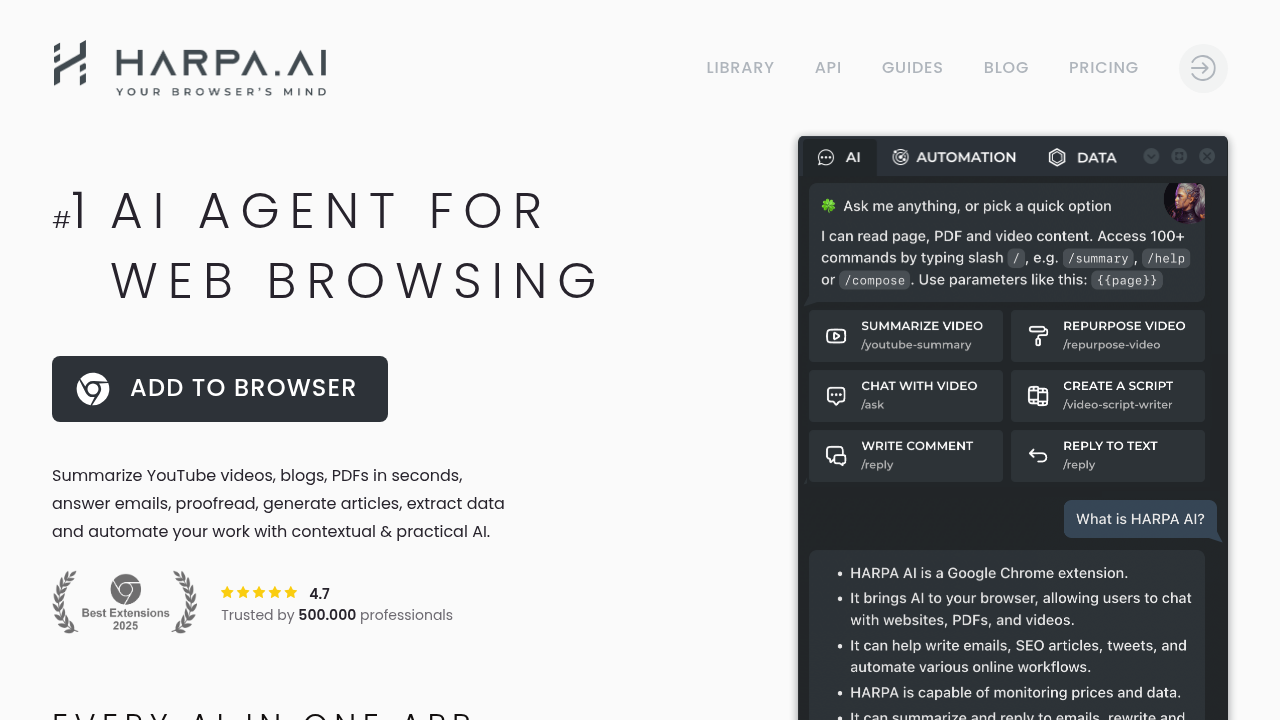
Best for marketing professionals, SEO specialists, and content creators needing web monitoring, copywriting assistance, and data extraction at budget-friendly pricing. Solo marketers, small agency teams, and freelancers managing multiple client sites will find the most value. Enterprise teams requiring deep CRM integration, compliance-grade data handling, or sophisticated multi-tool automation should explore purpose-built productivity platforms instead.
Pricing Comparison: ChatGPT Atlas vs Alternatives
Pricing varies across AI browser tools. Free tiers offer basic assistance, while agent features requiring automation across sites typically need paid plans.
Product | Starting Price | Agent Features Access | Free Tier Available | Best For |
|---|---|---|---|---|
ChatGPT Atlas | $20/month (Plus tier required for agent features) | Plus ($20/mo), Pro ($200/mo), and Business tiers only | Yes, but limited sidebar access without automation | Individual ChatGPT users on macOS doing consumer tasks |
Composite | Contact for pricing (included in all plans) | Included in all plans with Pro offering 5 concurrent threads | Trial available | Professional teams automating CRM, recruiting, project management |
Perplexity Comet | Free | Basic automation free, Pro unlocks Claude Opus 3.5 | Yes, full AI assistance included | Power users and researchers doing personal tasks |
Claude for Chrome | $20/month (Claude Pro required for full features) | Limited to page analysis, no true automation | Basic access with limited usage | Developers and writers needing AI while browsing |
HARPA AI | $12/month for premium automation features | Premium plan unlocks parallel execution and advanced chains | Yes, with basic automation capabilities | Marketing professionals and SEO specialists |
Why Composite is the Best ChatGPT Atlas Alternative
Atlas works for individual ChatGPT users focused on consumer tasks like shopping and recipe management, especially those already paying for ChatGPT Plus or Pro. Composite is the better choice for professional teams needing production-ready automation across their entire SaaS stack.
Composite fixes what Atlas gets wrong. You keep your existing browser instead of migrating everything to a new one. Windows, macOS, and Linux teams all get support instead of macOS-only access.
Atlas locks you into OpenAI models. Composite routes between OpenAI, Anthropic, and open-source models based on what each task needs. The Spotlight overlay preserves your full screen versus Atlas's permanent sidebar. You get up to 5 concurrent threads for complex workflows that Atlas can't handle simultaneously.
We built Composite for knowledge workers buried in repetitive browser work.
Final Thoughts on AI Browser Automation
The right AI browser tool depends on what you actually need to automate. If you're looking at ChatGPT Atlas alternatives, Composite gives you browser-agnostic support, local execution for security, and multi-model routing without forcing you to migrate to a new browser. You get real automation across CRM systems, project management tools, and recruiting workflows instead of just help with shopping and recipes. Talk to our team if you want to see Composite handle your specific workflows.
FAQ
Why should you consider alternatives to ChatGPT Atlas?
Atlas requires switching browsers entirely and abandoning your Chrome setup, works only on macOS, and locks you into OpenAI's models exclusively. Teams needing Windows or Linux support, cross-tool automation for professional workflows, or multi-model routing will find Atlas limiting.
What should you prioritize when comparing AI browser alternatives?
Focus on whether the tool works in your existing browser, supports your operating system, executes tasks locally for security, and handles multi-step workflows across different sites. Professional teams should verify the tool supports CRM updates, project management, and recruiting tasks rather than just consumer errands.
When does switching from Atlas to Composite make sense?
Switch when you need to run tasks on Windows or Linux, want to keep your existing Chrome setup with all bookmarks and extensions, require concurrent multi-threading for complex workflows, or need cross-tool automation that works locally on your device instead of cloud servers.
Can browser extensions like Composite match standalone browsers for automation?
Yes—Composite runs in your existing Chrome, Edge, or Brave browser and handles multi-tab orchestration, cross-site workflows, and up to 5 concurrent threads. Extensions avoid the migration friction of standalone browsers while delivering production-ready automation for professional work.
What's the main difference between Atlas and Composite for professional work?
Atlas optimizes for consumer tasks like shopping and recipe management with a permanent sidebar that shrinks your screen. Composite targets professional knowledge work with a lightweight Spotlight overlay, multi-model routing, proactive task suggestions, and local execution for CRM, recruiting, and project management workflows.