Top Browser Agents for Product Managers (March 2026 Update)
Product managers spend 52% of their time on unplanned activities, and project management automation through browser agents could reclaim those hours. The problem is that half the options force you to migrate browsers completely, while the other half lock you into single ecosystems or single AI models. We ranked six browser agents on cross-tool coverage, local execution, security controls, and setup time to show you which ones actually deliver on the promise without disrupting your workflow.
TLDR:
- Browser agents automate repetitive PM tasks across tools like Jira, Notion, and Slack without API setup.
- Composite executes locally in your existing browser with SOC-2 compliance and zero data retention.
- 62% of a PM's workday goes to mundane tasks that browser agents can handle automatically.
- Most competing agents require browser migration or lock you into single ecosystems like Google Workspace.
- Composite learns your workflow patterns and proactively suggests automations before you ask.
What Are Browser Agents for Product Managers?
Browser agents are AI-powered tools that run inside your web browser and automate the repetitive tasks that eat up your day. For product managers, that means work like copying data between Jira and Notion, pulling metrics from analytics dashboards, drafting status updates, and researching customer feedback across multiple tabs.
The numbers tell the story. Research shows that product managers spend 52% of their time on unplanned activities, and 62% of the workday goes to mundane, recurring tasks. Browser agents reclaim that time by executing multi-step workflows across any website you already use.
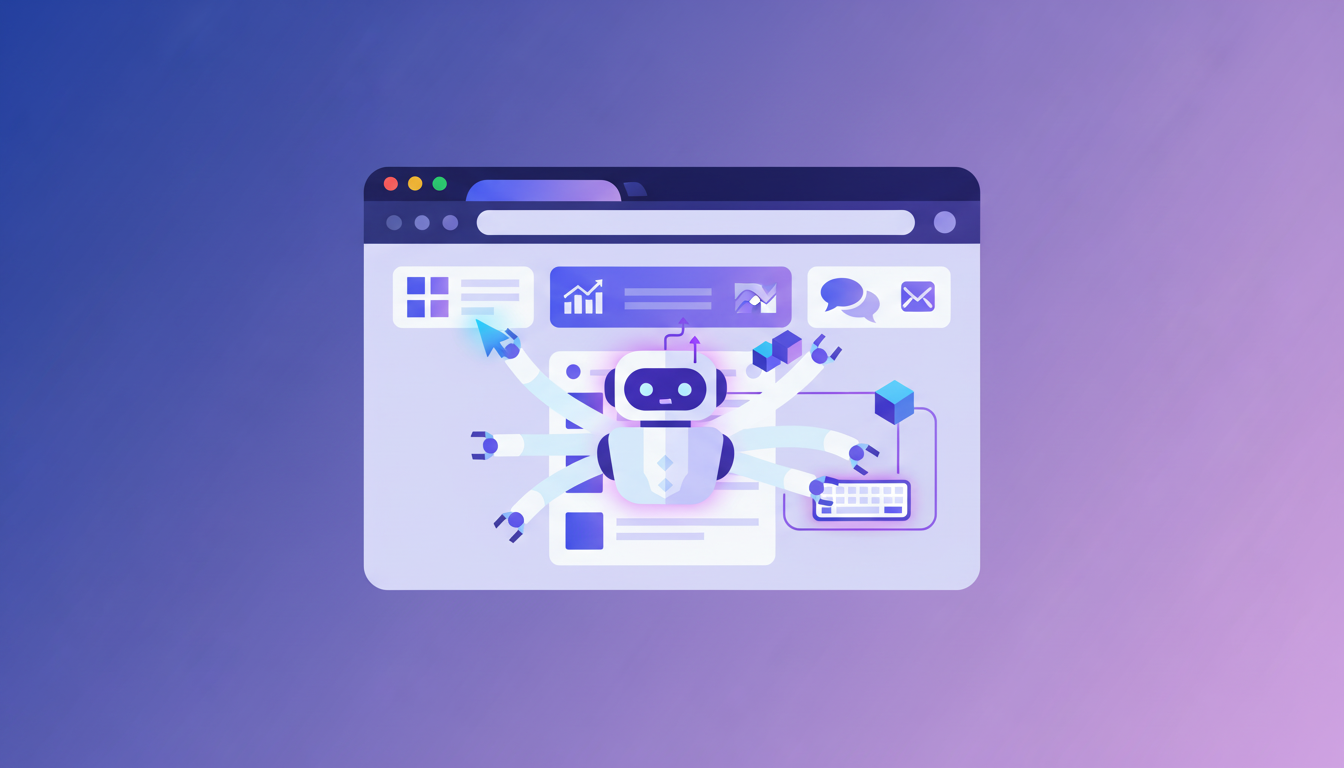
You describe a task in plain English, and the agent clicks, types, and moves through your browser to complete it. No API setup, no new tools to learn.
How We Ranked Browser Agents for Product Managers
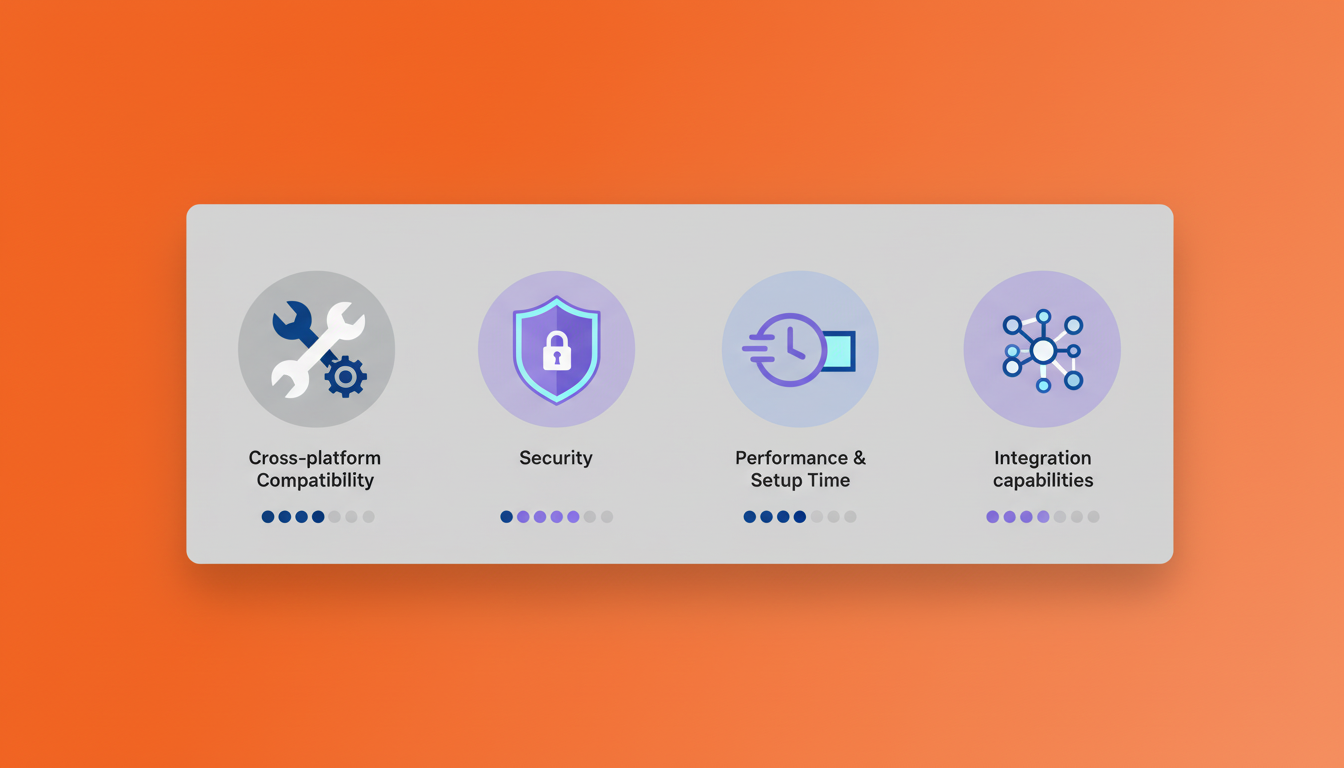
We ranked browser agents on factors specific to product manager workflows. Cross-tool coverage came first since PMs need agents that work across multiple PM tools without API setup. Execution method matters because local browser execution avoids security flags and credential headaches that cloud agents create.
We focused on automation depth over single-click actions. Real value comes from multi-step workflows. Setup time separated browser extensions (seconds to install) from dedicated browsers (migration required). Security requirements included zero data retention, SOC-2 compliance, and admin controls. Model flexibility won over single-LLM systems since different tasks need different models.
Best Overall Browser Agent for Product Managers: Composite
Composite is a browser extension that works inside Chrome, Edge, and Brave without requiring browser migration. You invoke it with Cmd/Ctrl+Shift+Space, describe a task in plain English, and it executes click-by-click sequences across any website in real time.
Key features include local-first execution that runs actions directly on your device using your existing logged-in browser sessions, multi-model architecture that routes between fast open-source models and larger vision models for optimal speed and accuracy, proactive task detection that learns your patterns and suggests automations before you ask, multi-threading that allows Pro users to run up to 5 concurrent threads simultaneously, and generated reports with @ mentions for referencing specific tabs and files inline.
Good for product managers who need to automate project tracker updates, triage Jira backlogs, synthesize cross-tool research reports, and draft status communications without migrating browsers or disrupting existing workflows. Composite executes locally with zero data retention with AI subvendors and SOC-2 Type 2 compliance for enterprise-grade security.
Gemini in Chrome
Google's AI integration in Chrome provides agentic capabilities through a sidebar interface that adds AI features directly to Chrome.
The Auto Browse feature handles agentic task execution, though it requires a Google AI Pro or Ultra subscription. Connected Apps integration works with Google Workspace tools including Gmail, Calendar, Maps, Shopping, Flights, and YouTube. The sidebar AI interface runs exclusively on Google's Gemini models. Auto Browse features are only available to U.S. users.
Good for teams already deeply embedded in Google Workspace who primarily need automation within Google's ecosystem and are comfortable with U.S.-only geographic restrictions.
Limitation: Connected Apps only work with Google's own ecosystem and cannot integrate with professional tools like Jira, Notion, Slack, LinkedIn, or Salesforce without API connectors. The sidebar permanently shrinks your browsing window, and Auto Browse is limited to U.S. users with paid subscriptions. All browsing data and context is sent to Google's servers for processing.
Claude in Chrome
Anthropic's browser extension adds Claude's AI to Chrome through a sidebar that needs a paid Claude subscription.
The extension lets you record workflows to teach Claude repeatable tasks, with access to different Claude models based on your subscription tier. Pro users get Haiku 4.5, while Sonnet and Opus require a Max subscription at $100+ per month. The tool only works in Chrome and locks you into Anthropic's models with no option to route between AI providers.
Teams already using Claude for documentation and writing can access that same AI while browsing, though they'll need to budget for Pro or Max subscriptions.
The workflow recording requires you to teach it tasks reactively instead of working proactively. All processing happens on Anthropic's servers instead of locally on your browser.
Dia Browser
The Browser Company's Dia is a standalone browser acquired by Atlassian for $610M that needs full migration from your current setup.
Dia runs only on macOS (M1+ required, still in beta) with AI chat, writing, learning, and shopping features. The Skills feature offers prompt shortcuts for common tasks. Atlassian integrations with Jira and Linear are coming but not yet available.
Works for macOS users who want consumer AI browsing for chat and shopping and can handle beta software.
Limitation: Full browser migration required from Chrome (bookmarks, extensions, logins, IT approval). macOS-only with no Windows version. Agentic features are early-stage, not production-ready. No extension support or deep customization. Atlassian integrations still in development.
Dia targets consumer tasks, not professional automation. Composite runs as an extension on your existing browser with no migration, SOC-2 Type 2 compliance, and production-ready automation for PM workflows.
Perplexity Comet
Perplexity's Comet is a standalone browser that requires full migration and targets consumer tasks like shopping and travel instead of professional work.
The agent mode handles shopping, travel booking, and inbox management, with cross-device availability on desktop, Android, and iOS. Free access is available, with Perplexity Pro and Max subscription tiers. All processing runs on Perplexity's own search engine and models.
Good for consumers who want automated help with personal errands and are willing to migrate browsers for these consumer-focused use cases.
Limitation: Requires complete browser migration from Chrome with all the workflow disruption that brings. Amazon has sued Perplexity over Comet's automated shopping behavior. Agent mode runs slower than manual browsing and consumes heavy resources (users report 21GB+ storage). Missing enterprise security controls like website blocklists, admin restrictions, and SOC-2 compliance.
Comet handles consumer errands, but Composite is purpose-built for professional PM workflows with local execution, zero data retention, and enterprise controls.
ChatGPT Atlas
OpenAI's Atlas is a standalone Chromium-based browser that requires full migration from Chrome and runs macOS-only. Agent mode handles multi-step autonomous tasks, with memory and file recall through a sidebar UI. Most features require ChatGPT Plus ($20/month) or Pro ($200/month) subscriptions. The browser locks you into OpenAI's models exclusively with no multi-model routing.
Good for macOS users with ChatGPT Plus or Pro who want consumer-focused automation like grocery shopping and flight booking.
Limitations include browser migration disruption (bookmarks, extensions, passwords, IT approval), macOS-only availability with no Windows support, feature paywalls behind expensive subscriptions, and a sidebar that permanently shrinks your browsing window.
Feature Comparison Table of Browser Agents for Product Managers
Here's how the six browser agents stack up on the features that matter most for product manager workflows:
Feature | Composite | Gemini in Chrome | Claude in Chrome | Dia Browser | Perplexity Comet | ChatGPT Atlas |
|---|---|---|---|---|---|---|
Works in existing browser | Yes | Yes | Yes | No | No | No |
Local execution | Yes | No | No | No | No | No |
Cross-tool integration | Yes | Google only | No | No | No | No |
Proactive automation | Yes | No | No | No | No | No |
Multi-model routing | Yes | No | No | No | No | No |
Enterprise security controls | Yes | Limited | Limited | No | No | No |
Windows support | Yes | Yes | Yes | No | Yes | No |
Multi-threading | Yes | No | No | No | No | No |
Free tier available | Yes | No | No | Yes | Yes | Yes |
Professional workflow focus | Yes | No | No | No | No | No |
Composite stands out by executing actions locally on your own browser while offering zero data retention with AI subvendors and SOC-2 Type 2 compliance. Most competing browser agents require uploading data to external servers or switching to proprietary browsers. For product managers juggling multiple tools daily, the ability to automate workflows across different SaaS applications from one interface reduces context switching and saves hours per week.
Why Composite Is the Best Browser Agent for Product Managers
Composite works as an extension on Chrome, Edge, and Brave, so you don't lose bookmarks, logins, or extensions. Every other agent in this list either locks you into a single ecosystem or forces you to migrate browsers entirely.
Product managers need automation that spans Jira, Notion, Slack, Salesforce, and internal dashboards. Composite executes across any website without API connectors. Gemini only works with Google Workspace. Claude and the standalone browsers can't bridge your tools together.
We execute actions locally on your device with zero data retention and SOC-2 Type 2 compliance. Your IT team can approve Composite in hours, not months. Cloud-based agents send your data to external servers and trigger security reviews.
Composite learns your repetitive workflows and suggests automations before you ask. We use multi-model routing to match the right AI model to each task, balancing speed and intelligence. You're never locked into a single vendor's models.
Final Thoughts on Browser Agent Tools for PMs
Choosing project management automation comes down to whether you need consumer features or professional workflow coverage. Product managers need tools that work across their entire software stack without API setup or browser migration. Composite runs locally on your existing browser with zero setup friction and enterprise security that passes IT review in hours.
FAQ
Which browser agent is best for product managers who need cross-tool automation?
Composite is the best choice because it works across any website (Jira, Notion, Slack, Salesforce, analytics tools) without API setup, while alternatives like Gemini only automate within their own ecosystems or require complex integrations.
How do I choose between a browser extension and a standalone AI browser?
Choose a browser extension like Composite if you want instant setup without losing bookmarks, logins, or IT approval delays. Standalone browsers like Dia, Comet, or Atlas force complete migration and only make sense if their specific features warrant that disruption.
Can browser agents run multiple automation tasks at the same time?
Composite Pro users can run up to 5 concurrent threads simultaneously, letting you triage Jira tickets while pulling analytics reports and drafting status updates. Most other browser agents process tasks sequentially, which slows down workflows.
Which browser agent works best for teams with strict security requirements?
Composite executes actions locally on your device with zero data retention and SOC-2 Type 2 compliance, making IT approval fast. Cloud-based agents like Gemini in Chrome and Claude send your data to external servers, triggering longer security reviews.
When should product managers consider using a browser agent instead of manual work?
If you spend more than a few hours per week copying data between tools, drafting repetitive status updates, or pulling reports from multiple dashboards, a browser agent like Composite will reclaim that time for strategic work.