8 Best Web Browser Automation Tools for March 2026
Your current browser automation setup probably breaks every few weeks when a website updates. You're either maintaining scripts that target specific CSS selectors, or you're just doing everything manually because automation feels like more trouble than it's worth. The category has shifted toward tools that adapt to layout changes automatically and accept instructions in conversational language instead of code. We'll walk through how different browser automation tools handle the specific challenges you're facing, from local execution that avoids anti-bot detection to AI agents that self-heal when pages change.
TLDR:
- Browser automation tools eliminate repetitive tasks that consume 62% of knowledge workers' days
- Code-based frameworks like Selenium offer control but break when websites update
- AI-powered agents adapt to website changes and understand plain language instructions
- Local execution avoids security blocks by running in your existing logged-in browser sessions
- Composite automates cross-tool workflows in Chrome/Edge/Brave with Cmd/Ctrl + Shift + Space
What Is Web Browser Automation
Web browser automation programs software to perform repetitive browser tasks without human intervention. Instead of manually clicking buttons, filling forms, or moving between pages, you set up rules or instructions that handle these actions for you.
Traditional browser automation relies on predefined scripts. You write code that tells the software exactly which button to click, which field to fill, and in what order. These scripts work well for stable workflows, but break when websites update their layouts or change element identifiers.
AI-powered browser automation takes a different approach. These tools understand tasks described in plain language and adapt to website changes automatically. The shift from script-based to AI-driven automation removes the maintenance burden while handling multi-step workflows that span multiple web apps.
Why Knowledge Workers Need Browser Automation Tools in 2026
Knowledge workers lose more than 62% of their workday to mundane, recurring tasks. Sales teams copy prospect data from LinkedIn into CRMs. Recruiters manually update applicant tracking systems after reviewing candidates across job boards. Product managers sync status updates between Jira, Notion, and Slack multiple times daily.
Browser automation reclaims that time by handling repetitive sequences automatically. The value goes beyond saving minutes. It's redirecting mental energy from rote clicking to work that moves your business forward.
Categories of Browser Automation Tools
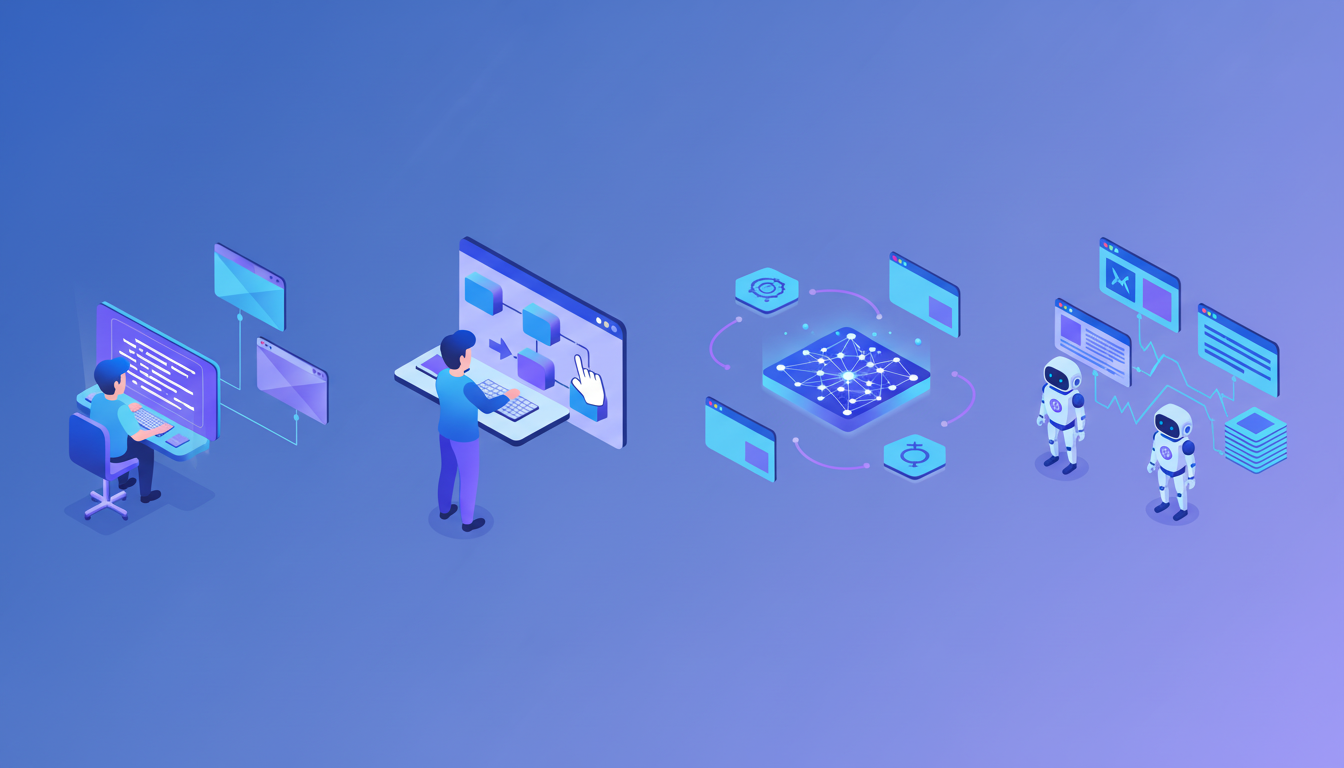
Browser automation tools fall into distinct categories based on technical requirements and use cases. Choosing the right type depends on your coding ability, workflow complexity, and whether you're building tests or automating daily work.
Code-Based Frameworks
Selenium, Playwright, and Puppeteer require programming knowledge but offer maximum control. Developers write scripts in Python, JavaScript, or other languages to control browser actions. These frameworks excel at custom integrations and complex logic but demand ongoing maintenance when websites change.
No-Code Automation Builders
Tools like Axiom and Browser Automation Studio let you record workflows or build automations through visual interfaces. You click through a task once, and the tool captures the sequence for replay. These work well for straightforward, repetitive tasks without requiring developer resources.
AI-Powered Agents
The newest category understands natural language instructions and adapts to website changes without reprogramming. These AI agents figure out the steps needed to complete your tasks. You describe what you need done, and the agent figures out the steps. This category bridges the gap between technical frameworks and business user needs.
RPA and Testing Tools
RPA solutions automate enterprise processes across multiple systems, while testing frameworks focus on quality assurance workflows. Both serve specialized needs but typically require IT involvement to deploy and maintain.
Key Features to Look for in Browser Automation Tools
The right browser automation tool depends on your specific workflows and technical constraints. Check options against these criteria before committing.
Execution Environment
Local execution runs automation directly in your browser, using your existing logged-in sessions. This avoids website blocking, simplifies authentication, and solves data privacy concerns. Cloud-based tools execute in remote environments, which can trigger security alerts and get flagged by anti-bot systems.
Adaptability to Change
Static scripts break when websites update. Look for tools that handle layout changes without manual intervention. AI-powered options adjust automatically, while traditional frameworks require developer time to fix broken selectors.
Concurrency and Speed
Can the tool run multiple tasks simultaneously? Multi-threading matters when you need to process bulk actions or work across several tabs at once. Check whether you can parallelize steps within a single workflow.
Integration Flexibility
Cross-browser compatibility matters if your team uses different browsers. Verify the tool works with Chrome, Edge, Firefox, or whatever your organization standardizes on. Check whether it connects to your existing tech stack without requiring API credentials or complex setup.
Security Controls
Review data handling practices, compliance certifications, and whether you can restrict which websites the tool accesses. For industries with strict compliance requirements, local execution and minimal data transmission often simplify approval processes.
8 Best Web Browser Automation Tools for March 2026
Selenium remains the most widely adopted open-source framework, supporting multiple languages and browsers. Playwright offers faster execution and better reliability for web apps. Puppeteer provides straightforward Node.js control of Chromium browsers. All three require coding skills but give developers granular control over browser actions.
Axiom lets you build automations through point-and-click recording without writing code. Browser Automation Studio combines visual workflow building with scripting options. Automa works as a Chrome extension for quick task recording and replay.
Composite works inside your existing Chrome, Edge, or Brave browser. Invoke it with Cmd/Ctrl + Shift + Space, describe your task, and it executes multi-step workflows across any website using your logged-in sessions.
Cypress specializes in front-end testing with real-time reloading and debugging. TestCafe runs tests without browser plugins. Both target QA teams building automated test suites.
UiPath offers enterprise RPA capabilities with browser automation as part of broader process automation. Katalon Studio combines web, API, and mobile testing in a single suite. Ranorex Studio provides codeless test automation with object recognition.
Zapier's Chrome extension automates web tasks as part of multi-app workflows. PhantomBuster specializes in data extraction and social media automation. BrowserStack Automate runs tests across 3,000+ real browsers and devices for cross-browser validation.
Tool | Execution Type | Technical Requirements | Primary Use Case | Key Differentiator |
|---|---|---|---|---|
Selenium | Local or cloud | Coding required (Python, Java, JavaScript, etc.) | Testing and custom automation | Most widely adopted open-source framework with multi-language support |
Playwright | Local or cloud | Coding required (Node.js, Python, .NET) | Testing and web scraping | Faster execution and better reliability for modern web apps |
Puppeteer | Local or cloud | Coding required (Node.js) | Chrome automation and scraping | Straightforward Chromium control with active Google maintenance |
Axiom | Cloud-based | No coding required | Repetitive business tasks | Point-and-click recording with visual workflow builder |
Composite | Local execution | No coding required (natural language) | Cross-tool workflow automation | Works in existing browser with Cmd/Ctrl + Shift + Space activation, uses logged-in sessions |
Cypress | Local | Coding required (JavaScript) | Front-end testing | Real-time reloading and debugging for QA teams |
UiPath | Cloud or on-premise | Low-code configuration | Enterprise RPA | Broader process automation beyond browser tasks |
Zapier Chrome Extension | Cloud-based | No coding required | Multi-app workflows | Integrates web tasks with 5,000+ app connections |
Open Source vs Commercial Browser Automation Solutions
Open-source frameworks like Selenium and Playwright cost nothing upfront but require developer time for setup, maintenance, and troubleshooting. Every website update can break scripts. Community forums provide answers, but you're responsible for fixes.
Commercial tools bundle support, regular updates, and user interfaces that reduce technical debt. You pay subscription fees but avoid hiring specialists to maintain custom scripts. The automation testing market grew to reflect enterprise willingness to pay for reduced maintenance overhead.
Choose open source when you have engineering resources and need customization. Pick commercial solutions when speed to value and ongoing support matter more than licensing costs.
How AI Is Changing Browser Automation
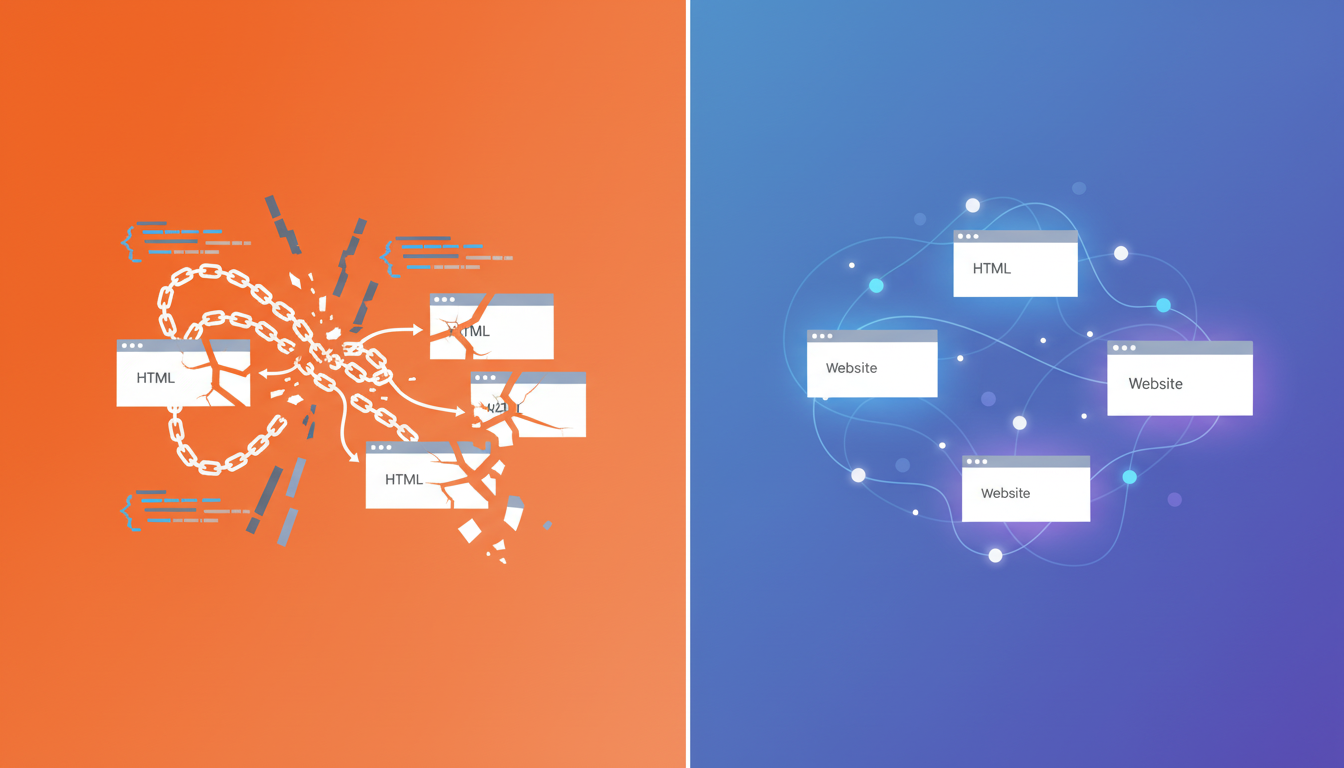
Traditional browser automation relies on CSS selectors and XPath expressions that target specific page elements. Change a button's ID or rearrange a form, and the script breaks. Maintenance time often exceeds the value the automation provides.
AI models interpret page structure through visual context and semantic meaning instead of fragile HTML attributes. When a website redesigns its interface, AI-powered tools continue functioning without manual updates. This self-healing behavior removes the constant script maintenance that burdens traditional frameworks.
Natural language input eliminates coding requirements. You describe what you need in plain English, and the AI plans the sequence of clicks, form fills, and navigation steps needed to complete the task.
AI-powered browser automation is growing 65% year-over-year as professionals replace manual Chrome extensions with agentic automation.
Browser Automation for Testing vs Workflow Automation
Testing automation validates that software works correctly. Developers and QA teams write test suites that check whether buttons respond, forms submit properly, and pages render as expected. Tests run in controlled environments on schedules, catching bugs before code reaches production.
Workflow automation eliminates repetitive business tasks. Sales reps, recruiters, and operations teams automate data entry, cross-tool syncing, and research compilation during daily work. These automations run in live production environments using real accounts and current data.
Testing tools focus on repeatability and assertion capabilities. Workflow tools focus on ease of use and cross-application flexibility.
Security and Compliance Considerations
IT teams review browser automation tools because they handle sensitive credentials and customer data. The execution model determines your security posture. Cloud-based automation routes data through remote servers, creating questions about storage, access controls, and retention policies.
Local execution runs automation in your own browser without transmitting credentials or API keys. Actions occur on your machine using existing logged-in sessions, reducing exposure and simplifying audits.
SOC 2 Type 2 certification verifies ongoing security controls across time, not single-point audits. Industries with strict compliance requirements should confirm whether AI subvendors enforce zero data retention policies after processing requests, preventing downstream exposure.
Best Practices for Implementing Browser Automation
Start with workflows you perform at least three times per week. High-volume, repetitive tasks deliver immediate ROI and help you learn the tool before tackling complex processes. CRM updates, report generation, and data transfers between tools make ideal first candidates.
Build failure tolerance into your automations. Websites time out, pages load slowly, and content moves around. Set reasonable wait times, add retry logic, and configure notifications when tasks fail. Manual fallback procedures prevent blocked work when automations encounter unexpected conditions.
Monitor execution logs to catch patterns. Failed automations often signal website changes, authentication issues, or workflow assumptions that no longer hold. Regular review helps you fix small problems before they cascade.
Scale gradually by documenting what works. Share successful automations with adjacent teams who perform similar tasks. Start with individual contributors, expand to teams, then roll out organization-wide once you've refined error handling and confirmed security approval.
Common Challenges and How to Overcome Them
Website updates break scripts when element identifiers change. Static selectors target specific HTML attributes that disappear after redesigns. AI-powered tools bypass this by interpreting page structure semantically without relying on fragile identifiers.
Anti-bot systems flag cloud-based automation as suspicious traffic. Running automation locally in your own browser solves this. Your existing cookies, logged-in sessions, and browsing patterns look like normal human activity.
Authentication flows create friction when tools need separate API keys or OAuth tokens for each service. Browser-based execution uses your active sessions directly, skipping re-authentication entirely.
Content that loads asynchronously breaks timing assumptions. Add explicit wait conditions that pause until specific content appears. AI agents handle this natively by monitoring page state before acting.
How Composite Brings Professional-Grade Automation to Your Existing Browser
Composite works inside the Chrome, Edge, or Brave browser you already use. Press Cmd/Ctrl + Shift + Space, describe your task in plain English, and watch it execute across any website using your logged-in sessions. No browser migration, no API keys, no coding required.
Actions run locally on your device, not in remote cloud environments. This avoids website blocking, skips re-authentication, and simplifies security reviews. You get AI automation without transmitting credentials to third-party servers.
Unlike AI browsers, you keep your bookmarks, extensions, and IT-approved setup. Unlike traditional automation, you describe tasks in plain English instead of writing fragile scripts that break with every website update.
Composite learns your work patterns and suggests automations before you ask. It works across your entire SaaS stack without connectors, chaining actions from LinkedIn to your CRM to Slack in a single flow.
Final Thoughts on Modern Browser Automation
The right browser automation solution eliminates grunt work without requiring you to learn coding or switch browsers. Local execution means you skip re-authentication and avoid website blocking while keeping your data secure. Focus on automating your most repetitive tasks first, then build out from there as you get comfortable. Drop us a line if you want to discuss how Composite fits your specific use cases.
FAQ
How does AI-powered browser automation differ from traditional script-based tools?
Traditional automation breaks when websites update their layouts because it relies on fixed HTML selectors. AI-powered tools interpret page structure through visual context and semantic meaning, continuing to work after redesigns without manual script updates.
Can browser automation tools access websites that block bots?
Cloud-based automation often gets flagged by anti-bot systems because it runs in remote environments. Local execution runs directly in your own browser using your existing logged-in sessions, so websites see normal human activity patterns and don't trigger blocking mechanisms.
What's the fastest way to identify which tasks to automate first?
Start with workflows you perform at least three times per week. CRM updates, data transfers between tools, and report generation deliver immediate time savings. High-volume repetitive tasks help you learn the automation tool before tackling complex multi-step processes.
Do I need coding skills to use browser automation in 2026?
No-code tools like Axiom and Browser Automation Studio let you record workflows through visual interfaces. AI-powered agents like Composite accept plain English instructions and figure out the execution steps automatically, eliminating programming requirements entirely.
How do local-execution tools handle security and compliance requirements?
Local-execution tools run automation directly in your browser on your device without transmitting credentials to remote servers. This execution model simplifies IT security reviews, works with your existing logged-in sessions, and solves data privacy concerns for compliance-heavy industries.