What Are the Best Proactive AI Assistants for Browser Work in February 2026?
When you're moving data between your CRM, project tracker, and internal tools for the fifth time this week, you need something smarter than a chatbot that waits for instructions. Predictive automation tools watch your browsing patterns and surface workflow suggestions before you ask. The catch is most tools marketed this way still require you to initiate every task manually. We evaluated which assistants genuinely detect repetition versus which ones just respond faster when you prompt them.
TLDR:
- Proactive AI assistants detect repetitive browser tasks and automate them before you ask.
- Composite runs locally in Chrome/Edge/Brave using your logged-in sessions—no migration needed.
- Local execution passes IT security reviews; cloud alternatives get blocked by enterprises.
- Multi-model architecture avoids vendor lock-in unlike Gemini, Claude, or Atlas.
- Composite learns work patterns across any site; competitors require sidebars or chat prompts.
What Are Proactive AI Assistants for Browser Work?
Proactive AI assistants are browser-based tools that watch how you work, learn your patterns, and automate repetitive tasks across multiple websites. Unlike reactive chatbots that wait for you to type a prompt, these assistants anticipate what you need and suggest or complete actions before you ask.
Think of them as the next evolution of browser automation. Traditional extensions handle single-site functions like password management or ad blocking. Reactive AI chatbots answer questions when you prompt them. Proactive assistants go further by chaining multi-step workflows across your entire web-based stack, from your CRM to your project tracker to your email client.
The best ones detect when you're doing the same task repeatedly and offer to handle it for you. They execute sequences of clicks, form fills, and data transfers while you focus on work that requires human judgment.
How We Evaluated Proactive AI Assistants
We compared proactive AI assistants across five criteria based on publicly available product information and feature documentation.
First, proactive capabilities: can the tool detect repetitive patterns and suggest tasks without prompting, or does it only respond when you ask? Second, execution architecture: does it run locally in your existing browser or in a remote cloud environment that requires re-authentication and raises security concerns?
Third, cross-tool functionality: does it work across any website, or is it limited to a single ecosystem? Fourth, multi-model architecture: can it route tasks to different AI models for optimal speed and accuracy, or is it locked to one vendor? Fifth, enterprise readiness: does it include security controls like website blocklists, explicit confirmations for sensitive actions, and the ability to pass IT review?
Best Overall Proactive AI Assistant: Composite
Composite is the proactive AI assistant that works in your existing Chrome, Edge, or Brave browser and learns your workflows to suggest automations before you ask. Press Cmd/Ctrl+Shift+Space on any website, describe a task, and watch it execute multi-step sequences across tabs, forms, and sites using your logged-in sessions.
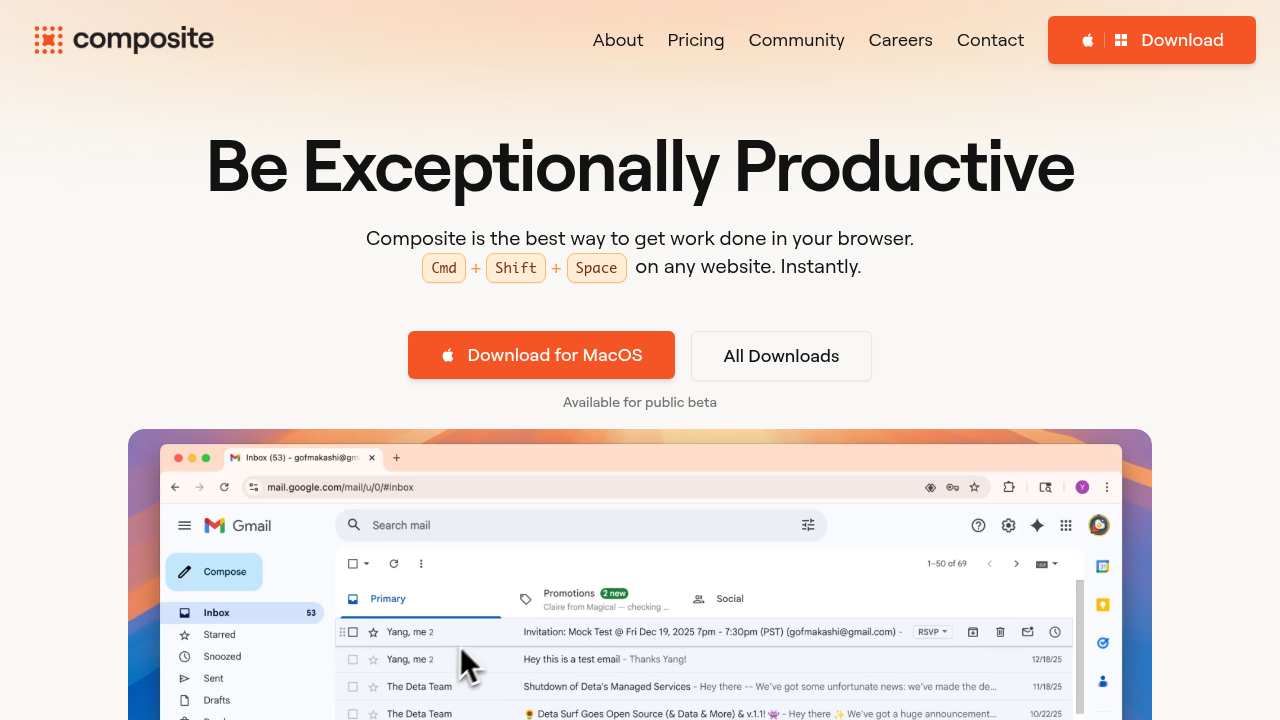
The key difference: Composite detects repetitive patterns across your browsing activity and proactively surfaces suggested workflows, rather than waiting for you to remember to automate. It runs locally on your device with no API keys required, routes intelligently between open-source and proprietary models to avoid vendor lock-in, and appears as a lightweight overlay, not a separate app or sidebar. The Pro plan supports up to 5 concurrent threads for parallel task execution.
Built for knowledge workers managing professional workflows: sales teams updating CRMs and researching prospects, recruiters cross-referencing candidates on LinkedIn while drafting outreach, product managers syncing trackers and querying data sources, security engineers pulling reports from internal tools without APIs, and operations teams migrating data between legacy systems.
Gemini in Chrome
Gemini in Chrome is Google's AI integration that adds a permanent sidebar to your browser. It includes Auto Browse for task automation, but that feature requires a Google AI Pro ($20/month) or AI Ultra ($250/month) subscription and only works for U.S. users.
The sidebar provides page summaries and content generation. Auto Browse handles multi-step tasks if you pay for it. Connected Apps link to Gmail, Calendar, Maps, Shopping, Flights, and YouTube. Gemini 3 processes text and images.
Auto Browse is paywalled and region-locked. Gemini only uses Google's models, while Composite routes between multiple AI providers. Connected Apps work exclusively in Google's ecosystem. Composite runs on any site including Jira, Notion, Slack, LinkedIn, Salesforce, and internal dashboards without API connectors. The sidebar reduces your browsing space. Composite uses a light overlay. Gemini processes browsing data on Google's servers, which creates security concerns for enterprises compared to Composite's local execution.
Claude in Chrome
Claude in Chrome is Anthropic's sidebar extension that needs a paid Claude subscription. Pro users at $20/month get only the smaller Haiku 4.5 model, while Sonnet or Opus access requires the Max plan at $100+ monthly. The sidebar approach reduces your browsing window.
The extension offers page summarization, content analysis, and workflow recording to teach Claude specific tasks. Access to Claude models varies by subscription tier, and the extension works only in Chrome.
Anthropic has documented significant prompt injection risks with an 11.2% attack success rate. The workflow recording feature is reactive, requiring manual teaching, while Composite detects repetitive patterns and suggests automations automatically.
Dia Browser
Dia is a standalone browser from The Browser Company (makers of Arc) that requires full migration from Chrome. Atlassian acquired it for $610M, but it remains macOS-only (M1+ required), still in beta, and designed for general consumers rather than professionals.
Dia provides AI-powered writing, learning, and shopping assistance through a sidebar interface. The "Skills" feature offers pre-built prompt shortcuts for chat and page interaction. Local data encryption and privacy controls are included.
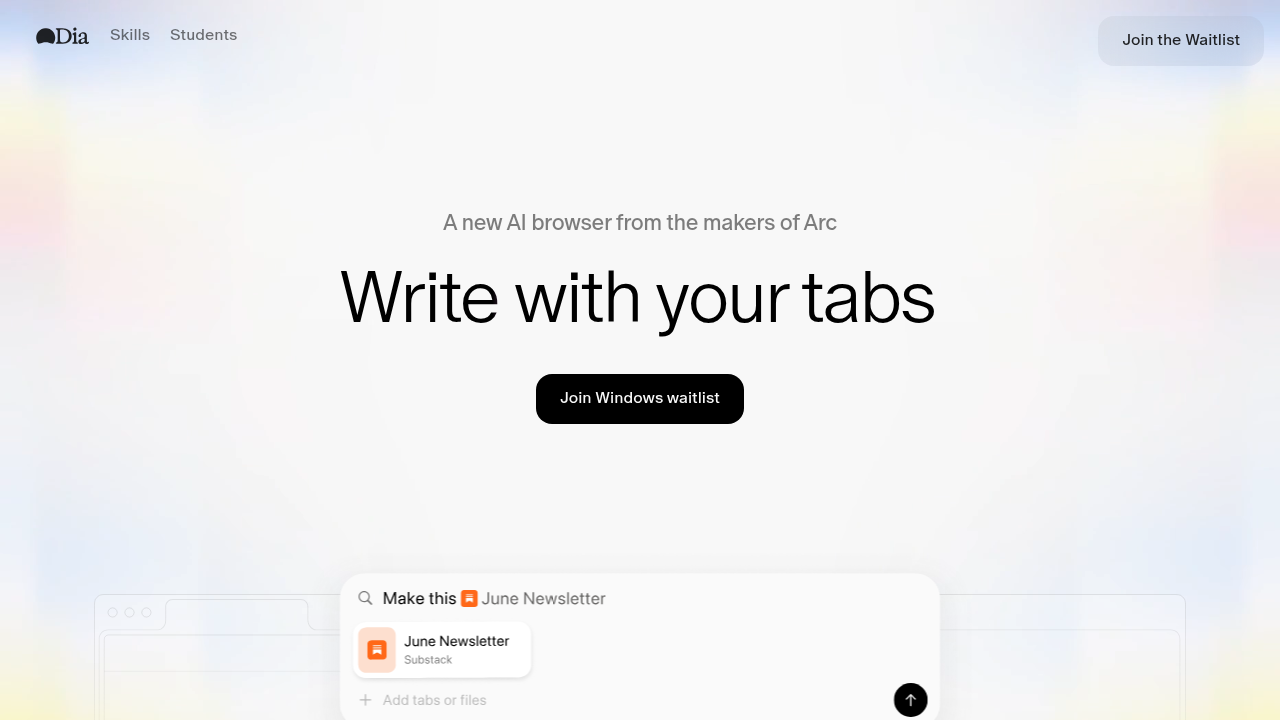
The migration barrier alone excludes most knowledge workers. You lose bookmarks, extensions, logins, and workflows. No Windows support exists. The AI features focus on chat, writing, and shopping, not professional automations like Jira triage, CRM updates, or cross-tool data migration.
For casual Arc users on macOS seeking lightweight AI chat, Dia works. For professional workflows requiring real automation, Composite delivers.
Perplexity Comet
Comet is a separate browser that requires full migration from Chrome. It's consumer-first, with primary use cases around shopping, travel planning, inbox management, and life logistics rather than professional workflows. Amazon has sued Perplexity over Comet's automated shopping behavior, the first legal challenge to agentic browser tech.
Comet offers autonomous task execution, shopping and travel automation, tab management, and agent mode for independent browsing. Good for consumers focused on personal errands who accept legal and privacy uncertainties.
Comet requires full browser migration, disrupting bookmarks, extensions, and logins. Users report 21GB+ storage consumption and slow agent mode. Comet's AI uses Perplexity's own models, creating vendor lock-in.
ChatGPT Atlas
Atlas is OpenAI's standalone browser requiring full migration from Chrome. Available only on macOS, agent mode sits behind ChatGPT Plus ($20/month) or Pro ($200/month). The browser launched October 21, 2025.
It offers native ChatGPT integration, autonomous agent mode for task execution, memory recall, and sidebar page summarization. Atlas is built for ChatGPT subscribers on macOS handling consumer tasks like shopping and travel booking.
Atlas locks you into OpenAI models only. The sidebar permanently reduces your browsing window. Atlas processes data through OpenAI's servers and has faced the "Tainted Memories" prompt injection vulnerability. Atlas can't parallelize tasks or multi-thread.
Feature Comparison Table of Proactive AI Assistants
Here's how the proactive AI assistants compare across key features:
Feature | Composite | Gemini in Chrome | Claude in Chrome | Dia Browser | Perplexity Comet | ChatGPT Atlas |
|---|---|---|---|---|---|---|
Proactive Task Detection | Yes | No | No | No | No | No |
Local Execution | Yes | No | No | Yes | No | No |
Works in Existing Browser | Yes | Yes | Yes | No | No | No |
Multi-Model Architecture | Yes | No | No | No | No | No |
Cross-Platform (Mac/Windows) | Yes | Yes | Yes | No | Yes | No |
Enterprise Security Controls | Yes | Limited | Limited | No | No | No |
Task Parallelization | Yes | No | No | No | No | No |
Full-Screen Preservation | Yes | No | No | No | No | No |
Works Across Any Website | Yes | Limited | Limited | Limited | Limited | Limited |
Free Tier Available | Yes | Limited | No | Yes | Yes | Limited |
Why Composite Is the Best Proactive AI Assistant for Browser Work
Composite learns your work patterns and suggests automations before you need to ask. Other assistants wait for typed commands or force you into sidebar chat interfaces.
The local-first execution model runs tasks on your device using your existing browser sessions. No cloud environments blocked by security teams. No API keys or re-authentication flows. The multi-model architecture routes tasks to the best AI for each job, avoiding vendor lock-in.
Composite handles real workflows across Jira, Salesforce, LinkedIn, Notion, and internal tools that 82% of knowledge workers use daily.
Final Thoughts on AI Assistants for Browser Work
The best intelligent browser agent anticipates what you need rather than waiting for you to describe it. Multi-model routing means you're not locked to one vendor, and working in your existing browser means no migration headaches. You can schedule a demo to see Composite handle the repetitive tasks slowing down your team. Real automation should save you hours each week, not add another tool to learn.
FAQ
How do I choose the right proactive AI assistant for my workflow?
Start by assessing whether you need true proactive detection (Composite is the only option) or just reactive task execution. Then consider execution architecture—local-first tools like Composite work with your existing browser and pass IT security reviews, while cloud-based or standalone browsers require migration and raise compliance concerns. Finally, match the tool's target use case to yours: Composite handles professional workflows across any website, while Gemini, Claude, Dia, Comet, and Atlas focus primarily on consumer tasks or specific ecosystems.
What's the difference between proactive and reactive AI assistants?
Proactive assistants detect repetitive patterns in your work and suggest automations before you ask, while reactive assistants wait for you to type a command or prompt. Composite is the only browser assistant with true proactive task detection—it learns your workflows and surfaces suggestions automatically, whereas Gemini, Claude, Dia, Comet, and Atlas all require you to initiate tasks through chat interfaces or manual commands.
Can I use these AI assistants without switching my entire browser?
Yes, but only Composite, Gemini in Chrome, and Claude in Chrome work as extensions in your existing browser. Dia, Perplexity Comet, and ChatGPT Atlas require full browser migration, meaning you lose your bookmarks, extensions, logins, and IT-approved configurations—a non-starter for most knowledge workers managing professional workflows across multiple authenticated tools.
Which proactive AI assistant works best for enterprise security requirements?
Composite is the only option with true enterprise readiness—it executes locally on your device (no cloud processing), includes website blocklists, requires explicit confirmation for sensitive actions, and works within your existing browser without requiring new IT approvals. Gemini and Claude process data on vendor servers, while Dia, Comet, and Atlas require browser migration that triggers new security reviews and raise data residency concerns.
Why does multi-model architecture matter for browser automation?
Multi-model architecture routes tasks to the best AI provider for each job—fast open-source models for simple actions, larger vision models for complex operations—avoiding vendor lock-in and performance bottlenecks. Composite uses this approach, while Gemini only accesses Google's models, Claude locks you into Anthropic, Comet uses only Perplexity models, and Atlas restricts you to OpenAI, meaning you're stuck with one provider's capabilities, pricing, and potential service disruptions.