Best Multi-Platform Automation Tools for Knowledge Workers (March 2026)
Your daily workflow involves pulling customer data from Salesforce, updating three different spreadsheets, drafting personalized emails, and logging everything in Asana. Knowledge worker productivity tools should handle these cross-app sequences automatically, but most options either work only within Google's ecosystem or require enterprise contracts and technical setup. We tested which tools let individual professionals automate browser-based work across their entire SaaS stack, comparing local versus cloud execution, multi-model flexibility, and whether they preserve your full screen while working.
TLDR:
- Cross-app automation tools automate browser work across different websites and apps
- Composite installs in 30 seconds, works in your existing browser, and costs $20 monthly
- Local execution keeps your data secure with zero retention policy with all of our AI subvendors
- Proactive task detection learns your patterns and suggests automations before you ask
- Composite automates cross-tool workflows without API keys, browser switching, or IT approval
What Are Cross-App Automation Tools?
Cross-app automation tools let you automate repetitive browser-based work across different websites and applications without doing it manually each time. Think about the tasks that eat up your day: copying data from one web app to another, updating multiple systems with the same information, or gathering research from several sites.
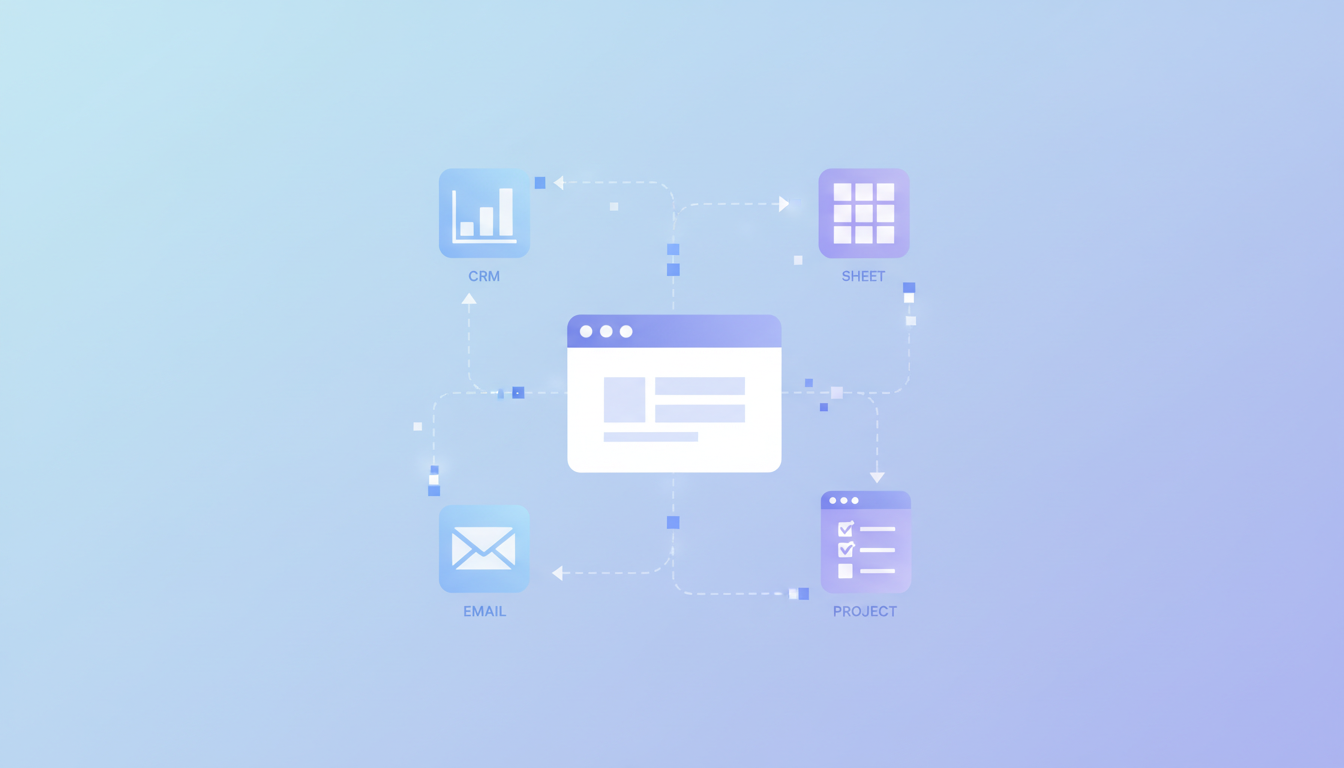
These tools work inside your browser to handle actions across your entire tech stack. You might need to pull customer data from your CRM, add it to a spreadsheet, draft an email based on that info, and update a project tracker. Cross-app automation handles that entire sequence across all those different websites.
This approach differs from single-app automation like Notion AI or spreadsheet macros, which only work within their own ecosystem. It also differs from enterprise RPA systems that require IT teams to set up and maintain complex workflows in cloud environments.
For knowledge workers, cross-app automation targets the browser-based repetitive work that spans multiple tools, reducing context switching and removing manual data entry between applications.
How We Ranked Cross-App Automation Tools
We tested each tool based on criteria that matter for individual knowledge workers and small teams, not enterprise IT departments. The key factors: where the automation runs (local browser vs. cloud servers), which browsers it supports, and how quickly you can start using it without technical setup or API configurations.
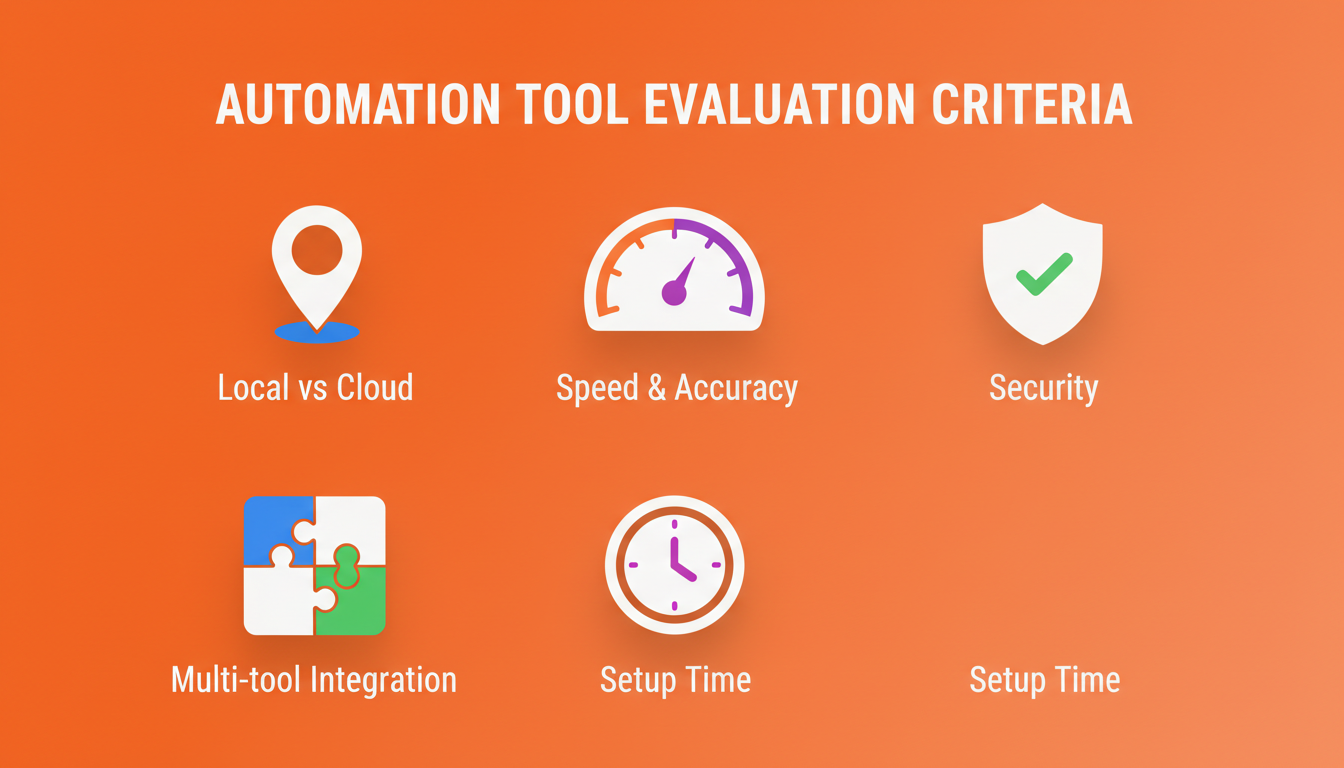
We also looked at how well each tool handles multi-tool workflows across different websites, whether it locks you into a single AI model or uses multiple models for different tasks, and how fast and accurate the execution is. Security architecture matters too, especially whether tools require sharing credentials or can work with your existing browser sessions. We focused on solutions built for professionals who need to automate their own work, not tools that require developer teams to build and maintain workflows.
Best Overall Cross-App Automation Tool: Composite
Composite solves the problem that college-educated professionals spend 85% of their day trapped in digital busywork. We built a browser-based automation layer that works across any website without API connectors or switching browsers. The tool runs locally inside Chrome, Edge, or Brave and detects repetitive tasks in real time.
Press Cmd+Shift+Space, describe what you need in plain English, and watch as we plan and execute the entire sequence across your tabs and tools.
What They Offer
- Lightweight spotlight view activated via keyboard shortcut
- Multi-model AI architecture routing between fast open-source models and vision models
- Proactive task detection that learns your work patterns and suggests automations
- Works across any website without API keys or connectors
- Local execution with zero data retention policy with all of our AI subvendors
- Multi-threading to run up to 5 concurrent tasks
Good for knowledge workers who need to automate cross-tool workflows like CRM updates, candidate research, project tracker syncing, and email drafting without technical setup or IT approval.
Bottom line: We deliver professional-grade browser automation across your entire SaaS stack after a 30-second install. No browser migration, no training required, enterprise security built in. $20 per month.
UiPath
UiPath continues to dominate the enterprise automation market and ranks highly among analyst firms like Gartner, Everest Group, and IDC. The company builds RPA software that combines robots, AI agents, and people to automate workflows and processes across desktop applications and back-office systems.
UiPath provides a Visual Studio IDE for process creation with drag-and-drop functionality, attended and unattended robot execution on remote servers or virtual machines, an Orchestrator management console for centralized deployment and monitoring, and integration with SAP, Citrix, Mainframe, and enterprise systems.
The solution works well for large enterprises with dedicated IT teams and automation centers of excellence that need to automate hundreds of back-office processes across legacy systems with formal governance requirements.
The tradeoff: UiPath requires technical setup, IT involvement, UiPath Academy training, and implementation cycles that can take months. Enterprise pricing starts at tens of thousands per year, making it inaccessible for individual knowledge workers and small teams who need immediate self-serve automation.
Browser Use
Browser Use is an open-source Python library created by Magnus Müller and Gregor Žunić that uses LLMs like GPT-4o and Claude to control a web browser. The developer framework lets programmers build AI browser agents programmatically by writing code that integrates with LLM APIs.
The framework works through Playwright-based browser control with visual understanding that combines DOM and screenshot analysis. It supports multiple LLM providers including OpenAI, Anthropic, and Google, giving developers flexibility in model selection.
Browser Use targets software developers and technical teams building custom browser automation solutions who have Python expertise and want full control over their automation infrastructure.
The tradeoff: requires coding skills, local or cloud browser instance setup, and manual integration with LLM APIs. Automations run in headless or cloud browsers without access to logged-in accounts, creating session management complexity and bot-detection issues.
Gemini in Chrome
Google launched a side panel experience that keeps Gemini on screen as you browse, though this shrinks your browsing window. For AI Pro and Ultra subscribers in the U.S., Google introduced Chrome auto browse, an agentic experience that handles multi-step tasks.
What They Offer
Persistent sidebar for accessing Gemini across all Chrome tabs. Auto Browse feature for multi-step task execution (Pro/Ultra only). Connected Apps integration with Gmail, Calendar, Maps, Shopping, and Flights. Nano Banana image generation and editing in-browser.
Good for U.S.-based users already invested in Google Workspace who need help with Google ecosystem tasks like email drafting, calendar management, flight booking, and shopping.
The limitation: Auto Browse requires Google AI Pro or Ultra subscriptions and only works for U.S. users. Locked to Google's Gemini models. Connected Apps only work within Google's ecosystem, not across broader SaaS tools like Jira, Notion, Slack, LinkedIn, or Salesforce. The sidebar permanently reduces your browsing window.
Claude in Chrome
Anthropic launched a Chrome extension with Claude in a sidebar chat window. Pro users at $17-20 monthly only access the Haiku 4.5 model through the extension. More capable models like Sonnet or Opus require the Max plan at $100 monthly.
The extension offers sidebar chat for web content summaries, workflow recording for teaching repetitive tasks, multi-tab management with shortcuts, and connections to Slack, Google Calendar, Gmail, and GitHub. Teams already using Claude benefit from browser help with Gmail, calendar scheduling, and document work inside Google and Slack.
The limitations: Chrome-only with no Edge or Brave support, locked to Anthropic's models without multi-provider routing, and 11.2% attack success rate for prompt injection after safety mitigations. The sidebar reduces browsing space. Max plan costs five times more than Composite for full model access.
Composite detects repetitive work automatically without manual recording, works across Chrome and Edge, routes between multiple AI providers for speed and accuracy, and executes locally at $20 monthly.
Feature Comparison Table of Cross-App Automation Tools
This comparison shows which tools work best for different automation needs. Composite handles cross-tool workflows in your existing browser with a 30-second setup and local execution. UiPath requires enterprise contracts and technical implementation, making it unsuitable for individual knowledge workers. Browser Use offers free developer access but needs coding expertise and hours of configuration. Gemini in Chrome currently works only in the U.S. and limits automation to Google and Slack products. Claude in Chrome costs $20 to $100+ monthly with similar restrictions. Only Composite maintains your full screen real estate and switches between AI models based on each task.
Feature | Composite | UiPath | Browser Use | Gemini in Chrome | Claude in Chrome |
|---|---|---|---|---|---|
Works in existing browser | Yes | No | No | Yes | Yes |
No-code setup | Yes | No | No | Yes | Yes |
Local execution | Yes | No | No | No | No |
Cross-tool automation (non-Google/Slack) | Yes | Yes | Yes | No | Limited |
Proactive task detection | Yes | No | No | Limited | No |
Multi-model AI flexibility | Yes | No | Yes | No | No |
Preserves full screen | Yes | N/A | N/A | No | No |
Monthly cost for individuals | $20 | Enterprise only | Free (developer) | $20+ (Pro/Ultra) | $20-100+ |
Setup time | 30 seconds | Weeks/months | Hours | Minutes | Minutes |
Global availability | Yes | Yes | Yes | U.S. only | Yes |
Why Composite Is the Best Cross-App Automation Tool
Composite works inside Chrome, Edge, or Brave without browser migration or IT approval processes. The 30-second install puts professional-grade automation in the hands of individual knowledge workers who spend 61% of their workday switching between applications and tabs.
The local execution model solves security concerns that cloud-based alternatives create. While tools like Gemini's Auto Browse and Claude for Chrome process tasks on remote servers, Composite executes everything directly in your browser with zero data retention with all of our AI subvendors. Your credentials stay in your existing logged-in sessions.
The multi-model architecture routes tasks to the right AI provider based on complexity and speed requirements. Simple form fills use fast open-source models, while complex research tasks tap vision models.
Composite also detects repetitive patterns proactively. After you manually update a CRM twice, we suggest automating it the third time. This approach saves professionals hours daily without workflow recording or technical configuration.
Final Thoughts on Browser-Based Automation Tools
Switching between applications and manually updating multiple systems eats up your workday. Cross-tool automation handles those repetitive sequences inside your existing browser with zero technical setup. The local execution model keeps your credentials secure while the multi-model AI routes tasks for speed and accuracy. Start with your most annoying repetitive task and build from there.
FAQ
How do I choose the right cross-app automation tool for my workflow?
Match the tool to where you work and your technical comfort level. If you need instant automation across any website without coding or IT approval, Composite installs in 30 seconds and works in Chrome, Edge, or Brave. If you're a developer building custom solutions, Browser Use gives you programmatic control. Enterprise teams automating legacy back-office systems need UiPath's IT-managed infrastructure.
Which cross-app automation tool works best for individual knowledge workers versus IT teams?
Individual knowledge workers benefit from Composite's no-code setup and $20 monthly pricing that automates cross-tool workflows immediately. IT teams managing hundreds of enterprise processes across legacy systems should consider UiPath's formal governance and centralized orchestration, though implementation takes weeks to months and costs tens of thousands annually.
Can I automate workflows across tools outside Google's ecosystem and Slack?
Composite automates tasks across any website including Salesforce, Notion, Jira, LinkedIn, project trackers, and your entire SaaS stack without API connectors. Gemini in Chrome currently limits automation to Google products and Slack, while Claude in Chrome offers limited integration beyond Google and Slack ecosystems.
What's the difference between local execution and cloud-based browser automation?
Local execution runs automation directly in your existing browser on your device, working with your logged-in sessions and following our zero data retention policy with all of our AI subvendors. Cloud-based automation like Gemini Auto Browse and Claude's extension processes tasks on remote servers, which can trigger bot detection, require credential sharing, and create data privacy concerns.
When should I use a developer framework instead of a no-code automation tool?
Choose developer frameworks like Browser Use when you need programmatic control, have Python expertise, and want to build custom automation infrastructure from scratch. Pick no-code tools like Composite when you need immediate self-serve automation without hours of configuration, coding skills, or managing headless browser instances.