Best Browser Automation Tools for Web Testing and Scraping in March 2026
Most browser automation tools you'll find listed on GitHub were built for developers running test suites, not for the broader automation needs teams actually have in 2026. Selenium still powers 300+ million daily test executions but struggles with JavaScript-heavy apps, Playwright cuts execution time with better architecture, and AI agents now adapt to UI changes without brittle selectors that break every deployment. The choice depends on whether you're testing across browsers, scraping data at scale, or automating knowledge work, and we'll walk through what each category does well so you pick the right tool instead of the most popular one.
TLDR:
- Browser automation handles testing, data extraction, and workflow tasks automatically
- Selenium dominates cross-browser testing; Playwright offers faster execution and reliability
- AI-powered tools let you automate work through natural language instead of code
- Local execution keeps your data secure; cloud services send information to third-party servers
- Composite automates knowledge work across any website using plain English commands in your browser
What Browser Automation Is and Why Teams Need It in 2026
Browser automation is software that programmatically controls a web browser to perform actions a human would normally do manually. Instead of clicking buttons, filling forms, or extracting data by hand, you write code or configure tools to handle these tasks automatically.
Teams use browser automation for three main reasons. First, testing: QA engineers run automated test suites across multiple browsers to catch bugs before deployment. Second, data extraction: developers scrape product prices, job listings, or market data from websites at scale. Third, workflow automation: professionals automate repetitive tasks like CRM updates, report generation, or cross-tool data transfers.
In 2026, AI-powered tools let non-technical users automate work through natural language commands. Knowledge workers waste hours each day on repetitive browser tasks that automation can handle in minutes.
How to Choose the Right Browser Automation Tool for Your Project
Start by matching the tool to your use case. Testing tools like Selenium and Playwright excel at cross-browser compatibility checks but can be overkill for simple data scraping. Scraping-focused tools handle asynchronous content loading and anti-bot measures better than general automation frameworks.
Consider your team's technical skills. If you have developers comfortable with JavaScript or Python, tools with rich APIs give you the most control. Non-technical teams should look at low-code options or AI-powered solutions that accept natural language instructions instead of requiring code.
Infrastructure matters more than most teams realize. Cloud-based services handle scaling and maintenance but send your data to third-party servers. Local execution keeps everything on your devices and works with your existing browser sessions.
Budget includes more than licensing costs. Free open-source tools require developer time for setup, maintenance, and troubleshooting. Commercial solutions charge subscription fees but often save engineering hours through better documentation and support.
Tool | Primary Use Case | Technical Requirements | Execution Environment | Best For | Key Strengths |
|---|---|---|---|---|---|
Selenium | Cross-browser testing across Chrome, Firefox, Safari, and Edge | Requires coding knowledge in Java, Python, C#, Ruby, or JavaScript | Local or cloud execution with extensive CI/CD integration | Enterprise QA teams running large-scale test suites across multiple browsers | 20-year ecosystem with 300+ million daily executions, supports all major programming languages, thousands of plugins available |
Playwright | Fast, reliable browser testing with built-in wait mechanisms | JavaScript, Python, or .NET coding skills required | Local execution with WebSocket protocol for direct browser control | Development teams focused on speed and reducing flaky tests in CI/CD pipelines | 235% adoption growth, auto-wait features eliminate explicit delays, integrated trace viewer and screenshot comparison |
Puppeteer | Chrome-specific automation for PDF generation and performance profiling | JavaScript coding required with Node.js environment | Local execution on Chrome and Chromium browsers only | Developers needing direct Chrome DevTools Protocol access for specialized tasks | Built by Google for headless Chrome control, generates PDFs from web pages, captures screenshots with full DevTools access |
Cypress | Frontend testing for JavaScript applications with time-travel debugging | JavaScript knowledge required, integrated with React, Vue, Angular workflows | Runs inside the browser alongside application code | Frontend developers building and testing modern JavaScript applications | Direct DOM and application state access, time-travel debugging, fits existing development workflows without external drivers |
Composite | Knowledge work automation across any website using natural language | No coding required, accepts plain English instructions | Local execution in existing Chrome, Edge, or Brave browser with zero data retention with all of our AI subvendors | Salespeople, recruiters, operations teams automating CRM updates, research, and repetitive professional tasks | Works with existing logged-in sessions without API setup, SOC-2 Type 2 compliant, executes multi-step workflows across tabs and tools |
Selenium: The Industry Standard for Cross-Browser Testing
Selenium powers 300+ million daily test executions across 31,854+ organizations globally. After 20 years, it remains the default choice for cross-browser testing in enterprise environments.
The staying power comes down to language flexibility and ecosystem maturity. Selenium supports Java, Python, C#, Ruby, and JavaScript, letting teams write tests in whatever language their developers already use. The ecosystem includes thousands of plugins, integrations with every major CI/CD tool, and extensive community support.
Enterprise teams choose Selenium because it runs tests across Chrome, Firefox, Safari, and Edge without rewriting code. The tradeoffs show up with JavaScript-heavy web apps, where Selenium can struggle with asynchronous content loading and requires explicit waits that bloat test code.
Playwright: Fast Execution and Built-In Reliability
Playwright's WebSocket protocol connects directly to browser internals instead of relying on Selenium's older HTTP bridge. This architecture cuts communication overhead and speeds up test execution, particularly in CI/CD environments where every second counts.
The auto-wait feature removes the explicit wait commands that clutter Selenium tests. Playwright automatically waits for elements to be ready before interacting with them, reducing flaky tests that pass locally but fail in production.
Playwright adoption jumped 235% year-over-year. The integrated trace viewer, screenshot comparison, and codegen tools give developers everything they need without hunting for third-party plugins.
Puppeteer and Cypress: Specialized Tools for Specific Workflows
Puppeteer and Cypress serve narrower audiences than Selenium or Playwright, but excel in their specialized domains.
Puppeteer runs exclusively on Chrome and Chromium-based browsers. Google built it to control headless Chrome for generating PDFs from web pages, capturing screenshots, and performance profiling. Direct access to Chrome DevTools Protocol provides capabilities other frameworks lack.
Cypress targets frontend developers building JavaScript applications. It runs tests inside the browser alongside your application code, providing direct DOM and application state access. Teams working with React, Vue, or Angular choose Cypress because time-travel debugging fits existing development workflows.
Open-Source vs Commercial Browser Automation Solutions
Open-source frameworks like Selenium and Playwright give you the code for free, but you pay in developer hours. Expect days or weeks for initial setup, ongoing maintenance as browsers update, and troubleshooting when tests break unexpectedly.
Commercial tools bundle features that open-source projects require piecemeal integration. Paid services include cloud infrastructure, parallel execution, visual debugging, and support teams.
Calculate total cost beyond licensing. A free framework that needs two weeks of developer setup and five hours monthly maintenance might cost more than a commercial tool that works immediately.
Small projects with straightforward requirements often benefit from open-source tools. Large-scale testing or non-technical users typically need commercial solutions that reduce friction.
Web Scraping Tools: Data Extraction at Scale
Dedicated scraping tools handle challenges that testing frameworks weren't built for. Services like Firecrawl, Apify, and Bright Data specialize in extracting data from JavaScript-heavy sites that load content dynamically after the initial page render.
The biggest obstacles are anti-bot measures. Websites deploy CAPTCHAs, IP blocking, and fingerprinting to stop automated access. Professional scraping tools rotate proxies, mimic human behavior patterns, and manage session cookies to bypass these defenses.
Structuring extracted data matters as much as collecting it. Raw HTML needs parsing into usable formats like JSON or CSV. Tools with built-in data pipelines save hours of post-processing work.
The web scraping software market reached $754 million in 2024 and will hit $2.87 billion by 2034.
AI-Powered Browser Automation: The 2026 Shift
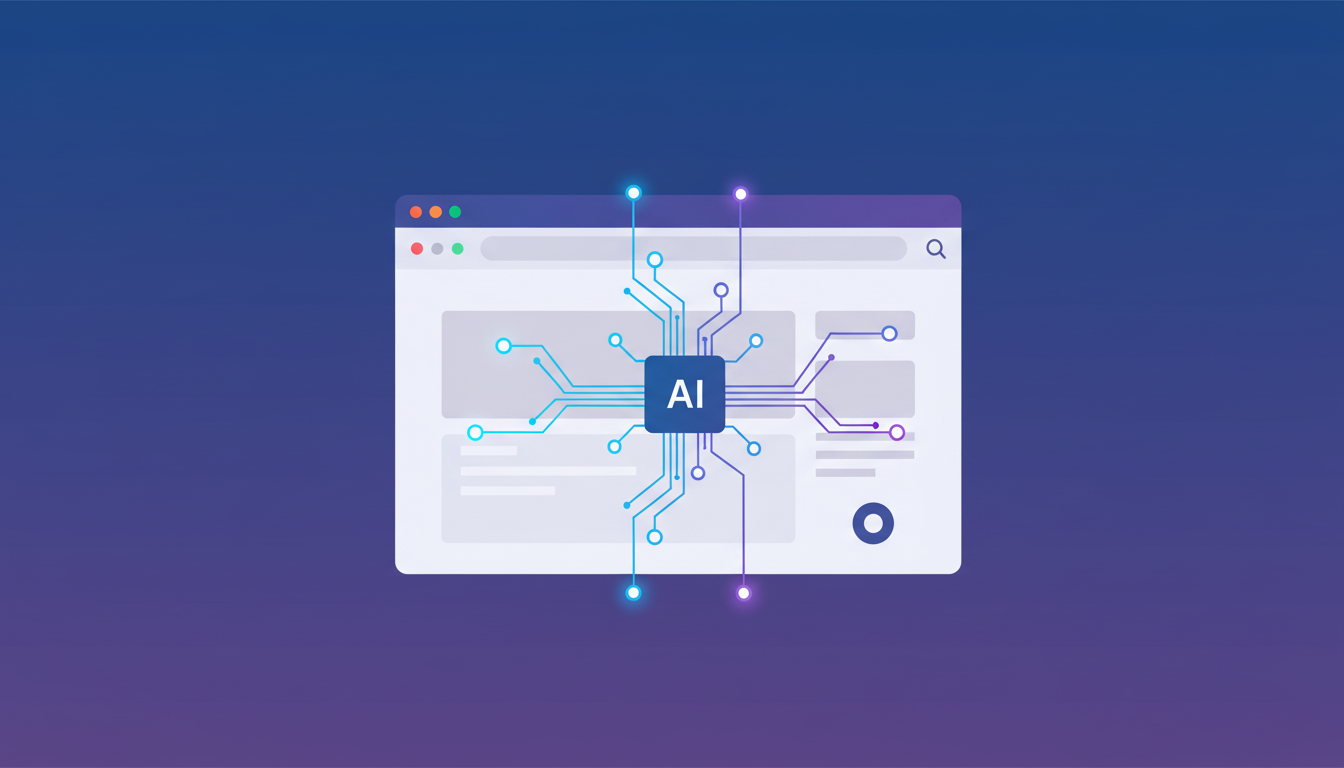
AI agents changed browser automation by reasoning about page structure instead of following brittle CSS selectors. Traditional scripts break when developers rename a button class. AI-powered tools understand intent and adapt to UI changes automatically.
The automation testing market reached $24.25 billion in 2026 and will hit $84 billion by 2034. That growth reflects a shift from coded scripts to natural language instructions.
You can now describe multi-step workflows in plain English. AI agents plan the sequence, move across websites, and synthesize results without predefined selectors. When sites redesign their interface, AI-native tools adjust on the fly.
Common Browser Automation Challenges and Solutions
Flaky tests fail intermittently due to timing issues. Elements load at different speeds across test runs, causing scripts to click before buttons appear or scrape before content loads. Use explicit waits for specific conditions instead of arbitrary sleep timers, and implement retry logic for transient failures.
Selectors break when developers change class names or restructure HTML. Avoid fragile CSS selectors tied to styling classes. Use data attributes for testing, or write XPath expressions that target content instead of structure.
Authentication requires handling cookies, sessions, and multi-factor verification. Running automation in your existing logged-in browser session bypasses repeated login flows. For headless scripts, save authenticated session data and restore it between runs.
Content loaded via JavaScript needs different strategies than static HTML. Wait for network activity to settle, watch for specific API responses, or target elements that appear only after content loads.
Browser Automation for Non-Technical Users
Record-and-playback tools capture manual actions as reusable workflows. Browser extensions like Automa and Axiom work for straightforward, repetitive tasks without requiring code.
Visual workflow builders use drag-and-drop interfaces to connect action blocks into sequences. These handle linear workflows but struggle with conditional logic, error handling, or complex data transformations.
AI-powered options accept natural language input and handle complexity that record-and-playback tools cannot manage. Composite removes the need for visual builders or programming knowledge while executing actions locally in your own browser with zero data retention with all of our AI subvendors.
Local Execution vs Cloud-Based Browser Automation
Cloud services route automation through remote servers, sending your browser actions and extracted data to third-party infrastructure. This creates security risks for teams handling customer information, financial records, or proprietary data.
Local execution runs automation directly on your device using your existing browser. Actions happen in the same environment where you're already logged in, bypassing API authentication and credential management. Execution of actions happens locally on your own browser.
Speed depends on your use case. Cloud services scale to hundreds of parallel sessions for large test suites. Local execution eliminates network latency and works faster for individual workflows.
Compliance teams prefer local-first architecture. IT departments approve tools that don't transmit data to external servers.
Composite: Professional Browser Automation for Knowledge Workers
Testing frameworks and scraping tools automate browsers for specific technical tasks. Composite automates the actual work knowledge workers do all day: updating CRMs, researching prospects across multiple sites, drafting personalized emails from existing docs, pulling reports from disparate sources.
You invoke Composite with Cmd/Ctrl + Shift + Space on any website, describe what you need in plain English, and it executes the sequence across tabs and tools. No API keys, no OAuth flows, no connector setup. Composite works in your existing Chrome, Edge, or Brave browser and uses the sessions where you're already logged in.
Execution happens locally on your own browser with zero data retention with all of our AI subvendors and SOC-2 Type 2 compliance. We use the best model for each task, combining fast open-source models for simple actions with larger vision models for complex operations.
Salespeople, recruiters, product managers, and operations teams use Composite to reclaim hours spent on digital grunt work. Check out Composite pricing plans to get started.
Final Thoughts on Browser Automation for Your Team
The best browser automation tools match your team's technical skills and security needs. Developers running test suites get the most control from Selenium or Playwright, while non-technical teams automating daily workflows benefit from AI-powered options that execute locally in their existing browser. Start with a clear picture of what you're automating and who will maintain it, then choose the tool that removes friction instead of adding it.
FAQ
What's the difference between browser automation for testing and automation for work tasks?
Testing tools like Selenium and Playwright automate browsers to find bugs and verify functionality across different browsers, while work automation tools handle repetitive professional tasks like CRM updates, data collection, and report generation that knowledge workers do daily.
How do AI-powered browser automation tools work differently than traditional scripts?
AI agents understand page intent and adapt to UI changes automatically, while traditional scripts rely on CSS selectors that break when developers rename buttons or restructure HTML. You describe what you need in plain English instead of writing code with predefined element paths.
Should I choose a cloud-based or local browser automation solution?
Cloud services scale better for large parallel test suites but send your data to third-party servers, while local execution keeps everything on your device, works with your existing logged-in sessions, and gets easier IT approval for teams handling sensitive information.
Do I need coding skills to automate browser tasks in 2026?
Not anymore. Record-and-playback tools and AI-powered solutions now accept natural language instructions without requiring programming knowledge, though developer-friendly tools with APIs still give technical teams more control for complex workflows.
Why would I use Composite instead of a testing framework like Playwright?
Testing frameworks automate browsers for QA and debugging, while Composite automates the actual work professionals do across multiple tools: CRM updates, prospect research, email drafting, and report generation. You use natural language commands in your existing browser without API setup or coding.